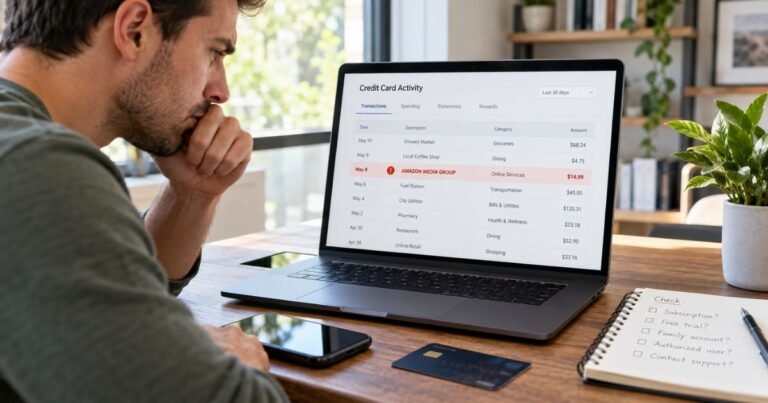
What is WPY Charge on Credit Card?

A WPY charge on your credit card, particularly WPY* followed by a business name, is a documented payment descriptor for WePay. WePay processes payments for merchants and other organizations that may be more familiar than the processor’s abbreviation.
The key detail is the wording after WPY*. This guide explains how to identify the actual seller, use WePay’s charge lookup, request refunds, and report a transaction nobody approved.
What Is WPY Charge on Credit Card?
WPY is a short statement prefix. WePay’s official help says that a cardholder who paid one of its supported businesses may see WPY* followed by a merchant label.
WePay is a payment services provider, not necessarily the seller of the product. Purchases may involve event registrations, nonprofit fundraising, subscriptions, invoiced services, or other businesses using its infrastructure.
Online descriptor databases sometimes associate WPY with other payment brands. Those third-party associations are not sufficient to override WePay’s explicit documentation for WPY* transactions.
The complete line after the asterisk, the merchant location, and the transaction reference are needed to verify your particular purchase and determine where billing can be corrected.
What Does WPY* Mean on a Statement?
WePay documents a prefix consisting of WPY followed by an asterisk and a merchant name. The business may be a shop, fundraiser, service provider, or organization that uses WePay to accept cards.
The name displayed after the symbol can be shortened because banks limit the length of statement descriptions. Copy the complete text from your bank rather than searching for WPY alone.
A processor’s name appearing in the charge does not mean the processor sold you a membership. The actual merchant should issue the receipt and describe the product or service.
A payment made through a nonprofit donation form might have a campaign name rather than the nonprofit’s registered name. An event ticket or membership invoice may use another label.
If the bank shows plain WPY with no additional merchant text, ask for expanded information. The short prefix alone cannot determine which organization received the money.
Use WePay’s Charge Lookup Safely
WePay provides an official Charge Lookup Tool through its support pages. It asks for information sufficient to identify a payment connected to a partner merchant.
The official help notes that using an email address different from the one entered during checkout can result in no matching charge being displayed. Check your purchase receipts for the correct address.
Once the merchant is identified, compare the payment date, amount, receipt, and any enrollment terms. A matching merchant name should be supported by an actual transaction.
WePay’s support says it can help when the charge lookup returns no results, including assisting with merchant contact details. Use the authenticated support link on its official domain.
Never type complete payment details into a lookalike WPY charge finder found through an advertisement or unsolicited message. Prefer links reached directly from WePay’s official help center.
What Purchases Might Be Behind WPY?
Payment processors can serve many industries. A WPY charge may reflect an invoice payment, event registration, subscription, or charitable contribution rather than a product sold by WePay itself.
An authorized relative or colleague may have used the card on a merchant website without realizing that WePay handled the checkout. Ask whether they recognize the amount and date.
A seller may collect tax, shipping, or an agreed service charge, causing the total to differ from the product’s advertised price. Review the final checkout receipt.
Repeat entries could reflect a merchant subscription, several donations, or separate orders. WePay’s existence does not establish a repeating monthly contract.
If the issuer shows a merchant category that conflicts with the assumed event or fundraiser, request the full merchant of record. Do not force a charge to match the first familiar organization name.
Who Handles Cancellation and Refunds?
WePay’s official help says it does not handle delivery, cancellation, or reimbursement for purchases made with its merchant partners. The original seller normally controls these matters.
If you identify a recurring merchant agreement, cancel through the verified organization or store account. Save the confirmation of any end date or future payment stop.
For a duplicate payment, check both transactions actually posted rather than assuming a pending authorization is a second sale. Give the merchant both references when requesting a correction.
If the seller cannot be found or does not recognize the payment, contact the issuer and ask about a formal billing-error investigation. WePay support may help identify the payment partner.
If no authorized card user approved the charge, report potential fraud through the issuing bank promptly rather than treating a merchant cancellation as the only necessary step.
How to Check a Charge Against Your Credit Card Records
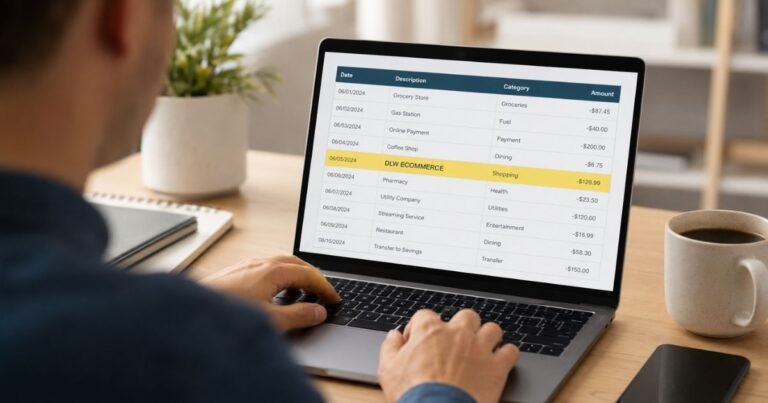
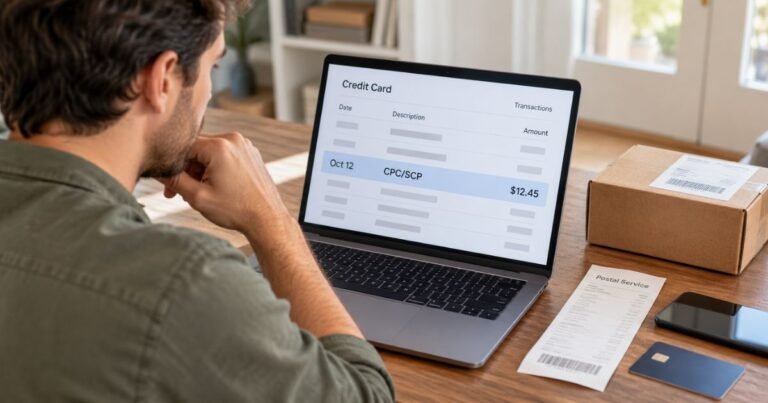
Start in your bank’s authenticated mobile app or website. Write down the complete merchant label, amount, transaction date, posting date, and any business location or phone reference. A shortened descriptor may not resemble the brand you used at checkout.
Confirm whether the entry has posted. A temporary card authorization can disappear or settle for a different amount. One pending authorization beside its completed replacement is not necessarily two charges.
Search receipts by the exact amount, not only by the displayed company name. Review purchase confirmations, saved payment methods, and authorized additional users. A business may use a corporate name or processor different from its public brand.
When the card entry still makes no sense, ask the issuer for the full merchant of record and additional payment details. The card network may carry information that is not displayed in the ordinary statement.
Keep copies of receipts, the statement, and communications with the company. Those records help distinguish a mistaken amount from a transaction made without the cardholder’s permission.
Incorrect Amounts, Refunds, and Unauthorized Payments
If you recognize the merchant but not the total, request an itemized invoice. Compare the initial price, taxes, discounted periods, additional products, and any applicable payment processing costs.
If nobody with authorization recognizes a posted payment, report it promptly through your bank’s verified fraud channel. Ask whether a temporary card lock, replacement card, or account security update is appropriate.
For many US credit card billing errors, the Consumer Financial Protection Bureau says to send a written notice within 60 calendar days after the issuer sent the first statement containing the error. The designated billing-error address may not be the same address used for payments.
An issuer dispute launches an investigation and does not automatically guarantee reimbursement. Save the reference number, refund promises, and cancellation confirmation while continuing to meet obligations for undisputed balances.
A refund generally appears as a separate credit after the original settled purchase. Pending authorizations may simply be released without a separate credit. Review final postings before deciding that a promised reversal was missed.
Prevent the Same Billing Confusion Later
Enable transaction alerts when available so a future descriptor can be connected to a purchase at the time it happens. Save purchase receipts and renewal notices together in a searchable folder.
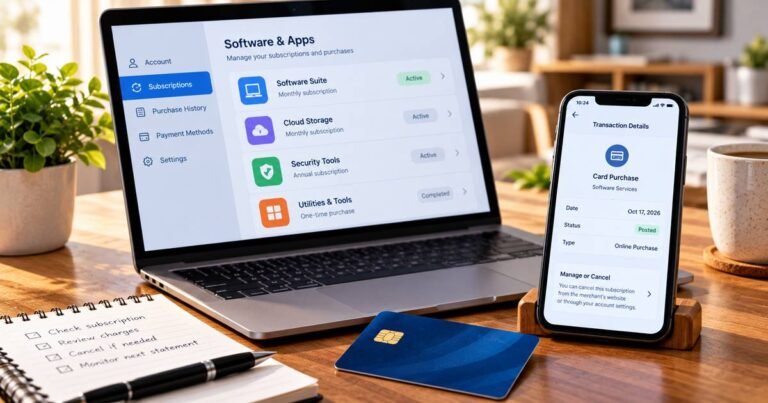
If a paid service renews automatically, cancel with the merchant or app store controlling the actual agreement. Uninstalling an app or changing cards is not always enough to terminate a valid subscription.
Do not disclose full payment card numbers, one-time security codes, or account passwords to an unrelated charge-lookup site. Use authenticated merchant and issuer support tools instead.
Check your next statement after an account change or dispute. Report any additional unexplained entries under the same merchant and share the earlier investigation reference with the issuer.
Official Sources and Merchant Verification
WePay’s own support explicitly states that purchases through supported merchants may display WPY* followed by the merchant’s name. WePay publishes a charge lookup route and explains that refund, cancellation, and delivery issues are generally the underlying merchant’s responsibility. The WPY prefix should not be assigned automatically to Worldpay without inspecting the complete statement entry.
Check WePay’s official unrecognized-charge help page for verified company-specific procedures. For an unexplained payment, our merchant identification guide provides additional steps, while the CFPB’s billing-error instructions cover formal dispute rights.
FAQs About WPY
Q: Is WPY* a WePay charge?
A: WePay’s official help confirms that supported merchants’ card payments can show WPY* followed by a merchant name.
Q: Does WPY identify what I bought?
A: No. It may identify a payment platform; the following merchant name and receipt explain the purchase.
Q: Can WePay refund or cancel the purchase?
A: WePay says the actual merchant handles delivery, cancellations, and refund requests.
Q: How do I report a WPY payment I did not make?
A: Use WePay’s official charge lookup and promptly contact the credit card issuer if the posted payment was unauthorized.
Conclusion
WPY on a card statement needs to be matched to a real receipt, account, or issuer merchant record. The text following WPY* and the confirmed merchant invoice are what identify the seller and the purchase.
Use verified account controls for an authorized renewal and preserve the cancellation evidence. If no authorized user recognizes a posted charge, contact the card issuer promptly.
Disclaimer: This article contains general consumer information, not legal or financial advice. Prices, subscriptions, refund rights, and issuer dispute rules vary. Confirm account-specific details with the merchant and the credit card issuer.