What is Stripe Charge on Credit Card?

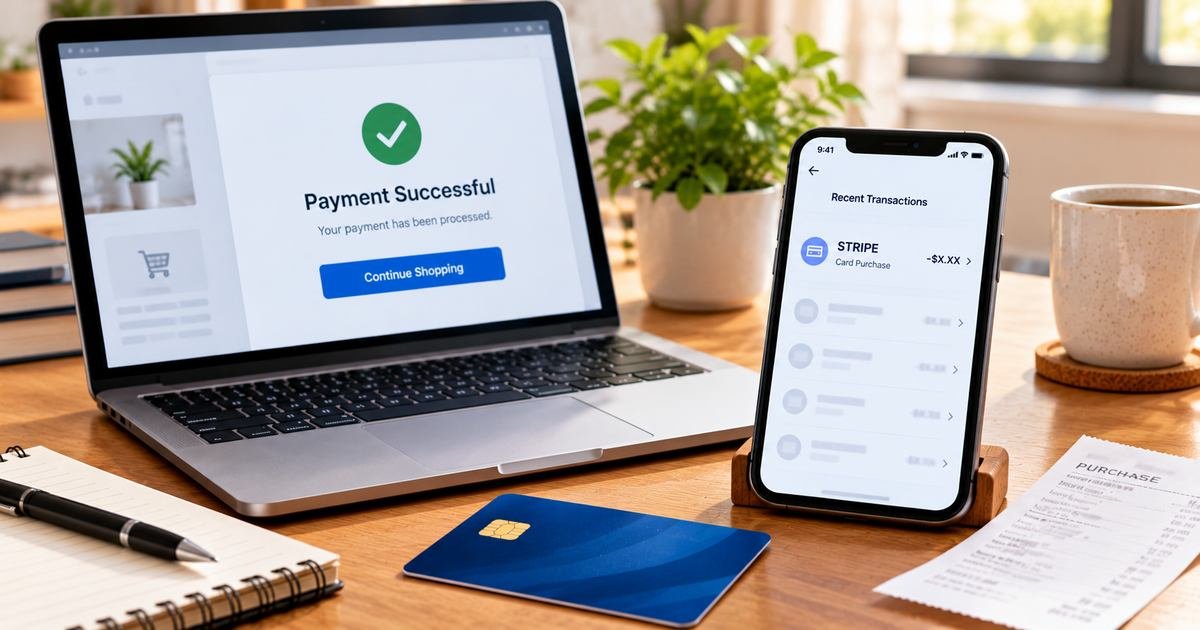
A Stripe charge on your credit card usually means a business used Stripe to process a payment. Stripe is the payment technology provider, while the actual store, app, or subscription may have a completely different name.
Stripe publishes an official charge lookup service for customers who cannot identify a purchase. This guide explains how to find the seller, request a refund, manage subscriptions, and report unauthorized activity.
What Is Stripe Charge on Credit Card?
Stripe is a payment processing company used by online stores, software businesses, subscription platforms, and many other merchants. It provides the infrastructure for businesses to collect card payments.
If your bank statement shows STRIPE instead of a familiar store name, the merchant may not have supplied or displayed its customer-facing descriptor as expected. The processing company does not necessarily own the product purchased.
Stripe’s support site offers a secure charge lookup to help cardholders determine which business accepted payment. You may need payment date and amount to start that investigation.
Stripe does not generally issue refunds directly to customers of third-party merchants. The underlying business or your bank usually handles refund requests and disputes.
Why Stripe Can Appear Instead of the Store Name
Many small and large companies rely on Stripe rather than processing cards directly. A card statement may show a processor prefix, an incomplete merchant name, or the payment platform itself.
Digital subscriptions, retail purchases, course payments, bookings, and business services can all use Stripe. The presence of its name does not identify a particular product category.
A seller may use different registered business and store names. Your order confirmation should reveal the consumer brand and invoice even when the statement only shows STRIPE.
Stripe’s support explains that this issue can occur when the business’s name is not reflected correctly in the bank descriptor.
Do not assume Stripe itself enrolled you in a membership. The merchant that offered the service is normally responsible for the original checkout terms.
Use Stripe’s Official Charge Lookup
Start at support.stripe.com/charge-lookup rather than an imitation payment-search website. Stripe hosts a secure form designed to identify card charges processed through its services.
The official flow can request the amount, date, and card information within a secure payment entry area. Never share those details with an unaffiliated lookup site or email correspondent.
Compare the merchant returned by Stripe with your receipts and account histories. A merchant name alone does not establish that the cardholder approved the particular order.
If the lookup does not identify a charge, ask your issuing bank for the full merchant record and whether the debit was actually processed through Stripe.
Keep the merchant details and transaction reference. This will make it easier to reach the responsible business about a refund or cancellation.
Refunds and Subscription Cancellations
Stripe states that it cannot issue refunds on behalf of a merchant. If a purchase is legitimate but incorrect, the seller should explain its invoice and refund terms.
For a recurring product, sign in to the actual business’s account and look for subscription or renewal settings. Stripe’s role as processor does not mean there is a single Stripe cancellation portal for every customer.
Ask the merchant whether payment was monthly, annual, or one-time and request the accepted checkout terms if the schedule is unclear.
If you cancel, keep written confirmation of the effective date. Deleting a store account or uninstalling an app may not terminate a valid service agreement unless the provider confirms it.
If the merchant agrees to a refund, look for a separate credit on your card. Contact the issuer if the company is unresponsive or refuses to address an apparent billing error.
Pending Stripe Holds and Fraud Reports
Some payment systems place small authorization holds to verify a card. Stripe’s customer guidance says an occasional small pending amount may be temporary and later removed.
A pending verification is not automatically a completed purchase. Check whether the charge eventually posts before alleging that you paid twice.
If a posted payment was not authorized by anyone permitted to use the card, Stripe advises contacting the card issuer to dispute the transaction.
An unexpected Stripe line may also result from a card used at a store you forgot or a subscription renewed under a different legal business name. Compare the details carefully.
Secure the payment account if the issuer identifies fraudulent activity. Follow bank instructions for replacing a card or updating compromised credentials.
Check the Full Credit Card Transaction
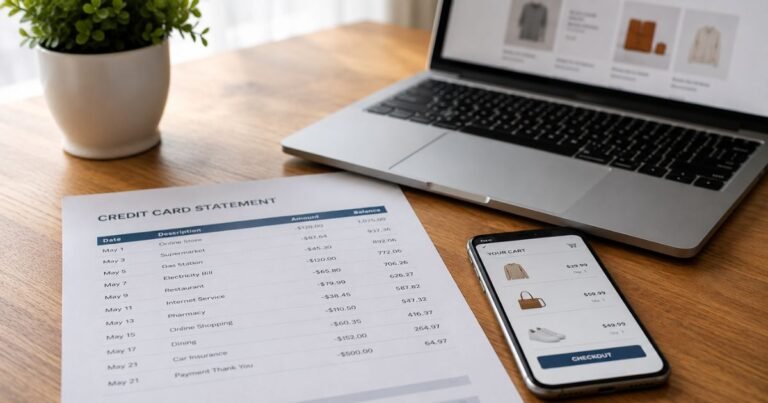
Open your issuer’s official banking app and record the complete description, posting date, amount, business location, and any reference code. A legal or payment-processing name can differ from the storefront or service you used.
Check whether the transaction is pending or posted. A temporary authorization may disappear after a later settled payment, and two visible entries do not always mean two completed debits.
Search email and authorized purchase accounts for the exact amount and approximate date. Look at invoices, order confirmations, receipts, app-store subscriptions, and any legitimate additional cardholders’ purchases.
Ask the issuer for its expanded merchant-of-record information if there is no clear match. Its transaction category and complete merchant name may identify the business more reliably than a merchant lookup blog.
If a matching receipt appears, compare the amount with taxes, foreign currency conversion, payment fees, and any recurring terms accepted during checkout.
How to Challenge a Wrong or Unauthorized Payment
If the seller is known but the amount is incorrect, request an itemized bill and refund review through its official support channel. Keep screenshots of the actual agreement and all written replies.
If nobody authorized the posted payment, contact the bank promptly via its authenticated app or the number on the card. Ask whether to lock the card, replace it, and investigate possible fraud.
For many US credit-card billing mistakes, the Consumer Financial Protection Bureau says to send a written notice within 60 calendar days after the issuer sent the first statement containing the error. Follow its special billing-error instructions.
Keep a copy of your statement, the dispute case number, any cancellation notice, and the provider’s response. An issuer investigation does not mean a refund is guaranteed on the day you report the issue.
Do not give complete card numbers, security codes, account passwords, or one-time login codes to a third-party charge identification service.
Refunds, Recurring Plans, and Future Safety
A legitimate repeated charge may reflect a renewal, several purchases, or an installment arrangement. Match the dates to a real contract or invoice rather than assuming automatic billing.
If the purchase involved a subscription, end future payments through the actual merchant or platform where enrollment happened. Uninstalling an app or replacing a card may not terminate the agreement.
Merchant-approved refunds typically appear as separate credits on your statement. Pending holds may instead disappear when released without a separate credit line.
Enable transaction alerts and save receipts in a searchable folder. This is especially useful for merchants whose legal names are different from the names on your order confirmation.
Check your next card statement after a cancellation, refund request, or fraud report, and keep all related case numbers until the problem is resolved.
Official Sources and Important Qualifications
Stripe’s official support explains that a statement entry showing STRIPE often represents a purchase from another business using its payment services. Stripe provides a secure charge lookup tool to identify that business. Stripe also states that it cannot issue refunds on the merchant’s behalf and advises contacting the business or card issuer.
Read Stripe’s official support page for an unfamiliar card charge for relevant first-party information. For consumer protection, consult the CFPB credit-card billing-error guide. You can also use our unfamiliar-charge identification checklist.
FAQs About Stripe
Q: Is Stripe the company I bought from?
A: Usually Stripe is the payment processor, and another business sold the product or service.
Q: How can I identify a Stripe charge?
A: Use Stripe’s official charge lookup and compare the returned business with your receipt.
Q: Can Stripe cancel all subscriptions or refund me?
A: No. Stripe says merchant refunds must come from the seller, and subscription controls depend on the business.
Q: What if I never made the purchase?
A: Report the posted payment to your card issuer promptly and follow its dispute and security recommendations.
Conclusion
Stripe charge on credit card statements must be compared with the complete issuer details and an actual purchase record. Finding the merchant behind Stripe is the necessary first step before requesting a cancellation or refund.
If nobody authorized a posted transaction, contact the issuer promptly. If the payment was legitimate, use the appropriate merchant’s verified account tools to request a correction or stop renewal.
Disclaimer: This article provides general information, not legal or financial advice. Merchant records, contractual terms, refund rights, and bank procedures vary. Confirm account-specific facts with the relevant provider or card issuer.