What is Agile Quadrant Media Charge on Credit Card?

An Agile Quadrant Media charge on credit card statements may be connected with mobile entertainment apps, including VibeShort: AI Dramas & Reels. The billing company name may be unfamiliar if you recognize only the app installed on a phone.
Google Play lists Agile Quadrant Media Limited as the developer of VibeShort. This guide explains how to review app subscriptions and payment receipts, stop legitimate renewal, and report a charge that nobody approved.
What is Agile Quadrant Media Charge on Credit Card?
Agile Quadrant Media Limited is the developer name shown on Google Play for VibeShort: AI Dramas & Reels, a mobile entertainment app. The app branding can differ from the legal developer name.
A payment may relate to an app subscription, digital viewing credits, or another supported purchase, depending on the actual offer and billing platform. The descriptor alone does not establish what was bought.
Purchases through Google Play can appear under Google-related billing descriptions rather than the developer’s name. A direct Agile Quadrant Media entry might follow a different payment route, which you must verify.
Online user complaints about VibeShort billing can be useful leads, but they do not prove every Agile Quadrant Media transaction is fraudulent or that the same refund rule applies to all customers.
Could the Charge Be From VibeShort?
VibeShort is listed under Agile Quadrant Media Limited in Google’s app store. If you or an authorized household member installed it, inspect purchase and subscription history.
A user may buy access to short-form episodes or subscribe to entertainment features. The exact structure should be confirmed from the app’s current offer and the receipt issued for your purchase.
The cardholder may see a payment name that does not resemble the app title. Developer names, app stores, and payment processors can all be displayed differently on statements.
Check other devices and authorized card users before assuming the account was compromised. A household member may have used a shared card for app content.
If nobody has the app or matching receipts, ask the issuer for the legal merchant. The mere existence of a developer listing does not verify your individual charge.
Find the Purchase in Google Play or Another Platform
For Android purchases, open Google Play with the paying Google account and review Payments and Subscriptions, then Subscriptions and Order History or Budget and History, depending on the current interface.
Google’s official support says Play subscriptions usually renew automatically until canceled. Look for VibeShort and compare the plan name, payment date, and actual amount.
If you purchased through an iPhone, review Apple subscription settings and purchase history instead. The developer’s Google listing does not prove which billing platform handled your card.
Check whether the amount was charged directly by a website rather than an app store. A direct payment may require contacting the actual merchant named in the issuer’s expanded data.
Save purchase receipts and order IDs. They are stronger evidence of a legitimate transaction than a screenshot of the app’s home screen.
How to Stop an Agile Quadrant Media Subscription
On Android, Google’s published procedure is to open the subscription list, choose the active subscription, and tap Cancel Subscription. The instructions note that uninstalling an app does not cancel billing.
If the subscription is managed through Apple, use the corresponding Apple account. If it was purchased directly, follow that merchant’s official cancellation process.
Check when paid access ends and whether automatic renewal is disabled. A cancellation usually prevents a future term rather than instantly refunding a completed payment.
Keep written or in-app confirmation of the cancellation. If you cannot locate a subscription, try only accounts you control and ask the issuer which company handled the charge.
Replacing a card may be appropriate for suspected fraud, but it does not necessarily eliminate a legitimate service agreement. Separate security steps from contractual cancellation.
Refunds and User Complaints
Public forum reports describe dissatisfaction with VibeShort-related billing, but an individual complaint does not prove what happened to your card. Verify receipts and terms.
For a Google Play purchase, use the app store’s refund guidance and transaction record. Apple-billed purchases have a separate request path, while direct payments follow their merchant’s terms.
If support agrees to a refund, keep the approval and monitor your card for a separate posted credit. A cancellation notification alone is not evidence that money has been returned.
If two charges appear, determine whether both are posted. One could be a temporary authorization or there could be separate purchases or billing mistakes.
If no one authorized the charge, file an issuer fraud report promptly. Avoid giving full card details to strangers claiming to obtain an instant refund from the app developer.
Verify the Complete Transaction Record
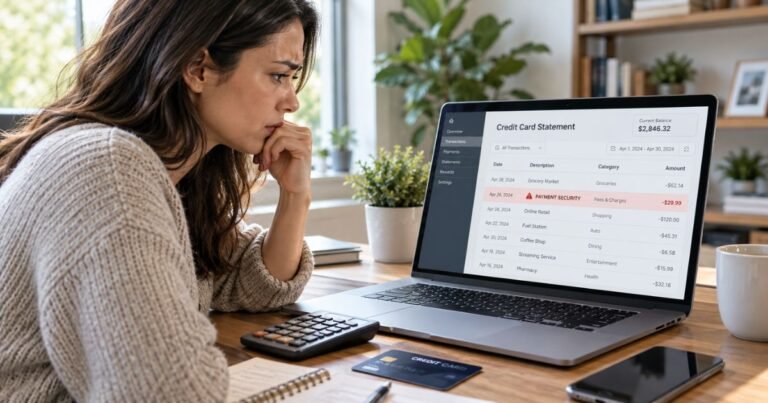
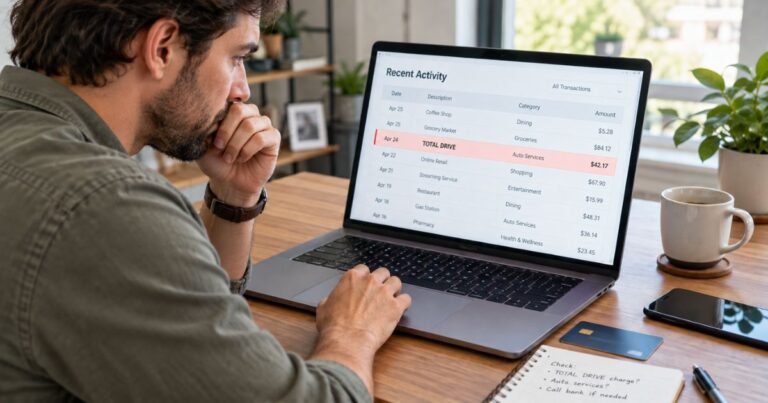
Open the item through the credit card issuer’s official app or website. Record the exact description, amount, date, status, and any available merchant phone number or location. A shortened descriptor may not resemble the store or app you used. See our credit card descriptor guide for additional examples.
Check whether the payment is pending or posted. A temporary authorization can disappear or settle for another amount. Two similar lines do not establish duplicate billing unless both became completed debits.
Search the email accounts and purchase histories you control for a matching amount. Ask authorized users whether they recognize the service. A valid transaction can involve a payment processor rather than the brand displayed at checkout.
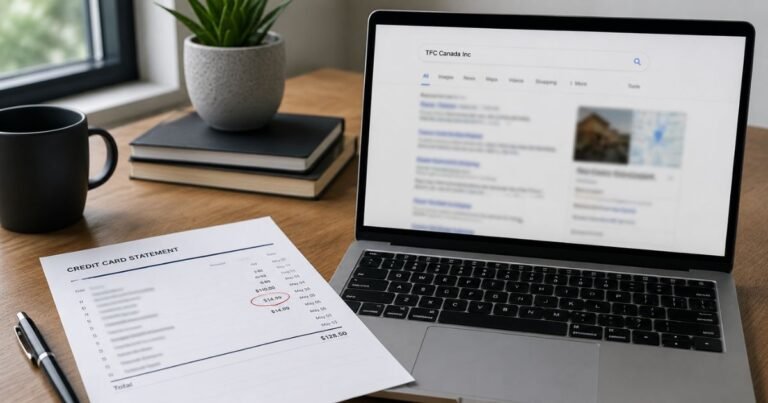
If the identity is uncertain, request the full merchant name and transaction category from the issuing bank. Its expanded transaction record is more dependable than a charge-lookup website’s unsupported guess.
When and How to Dispute a Credit Card Charge
If no one authorized a posted payment, report it to the bank through a verified channel. The issuer can advise whether to lock your card, issue a replacement, and change account credentials.
If you recognize the merchant but the amount is incorrect, first ask the company for an itemized invoice and a billing explanation. Keep all written responses and any refund commitment.
For many credit card billing errors, the Consumer Financial Protection Bureau advises sending a written notice within 60 calendar days after the first statement containing the error was sent. Use the statement’s billing-error address and retain a copy.
An issuer’s dispute review does not guarantee an immediate refund. Keep the dispute reference and follow the bank’s instructions about paying undisputed balances while the review proceeds.
Subscriptions, Refunds, and Temporary Holds
Repeated payments may be subscription renewals, several separate purchases, or a billing mistake. Match each settled amount to an invoice and agreed billing period before assuming automatic renewal.
Cancel an actual subscription through the platform that controls billing. Uninstalling an app or removing it from your home screen does not automatically cancel a paid plan, and replacing a card may not end an existing agreement.
If the merchant agrees to refund a payment, look for a separate posted credit. A pending authorization may simply expire without becoming a completed purchase.
Save cancellation confirmations and refund correspondence with the dates involved. They are especially useful if another charge appears after the agreed cancellation date.
Protect Your Card and Prevent Repeat Surprises
Enable transaction alerts when your issuer offers them. These notifications help connect a later statement descriptor to the purchase you made near that time.
Keep a searchable folder of receipts and account renewal notices. Record the billed business name, service, amount, and subscription end date for future reference.
Review every card statement, including unfamiliar small transactions. Small charges are not automatically fraudulent, but unexplained entries deserve the same careful verification.
Never provide your card security code, full number, or banking login code to a third-party charge identifier. The bank and verified merchant support can investigate using safer methods.
Official Information and Verification Limits
Google Play currently lists AGILE QUADRANT MEDIA LIMITED as the developer of VibeShort: AI Dramas & Reels. Public discussion includes users complaining about recurring VibeShort-related charges; those reports are unverified individual accounts. A direct Agile Quadrant descriptor still requires issuer merchant information and the actual app purchase receipt.
See the Google Play developer listing for Agile Quadrant Media Limited for the published information described here, and follow the CFPB billing-error instructions if your statement contains an incorrect transaction. Only the issuer and matching merchant records can confirm your payment.
FAQs About Agile Quadrant Media
Q: Is Agile Quadrant Media linked to VibeShort?
A: Google Play lists Agile Quadrant Media Limited as the developer of VibeShort: AI Dramas & Reels.
Q: How can I stop a VibeShort subscription on Android?
A: Open Google Play subscriptions in the paying Google account, choose the subscription, and follow Cancel Subscription.
Q: Does deleting the VibeShort app stop billing?
A: No. Google says uninstalling an app does not automatically cancel its subscription.
Q: What if I never installed VibeShort?
A: Check authorized users and ask the issuer for the complete merchant and payment information, then report any unauthorized transaction.
Conclusion
Agile Quadrant Media requires a careful comparison between the card statement, receipt, and actual merchant records. The actual app-store or direct payment receipt determines whether VibeShort or another service caused the transaction.
Use the verified company’s account tools when an authorized purchase is established. If a posted amount remains unexplained or unauthorized, notify the card issuer promptly.
Disclaimer: This guide provides general consumer information, not financial or legal advice. Billing terms, refund eligibility, and issuer procedures vary, so confirm account-specific questions with the merchant or your bank.