What is Reef Education Charge on Credit Card?

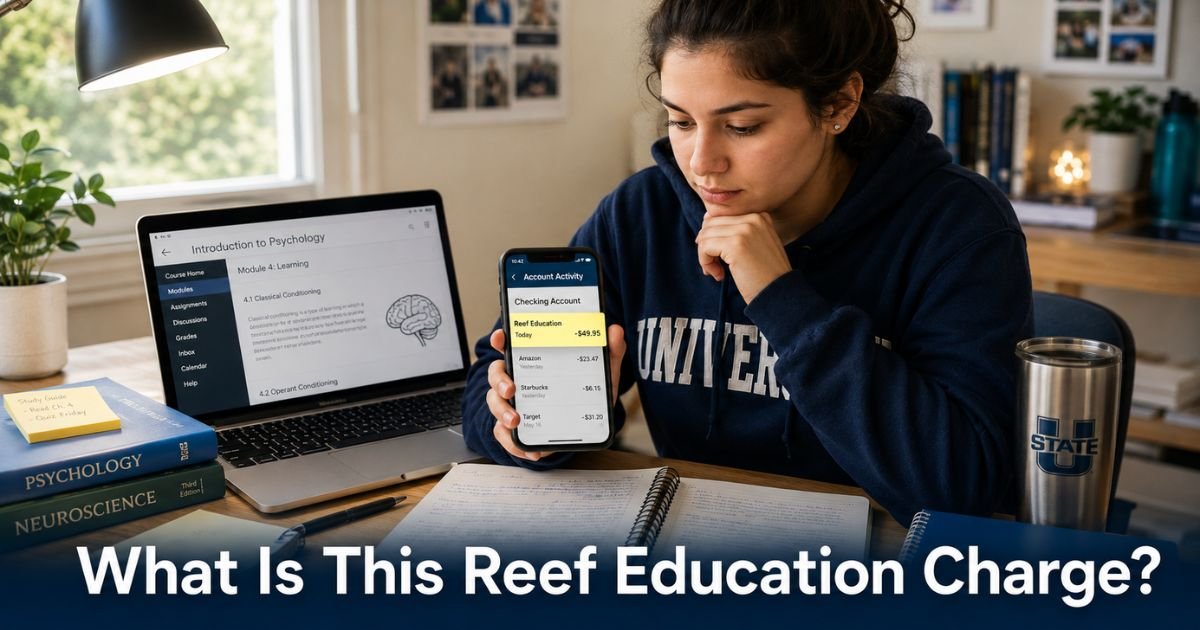
You glance at your credit card statement and see a charge labeled “Reef Education” or “REEF” for around $16 to $50. It might catch you off guard, especially if you are a parent reviewing the bill or a student who does not remember signing up recently. This charge is common on student and family credit cards.
The Reef Education charge on credit card statements comes from the REEF platform, also known as iClicker Reef. It is a legitimate subscription for a classroom engagement tool used at many colleges and universities.
Here is exactly what the charge represents and what you can do about it.
What Is the Reef Education Charge on Credit Card?
Reef Education refers to the student subscription for iClicker Reef (often shortened to REEF). iClicker is a popular classroom response system that lets professors run live polls, quizzes, and attendance checks during class.
Students use the free iClicker Student app or web version on their phone or laptop to answer questions in real time. Many professors tie participation in these activities to part of the course grade. A paid REEF subscription unlocks full mobile and web access for polling and engagement features.
Without the subscription, students may be limited to a physical clicker remote only. The charge appears when someone purchases or renews access through reef-education.com, the iClicker Student app, or app stores.
Why Did Reef Education Charge My Credit Card?
This charge usually happens for one of these straightforward reasons:
- A student signed up for the REEF subscription to participate in class polls and quizzes via phone or laptop.
- The subscription was purchased for a specific term length (6 months, 1 year, etc.) and the payment processed.
- A parent or authorized user on the card paid for the student’s educational tool.
- The purchase was made through the Apple App Store or Google Play, where billing can look slightly different.
Professors often require or strongly recommend the app for interactive classes, especially in large lecture halls. Students sometimes sign up quickly at the start of the semester without fully noting the cost or subscription length.
How Much Does a Reef Education Subscription Cost?
Pricing is straightforward and based on the length of access you choose. Students can use one subscription across multiple courses. Here are current typical costs:
| Subscription Length | Approximate Price (Web) | Approximate Price (App Store) | Best For |
|---|---|---|---|
| 6 months | $15.99 | $16.99 | One semester |
| 1 year | $24.99 | $25.99 | Full academic year |
| 2 years | $34.99 | $36.99 | Multiple years of study |
| 4 years | $44.99 | $51.99 | Entire college career |
Prices can vary slightly depending on whether you buy directly on the website or through mobile app stores. Some schools offer inclusive access programs or campus licenses that may reduce or cover the cost for students.
Is the Reef Education Charge Legitimate?
Yes, in nearly all cases. It reflects a real purchase of the iClicker REEF student subscription tied to classroom participation. The company behind it is Macmillan Learning, a well-known educational publisher.
Common Mistake: Assuming the charge is fraudulent without first checking with the student or anyone else who has access to the card. Many parents see these charges because students add the family card during signup for a required class tool.
How to Cancel or Manage Your Reef Education Subscription
You can usually handle everything through the account dashboard. Follow these steps:
- Go to student.iclicker.com or app.reef-education.com and sign in with the account used for the subscription.
- Click the menu icon (three lines) and select “Access & Subscriptions” or “Subscriptions.”
- View your current subscription status and expiration date.
- Choose the option to manage, extend, or let the term expire naturally.
- If the purchase was made through the Apple App Store or Google Play, open your phone’s subscription settings and cancel or manage it there instead.
- Confirm any changes and take a screenshot of the confirmation for your records.
Most web purchases are for a fixed term rather than recurring monthly, so the charge stops once the paid period ends. App store subscriptions may renew automatically unless you turn that off.
If you need help, look for the support or contact options inside the logged-in account. Response times are usually quick during the school year.
Pro Tip: Before canceling, ask the student whether their current or upcoming classes still require active polling participation. Dropping the subscription mid-semester could affect participation grades if the professor uses iClicker regularly.
What Should You Do If You Do Not Recognize the Charge?
Take these steps in order:
- Ask the student or anyone else who shares the card whether they signed up for an iClicker or REEF subscription for class.
- Check email for messages from iClicker, REEF, or Macmillan Learning around the charge date.
- Log into the account at student.iclicker.com to review purchase history and active subscriptions.
- If no one recognizes it or the charge seems incorrect, contact iClicker support through the account dashboard.
- If you still have concerns after speaking with support, dispute the charge directly with your credit card issuer within the allowed window (usually 60 days).
FAQs On Reef Education Charge on Credit Card
How do I cancel the recurring Reef Education charge on my credit card?
Log into your iClicker or REEF account at student.iclicker.com or app.reef-education.com, go to the Subscriptions section, and manage or let the current term expire. For app store purchases, cancel through your Apple or Google subscription settings. The charge stops once the paid access period ends.
Can I get a refund for a Reef Education subscription charge?
Refunds depend on timing and the purchase method. Contact support through your account dashboard right away and explain the situation. Some purchases made recently may qualify for a refund, especially if you have not used the service or if there was a billing error.
Is Reef Education the same as iClicker?
Yes. REEF (or Reef Education) is the student platform and app name for iClicker, the classroom polling and engagement tool. You will often see both names used together when managing your subscription or accessing class activities.
Conclusion
If the Reef Education charge on credit card surprised you, the first step is simply to check the student’s current class needs and the subscription status in the account. Many families find the tool helpful once they understand it supports real-time participation that can affect grades.
Review the remaining access time and decide whether to keep it active for upcoming semesters or let it expire naturally. Keeping records of your login and any support conversations helps you stay in control of the billing going forward.
Disclaimer: This article provides informational content based on common experiences and publicly available data. It’s not financial or legal advice. Always consult your bank or a professional for personalized help with credit card issues.