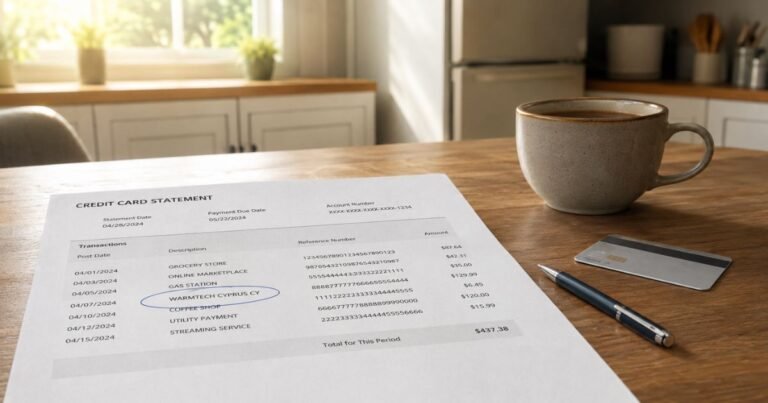
What is P Skool Com Charge on Credit Card Statement?

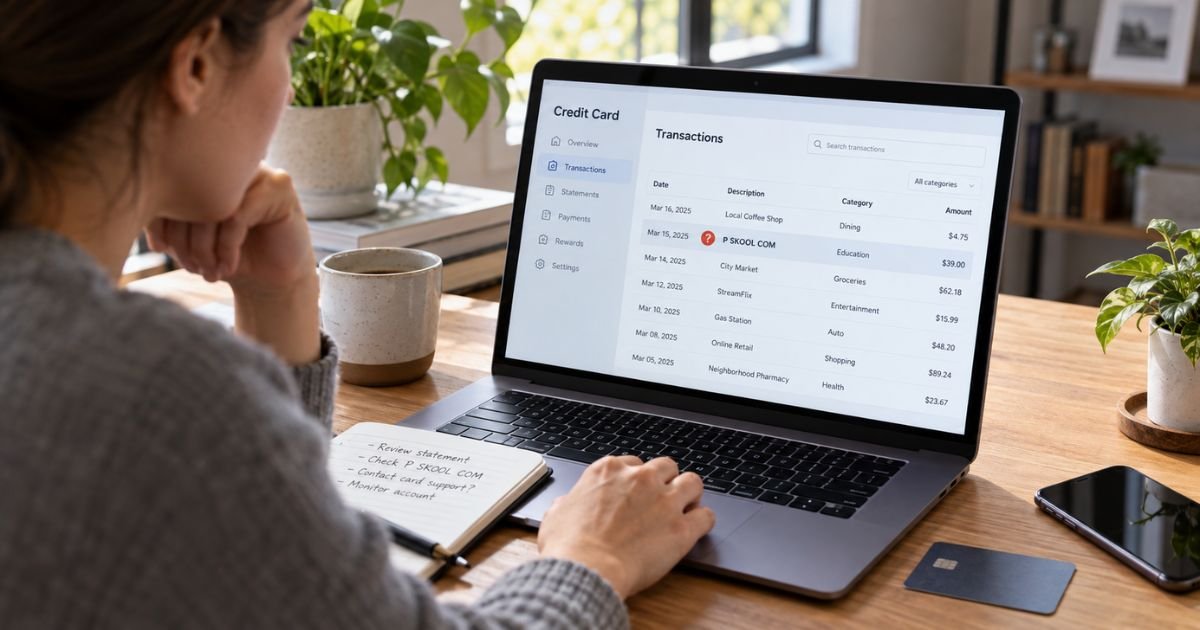
Seeing a P Skool Com charge on credit card statements can feel confusing, especially if you don’t remember signing up for anything. Fortunately, this charge often comes from a legitimate online learning platform rather than fraudulent activity.
The payment is generally associated with Skool, a platform for paid communities, courses, and coaching programs. Here’s how to identify the charge, check your subscription, cancel future payments, and request a refund.
What Is P Skool Com Charge on Credit Card?
The P Skool Com charge on credit card statements typically refers to a payment processed through Skool.com. Skool allows creators, educators, coaches, and business owners to offer online communities, courses, and paid memberships.
When you join a paid Skool community, your credit card may be charged through the platform. Instead of displaying the community’s name, your statement may show a descriptor such as P SKOOL COM or P.SKOOL.COM.
The charge can represent a monthly subscription, an annual membership, or a one-time purchase. You may also see it if you operate a paid Skool community and subscribe to the platform’s creator services.
Here are the key details:
| Detail | Explanation |
|---|---|
| Merchant | Skool.com |
| Charge descriptor | P SKOOL COM, P.SKOOL.COM, or SKOOL |
| Business type | Online communities and educational courses |
| Billing frequency | Monthly, annual, or one-time |
| Typical reason | Paid membership or creator subscription |
| Official website | skool.com |
| Support email | help@skool.com |
The descriptor alone cannot identify which particular community charged you. You’ll need to review your Skool account or transaction receipt to confirm the purchase.
Why Did P Skool Com Charge Your Credit Card?
You may see this charge for several reasons. In most cases, it is connected to a Skool membership or subscription you previously authorized.
1. Paid Community Membership
Skool allows creators to charge members for access to private groups. These groups may offer business training, fitness programs, coaching, educational content, or professional networking.
If you joined one of these communities, your membership fee may appear as P SKOOL COM.
2. Automatic Subscription Renewal
Many Skool memberships renew automatically. You may continue receiving charges each billing period until you cancel.
This can explain why you see a new charge even if you haven’t used the community recently.
3. Free Trial Converted to a Paid Membership
Some Skool communities offer free trials. If you entered your payment details and didn’t cancel before the trial ended, your membership may have converted to a paid subscription.
The trial period and subscription price depend on the community’s terms.
4. One-Time Course Purchase
Not every Skool payment is recurring. Some creators sell individual courses or offer access through a one-time payment.
If you purchased a training program, the charge may represent that purchase rather than an ongoing subscription.
5. Skool Creator Subscription
If you created your own community, the charge could relate to your Skool platform subscription. Creator accounts generally use paid plans with recurring billing.
How Does P Skool Com Appear on Credit Card Statements?
The transaction description may look different depending on your bank or credit card issuer.
Possible variations include:
| Statement Description | Possible Meaning |
|---|---|
| P SKOOL COM | Skool-related payment |
| P.SKOOL.COM | Skool membership or purchase |
| P.SKOOL.COM/XXXXX | Skool payment with an additional reference code |
| SKOOL.COM | Platform-related transaction |
| SKOOL | Shortened merchant description |
These descriptions may not identify the community you purchased from.
Also, your statement might show a location or additional reference characters. These details don’t necessarily mean you made a purchase at a physical business.
How to Verify a P Skool Com Charge
Before reporting the payment as unauthorized, check whether it belongs to an existing membership.
Check your Skool account. Sign in at skool.com and open your profile settings. Select Payment history to review your transactions and receipts.
Search your email. Look for messages containing “Skool,” “membership,” “subscription,” or “payment receipt.” Check your spam folder and any other email addresses you use.
Compare transaction details. Match the payment amount and date against your Skool receipts. A recurring charge appearing around the same day each month may indicate an active subscription.
Check shared card usage. If another authorized user has access to your credit card, ask whether they joined a Skool community or purchased an online course.
If none of these checks explain the payment, contact Skool support or your credit card issuer for more information.
How to Cancel P Skool Com Subscription Charges
If you recognize the membership but no longer want it, you can generally cancel through your Skool account.
Follow these steps:
- Visit skool.com and sign in to your account.
- Click your profile picture and open Settings.
- Select the Communities tab.
- Find the paid community and click Settings beside it.
- Choose Manage membership.
- Follow the instructions to cancel your subscription.
- Check that your membership shows a canceled status.
Skool recommends canceling at least 24 hours before your next billing date. You can generally continue accessing the community until your current paid period ends.
If you’re paying for a creator plan instead, look for the Billing section in your community settings and select the subscription cancellation option.
Removing your saved card alone isn’t the same as canceling a subscription. Confirm that the membership itself has been canceled.
Can You Get a Refund for a P Skool Com Charge?
A refund may be possible, but it isn’t guaranteed. Skool generally allows community creators to decide whether to refund their members.
Canceling your membership also doesn’t automatically refund earlier charges.
For a refund request, contact the administrator of the community you purchased from. Explain the payment date, amount, and reason for requesting a refund.
You can generally find the administrator’s contact information on your original receipt. If you cannot reach them, contact Skool support at help@skool.com.
Skool’s standard policy does not promise refunds for unused subscriptions or partial billing periods. However, individual creators may have different policies, so reviewing your original purchase terms is important.
What Should You Do If the P Skool Com Charge Is Unauthorized?
An unfamiliar charge doesn’t automatically mean someone stole your credit card information. However, you should act if you cannot connect the transaction to any purchase or subscription.
Start by checking your email receipts, transaction history, and authorized card users. Then contact Skool to ask whether the payment can be identified.
If the charge remains unexplained, contact your card issuer using the number on the back of your card.
Your issuer can investigate the transaction and explain whether you should open a dispute. Depending on the circumstances, it may also recommend locking or replacing your card.
You should report suspected fraud promptly because dispute deadlines and protections may depend on the type of transaction and your issuer’s policies.
How to Prevent Future Unwanted Skool Charges
If you regularly join online communities or courses, tracking your subscriptions can help prevent billing surprises.
Review your credit card statements every month and pay attention to unfamiliar merchant names. You can also enable transaction alerts through your bank’s mobile app.
Before starting a free trial, check the renewal date, recurring price, and cancellation instructions. Keep a copy of your confirmation email so you can identify the merchant later.
When you cancel a Skool membership, save the cancellation confirmation. This can help if a payment unexpectedly appears afterward.
FAQs On P Skool Com Charge on Credit Card
Q: Is P Skool Com a legitimate credit card charge?
A: Yes, P SKOOL COM is generally associated with Skool, a legitimate platform for online communities and courses. However, the merchant name alone cannot prove that a particular transaction was authorized.
If you don’t recognize the payment, check your Skool purchase history and contact your card issuer if needed.
Q: Why does P Skool Com keep charging my credit card?
A: Repeated charges usually indicate an active membership or creator subscription. Skool subscriptions can renew automatically until canceled.
Check your account’s membership settings to identify the active plan and next billing date.
Q: Can I cancel P Skool Com without contacting my bank?
A: Yes, if the payment comes from a subscription you recognize, you can generally cancel it through your Skool account. You can also contact the community administrator or Skool support for assistance.
If you suspect fraud, however, contacting your bank is recommended.
Q: How do I contact P Skool Com customer support?
A: You can contact Skool through its official support website at skool.com/support or email help@skool.com. For membership refunds, you should generally contact the community administrator first.
Include your transaction date, amount, and account email. Avoid sending your full credit card number or security code.
Conclusion
The P Skool Com charge on credit card statements typically comes from Skool, an online platform for paid communities, courses, and coaching programs. It may represent a recurring membership, creator subscription, or one-time purchase.
If you recognize the charge, review your membership and cancel it if necessary. If you cannot identify the payment, contact Skool support and your credit card issuer to investigate.
Disclaimer: This article is for informational purposes only and does not provide financial or legal advice. Billing procedures, refund eligibility, and dispute policies may vary by merchant and credit card issuer. Verify account-specific questions directly with Skool or your bank.