What is Harvest Sharp Limited Charge on Credit Card?

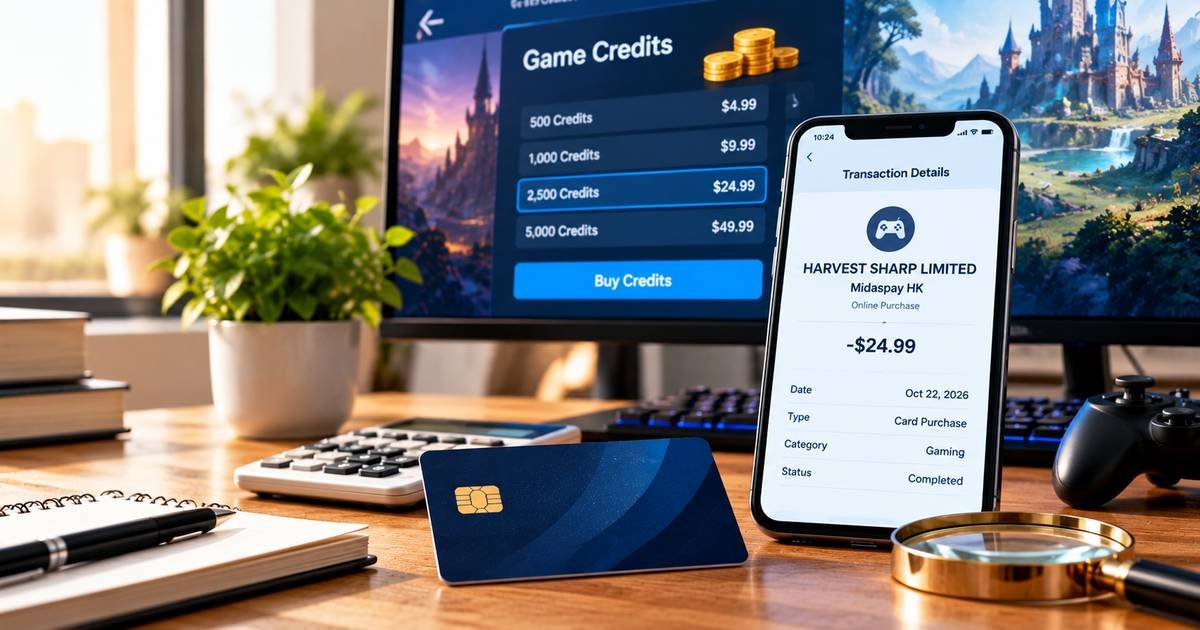
A Harvest Sharp Limited charge on credit card statements can come from Midaspay, a payment service associated with digital game purchases. The legal payment company may be less familiar than Midasbuy or the game played.
Midaspay’s official policy names Harvest Sharp Limited as an operator, providing a documented connection rather than a guess. Here is how to find a gaming order, identify the actual payment, and request help if the charge was not approved.
What Is Harvest Sharp Limited Charge on Credit Card?
Harvest Sharp Limited is a company explicitly identified by official Midaspay HK documentation as an operator of that payment service. Midaspay supports payment transactions for digital platforms and merchants.
Midasbuy is a storefront commonly used for game purchases, including virtual game currency and other in-game items. Depending on transaction region and payment routing, the card statement may display a payment-service entity instead of the game’s public brand.
That connection does not mean every Harvest Sharp Limited entry necessarily came from a particular game or account. The transaction may also involve another digital service using the same payment infrastructure.
A one-time game top-up and a recurring in-app subscription are different kinds of transactions. Do not assume automatic renewal without checking the original checkout terms and order receipt.
How Harvest Sharp Limited Is Connected to Midaspay
The official Midaspay HK privacy policy identifies Harvest Sharp Limited as the operator of that service. This is direct company documentation rather than a crowdsourced merchant explanation.
The broader Midasbuy privacy materials include payment processors that support checkout services. A processor or operator name can legitimately appear when a consumer remembers a game or top-up website instead.
A game platform may redirect users to a payment provider to buy credits. The statement name can come from the entity that collected the payment, while the product confirmation mentions the game.
Do not treat the company name as a guarantee that a specific PUBG Mobile, mobile game, or digital product was bought. You still need a receipt with matching details.
If the card issuer gives a different business category or website than your assumed game purchase, continue investigating rather than forcing the transaction to match.
Game Credits, Top-Ups, and Digital Orders
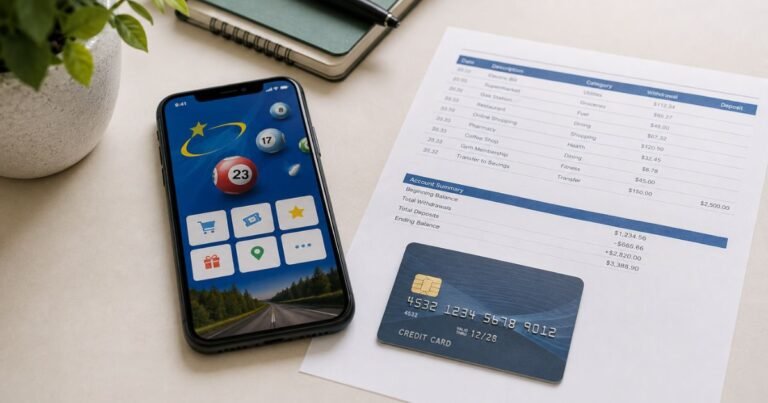
You or another authorized user might have purchased game credits or digital items from an online storefront. One example of game currency is UC used in PUBG Mobile.
Compare the card amount with game account transaction history, currency bundles, and any promotional offers. An in-game item can have a price that differs from the face value of the credits displayed in the game.
More than one purchase in a day can lead to several similar card debits. Separate order IDs are stronger evidence than assuming all matching merchant names are duplicate charges.
A child or household member may have used a saved payment method. Ask carefully about approved purchases without sharing account credentials or making accusations from the descriptor alone.
If your household has no matching game or digital-service activity, an unauthorized payment is possible. Contact the bank promptly and ask for the merchant’s complete transaction details.
How to Find a Matching Midasbuy Payment
Search email or messages for Midasbuy, Midaspay, game top-up, payment successful, and the exact posted amount. A confirmation may include an order or player identifier.
Check the specific game account used for the purchase and verify whether the credited items were delivered. Do not sign in to someone else’s account without authorization.
Review any game store or wallet that funded the checkout. The card issuer’s statement may show a different currency or payment date from the game’s purchase screen.
Use Midasbuy or Midaspay’s verified help pages for the order reference and billing issue. Avoid charge lookup sites that ask for a complete card number or password.
If the processor cannot locate a transaction for your card amount and date, request the issuer’s assistance identifying the exact acquiring merchant and reference.
Refunds, Mistaken Purchases, and Security
Digital goods often have refund rules tied to whether credits or items were delivered or consumed. Review the terms attached to the specific Midasbuy order, not a generic rule from another store.
If an authorized purchase delivered the wrong item, document the player ID, order number, amount, and screenshot of the purchase confirmation. Ask verified support for a correction.
Do not assume that uninstalling a game cancels any separately authorized recurring subscription. Check the actual game or app-store payment settings if you know a renewable plan exists.
If the payment was made without permission, report the card transaction to the issuer. The fact that a legitimate processor handled it does not mean you agreed to the purchase.
If your refund is accepted, keep the support confirmation and look for a posted credit on the statement. A provisional bank credit and merchant-approved refund can follow different processes.
How to Check the Card Transaction
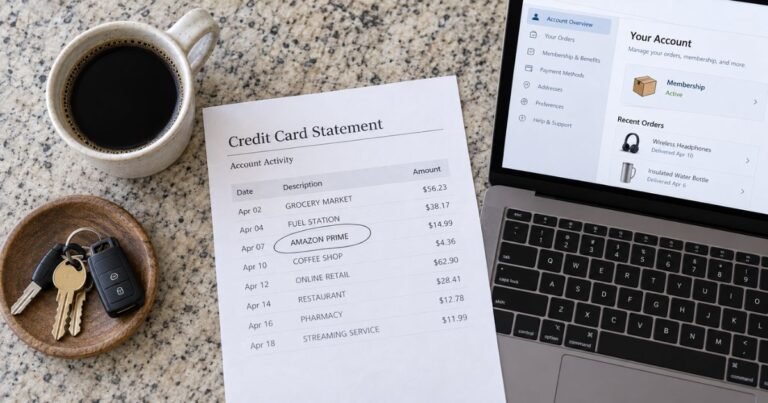
Open the payment in your credit card issuer’s verified app and copy its complete descriptor, transaction date, amount, and any merchant location. Extra letters or numbers may be a processor code, a branch identifier, or an account reference rather than the name of a separate service.
Check whether the entry is pending or posted. A pending authorization can disappear or settle for a different amount, so it should not automatically be counted as a second completed charge. Ask your bank to explain entries that appear to duplicate each other.
Search your email and online receipts for the exact amount and approximate purchase date. Check accounts you control and ask authorized household or business card users whether they recognize the transaction. A company legal name may differ from the brand used at checkout.
Ask the issuer for the expanded merchant-of-record information if no receipt matches. The bank may see a business category, legal entity, country, or processing reference that is hidden in its ordinary statement view.
If the Charge Is Incorrect or Unauthorized
When a valid purchase has the wrong amount, contact the independently verified seller for an itemized invoice and correction. Keep the receipt, the merchant’s reply, and any accepted refund or cancellation terms.
If nobody authorized a posted payment, contact the issuer using the phone number on the card or its secure app. Ask about a dispute or fraud investigation and whether a card lock or replacement is appropriate.
For many United States credit-card billing errors, the Consumer Financial Protection Bureau says you should send written notice within 60 calendar days after the issuer sent the first statement with the error. Use the dedicated billing-error address provided by your issuer.
Save the investigation number, statement copy, and any cancellation confirmation. A card dispute is an investigation, not a guaranteed refund. Continue to meet payment obligations for undisputed amounts as applicable.
Refunds, Recurring Payments, and Account Safety
Two similar transactions may represent separate purchases, a billing renewal, or a pending authorization alongside its settled payment. Check the status and receipt of each one before treating them as duplicate debits.
If a legitimate recurring agreement is identified, turn off renewal through the original merchant or purchasing platform. Merely deleting an app or replacing a credit card may not terminate the agreement or erase a balance due.
A merchant-approved refund usually appears as a separate credit on your statement. Check for its final posting rather than assuming an emailed refund promise immediately reversed the payment.
Turn on transaction alerts, save receipts in a searchable folder, and avoid sharing complete card numbers, CVVs, passwords, or one-time security codes with third-party charge-lookup websites.
Verified References and Remaining Uncertainty
Midaspay HK’s official privacy policy directly identifies Harvest Sharp Limited as the operator of the Midaspay HK service. The broader Midasbuy privacy documentation also names Harvest Sharp among payment-service providers. That is a verified payment-processing connection, but each individual charge still needs a matching transaction or game receipt.
Review Midaspay HK’s official privacy policy identifying Harvest Sharp Limited for the company-specific details described here. Our guide to identifying an unfamiliar credit card charge explains further checks. The CFPB billing-error guide explains formal dispute steps.
FAQs On Harvest Sharp Limited
Q: Is Harvest Sharp Limited linked to Midaspay?
A: Yes. Midaspay HK’s official policy names Harvest Sharp Limited as the service operator.
Q: Does the charge definitely mean PUBG Mobile?
A: No. A gaming payment is a reasonable possibility, but only your purchase or game account records can confirm the product.
Q: How do I stop repeated Harvest Sharp payments?
A: Identify whether they are separate game purchases or a real recurring agreement, then manage the payment through its verified platform.
Q: What if I did not buy game credits?
A: Ask authorized users and report any posted card transaction nobody approved to the issuing bank.
Conclusion
Harvest Sharp Limited charge on credit card statements should be matched to a verified business record and the specific payment you approved. Midaspay is a documented connection, but a matching order receipt is still required to identify the actual purchase.
If no invoice, order, or authorized account explains the posted charge, contact the card issuer promptly. Keep copies of the merchant information and investigation results.
Disclaimer: This article is for general information only, not financial or legal advice. Company terms, payment providers, and credit-card protections vary, so verify account-specific details with the merchant and your issuer.