What is Computer Software Stores Charge on Credit Card?

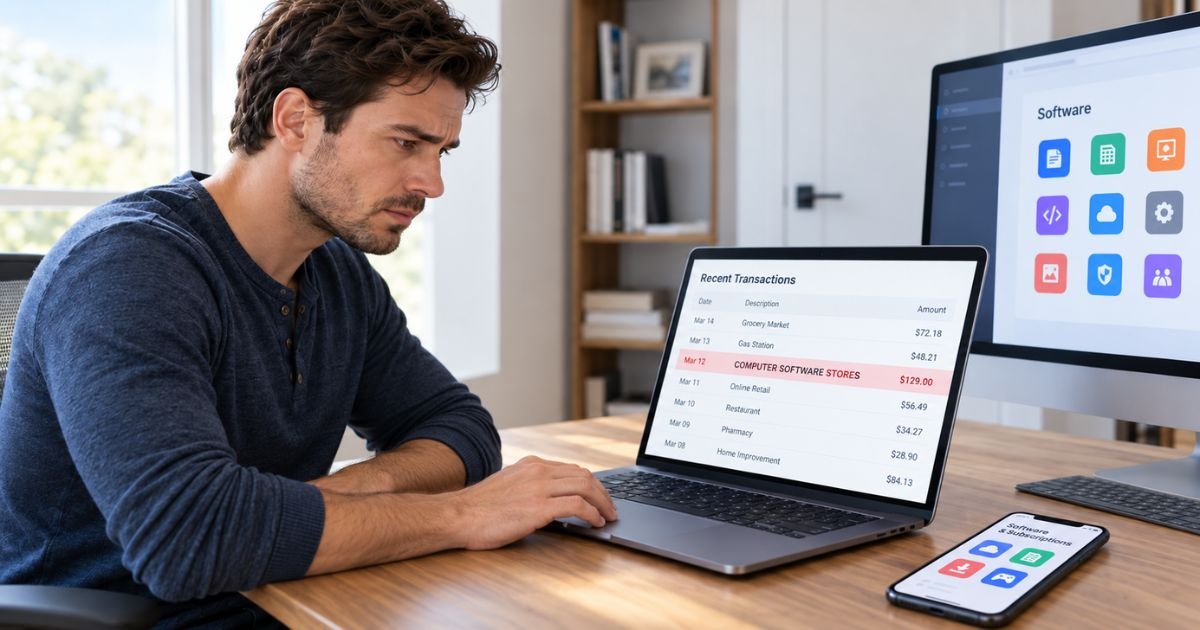
A Computer Software Stores charge on credit card can look like the name of a company you paid. In many cases, however, “Computer Software Stores” is a merchant category rather than the actual business name.
The transaction may relate to software, a computer program, or another technology purchase. You should look at the full transaction details to find the actual merchant before reporting the charge as unauthorized.
What Is a Computer Software Stores Charge on Credit Card?
A Computer Software Stores charge on credit card generally means the merchant involved in your transaction was classified as a computer software retailer. Card networks use Merchant Category Codes, or MCCs, to categorize businesses by what they primarily sell.
“Computer Software Stores” is associated with MCC 5734. Visa describes this category as covering merchants that sell computer software for business or personal use and may also sell or lease some computer hardware or related products.
This is important because Computer Software Stores may not be the actual merchant’s name. Your banking app may simply be displaying the transaction’s merchant category.
What Does MCC 5734 Mean?
MCC 5734 is the card industry’s category for computer software stores. An MCC is a four-digit classification attached to a merchant account based on the merchant’s main business activity.
Businesses assigned to this category generally sell computer software. They may also sell a limited amount of computer hardware or related products.
Your bank may display the MCC description beside a transaction. Some banking interfaces may make that category more prominent than the actual merchant name, which can make the transaction difficult to recognize.
Is Computer Software Stores an Actual Company?
Usually, you should not assume it is. “Computer Software Stores” is a recognized merchant category description, so seeing those words doesn’t identify one specific seller.
The actual transaction might have been made with a software developer, online software store, security company, or another technology business classified under MCC 5734.
Look for another field in your banking app called:
- Merchant name
- Transaction description
- Statement descriptor
- Merchant details
- Doing business as
- Transaction location
That information may reveal the company that actually charged your card.
What Purchases Can Appear Under Computer Software Stores?
A transaction classified as Computer Software Stores may generally involve software for personal or business use.
Possible purchases include:
| Type of purchase | Examples |
|---|---|
| Computer software | Desktop applications and utilities |
| Security software | Antivirus or internet security programs |
| Productivity tools | Office, writing, or organization software |
| Creative software | Photo, video, or design applications |
| Business programs | Accounting or management software |
| Software licenses | New licenses or license renewals |
| Computer utilities | Backup, cleanup, or optimization tools |
| Related products | Limited hardware or software accessories |
The category alone can’t tell you which product you purchased. You need the actual merchant name or receipt to make that connection.
Could It Be a Software Subscription?
Yes. Many software companies now sell their products through recurring subscriptions rather than one-time licenses.
A Computer Software Stores transaction may therefore be a monthly or annual renewal for software you previously purchased. You may have originally subscribed several months or even a year ago.
Common subscription types may include antivirus programs, productivity software, cloud tools, creative applications, and computer utilities.
However, MCC 5734 doesn’t automatically mean the charge is recurring. It can also cover a one-time software purchase.
Why Don’t You Recognize the Charge?
The main problem may simply be the way your bank presents transaction data. “Computer Software Stores” may describe the merchant’s industry rather than the merchant itself.
You may remember buying from a specific software brand while your banking app prominently displays its category.
The transaction may also be harder to recognize if it is an annual renewal. A program you purchased last year may renew automatically using the card you saved at signup.
Another authorized card user could also have made the purchase.
How to Find the Actual Merchant
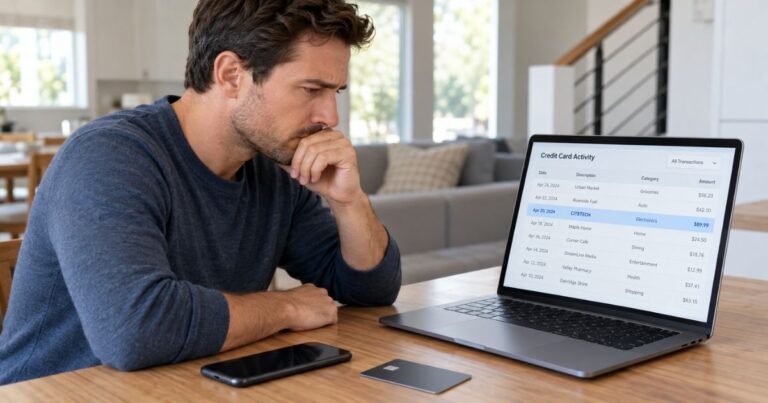
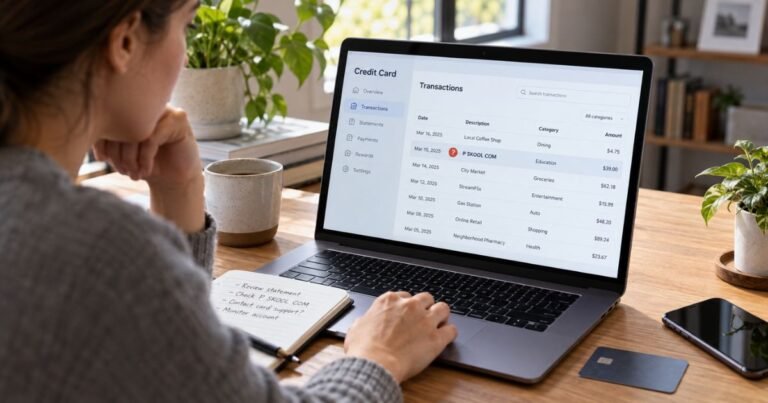
Open the transaction inside your bank’s website or mobile app. Look beyond the words “Computer Software Stores.”
You should search for the merchant’s actual name, location, phone number, website, or complete billing descriptor. Your bank may have details that don’t appear on the main statement screen.
Then compare:
| What to check | What you’re looking for |
|---|---|
| Merchant name | The company that received the payment |
| Amount | A matching software purchase or renewal |
| Date | A purchase or renewal around that date |
| Email receipts | Software order or subscription confirmation |
| Software accounts | An active paid plan |
| Other card users | A purchase made with your permission |
If your banking app doesn’t reveal a merchant name, call the number on the back of your card. Your issuer may generally be able to see more transaction information.
Search Your Email for the Charge
Your email can often identify a software transaction faster than searching through installed programs.
Search for the exact amount first. You can also try terms such as subscription, software, renewal, license, receipt, and order confirmation.
Check spam and promotions folders too. Subscription renewal notices can easily end up there.
You should also search older messages if the transaction might be an annual renewal. The original purchase confirmation could be a year old.
Check Your Installed Software
Review the paid programs installed on your computer. Think about applications you use for antivirus protection, file management, productivity, editing, backup, or other tasks.
Open the account or subscription section for anything you pay for. Look for a renewal date and payment amount that matches your statement.
Also consider software you no longer use. Uninstalling a program generally does not cancel a separate recurring subscription.
Is It the Same as a Digital App Purchase?
Not always. Card networks have other merchant categories for digital products.
For example, Visa identifies MCC 5817 for digital applications or software delivered electronically. MCC 5734 remains the category for computer software stores.
How a particular transaction gets categorized may depend on the merchant and its payment setup. You shouldn’t try to identify a charge based only on the MCC.
The merchant name, amount, receipt, and transaction date are more useful clues.
How to Cancel a Recurring Software Charge
First identify the company behind the transaction. You usually can’t cancel something called “Computer Software Stores” because that wording may only be the merchant category.
Once you identify the software provider, sign in to your account. Look for Subscription, Billing, Membership, Plan, or Automatic Renewal settings.
Turn off automatic renewal or follow the service’s cancellation instructions. Save the confirmation after you cancel.
Deleting or uninstalling the software generally isn’t enough. You need to cancel the billing agreement itself.
What If You Recognize the Merchant but Not the Amount?
Check the original subscription terms. A discounted first year may sometimes renew at a different standard price.
Taxes, currency conversion, or a different plan can also affect the total. Your card issuer may separately charge a foreign transaction fee when applicable.
Don’t assume these factors explain a large difference. Compare the amount with your invoice or renewal notice.
If the amounts don’t match, contact the software provider and ask it to explain the charge.
What If You Don’t Recognize the Charge at All?
If you can’t identify the transaction, ask anyone else authorized to use your card. Someone in your household may have purchased software using your payment details.
You should then contact your card issuer. Ask for the complete merchant name and any additional information connected with the transaction.
If nobody recognizes the merchant and you believe the payment was made without permission, tell your issuer that the transaction may be unauthorized.
Your bank may recommend locking or replacing your card. The appropriate response generally depends on the transaction and your issuer’s procedures.
Should You Dispute a Computer Software Stores Charge?
You may generally dispute the transaction if you determine that you didn’t authorize it. You might also have grounds to dispute a billing problem that the merchant hasn’t resolved.
However, don’t dispute the payment solely because the category name looks unfamiliar. First ask your issuer for the actual merchant information.
If the charge is a legitimate software subscription you forgot about, contact the software provider about cancellation or a possible refund.
Refund policies vary by company. A refund is not guaranteed simply because you forgot to cancel an automatic renewal.
How to Prevent Another Software Charge
Once you’ve identified the merchant, check whether automatic renewal is enabled. Turn it off if you no longer want the service.
Keep the cancellation email or screenshot. Then review your next statement to make sure another unexpected payment doesn’t appear.
It can also help to review your paid software subscriptions every few months. Older subscriptions are easy to forget when you no longer use the program.
FAQs On Computer Software Stores Charge on Credit Card
Q: What does Computer Software Stores mean on my credit card?
A: It generally describes a merchant category rather than one specific company. It is associated with MCC 5734, which is used for businesses that primarily sell computer software.
Q: What company charged me under Computer Software Stores?
A: The category alone cannot identify the company. Open the full transaction details or contact your card issuer and ask for the complete merchant name and billing descriptor.
Q: Is Computer Software Stores a recurring subscription?
A: Not necessarily. The transaction could be either a one-time software purchase or a recurring software subscription, so you should identify the actual merchant first.
Q: What should I do if I never purchased computer software?
A: Check the complete transaction information, email receipts, software subscriptions, and purchases made by authorized card users. If you still don’t recognize it, contact your card issuer and report the unfamiliar transaction.
Conclusion
A Computer Software Stores charge on credit card generally refers to a merchant category associated with MCC 5734 rather than a single company. The underlying charge may come from software, a license, a subscription, or another related technology purchase.
Check the full merchant details before taking action. If you still can’t identify the transaction after reviewing your receipts and accounts, contact your card issuer and ask for the merchant information or dispute options.
Disclaimer: This article is for general informational purposes only and isn’t financial or legal advice. Merchant classifications, billing descriptions, refund rules, and dispute policies may vary by merchant and card issuer. Verify account-specific questions directly with the software provider or your bank.