What is Store Charge on Credit Card?

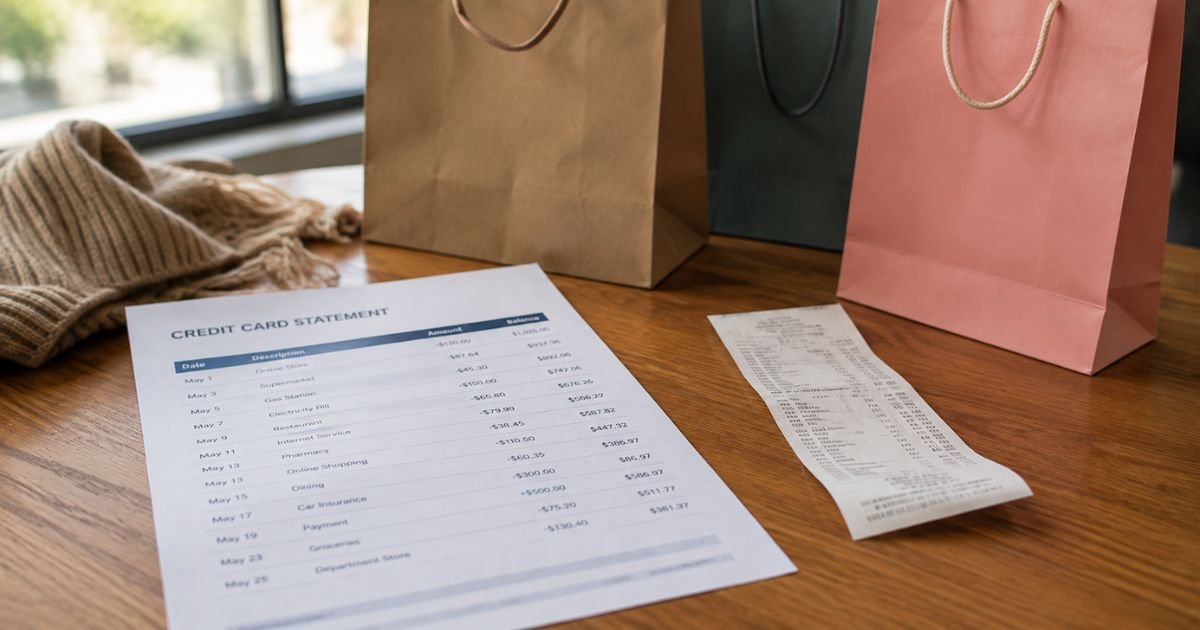
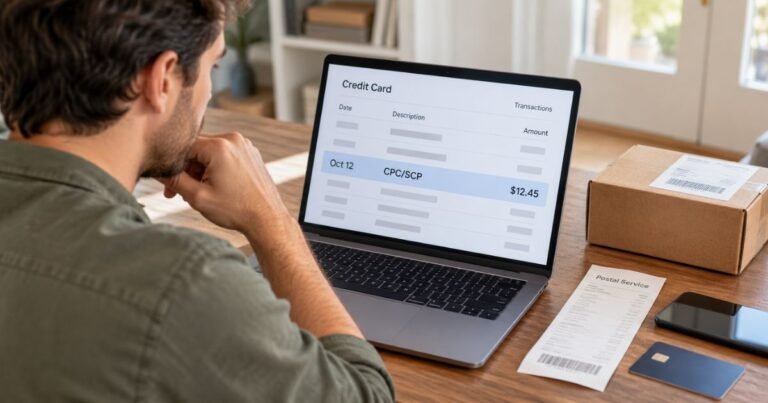
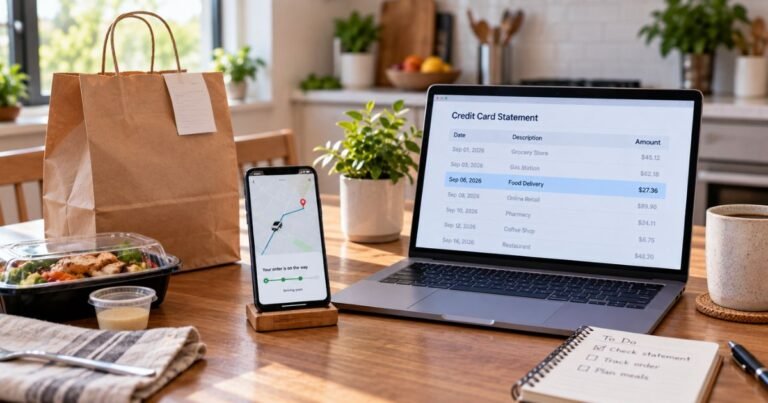
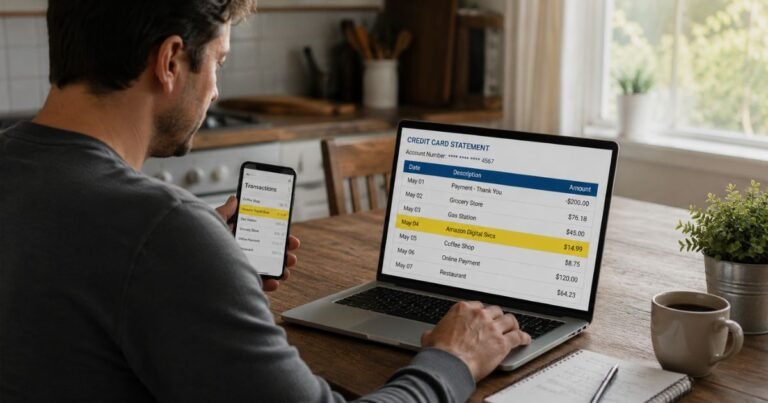
If you opened your credit card statement and spotted a line that simply says “store charge,” “STORE,” or a similar vague description, you’re not alone.
Many people search for this exact phrase when a retail purchase looks unfamiliar or the merchant name is shortened, coded, or missing context.
This guide explains the most common reasons these charges show up, how to identify the merchant, what to do if you don’t recognize it, and practical steps to protect yourself going forward.
What Does “Store Charge” on a Credit Card Usually Mean?
In most cases it is a retail purchase. Banks and payment processors have limited space on statements, so merchant names get shortened. You might see:
- The store’s name followed by a number (example: “TARGET 01234” or “WALMART #1234”)
- A generic label such as “STORE CHARGE,” “RETAIL,” or “MISC RETAIL”
- A payment-processor prefix such as “SQ” (Square), “SP” (Shopify Payments), or “PP” (PayPal) followed by a store name
- The parent company’s legal name instead of the brand name you shopped under
These descriptors help the bank route the transaction but can look confusing if you don’t remember the exact purchase or if someone else used the card.
Common Reasons You See a Store Charge
Several everyday situations explain most “mystery” store charges:
You made the purchase but the name looks different.
Large chains often append store numbers or city codes. Online stores that use third-party processors (Square, Shopify, Stripe) may show the processor’s code first.
Someone else used the card.
An authorized user, family member, or roommate may have shopped and the charge posted under a truncated name.
Pending or pre-authorization holds.
Gas stations, hotels, and some retailers place temporary holds that later convert into the final charge. These can appear briefly as generic “store” or “retail” entries.
Returned or adjusted items.
A return, partial refund, or price adjustment can create a second line that looks like a new store charge.
Subscription or recurring orders.
Some stores set up auto-renewals or “subscribe and save” plans that continue billing under a short descriptor.
Fraud or unauthorized use.
While less common than the reasons above, card theft or data breaches can produce real store purchases.
How to Identify the Exact Store Behind the Charge
Follow these practical steps in order:
- Note the full descriptor, exact amount, transaction date, and any store number or city shown.
- Search your email (including spam and promotions folders) for receipts around that date and amount. Look for order confirmations, shipping notices, or “thank you for your purchase” messages.
- Check your phone’s photo gallery or notes for receipts you may have snapped.
- Search Google for the exact phrase that appears on the statement (put it in quotes). Many people have posted the same descriptor before.
- Log into the merchant’s website or app if you suspect a familiar store and review recent orders.
- Call the customer-service number on the back of your credit card. Issuers can often provide the full merchant name, phone number, or category code.
If the charge includes a store number (for example “WM SUPERCENTER 1234”), search that number plus the brand name to locate the exact location.
Store Credit Cards vs. Regular Credit Cards
Some people use the phrase “store charge” when referring to a store-branded credit card (also called a private-label or closed-loop card). These cards are issued by banks such as Synchrony, Citibank, or Capital One in partnership with retailers.
Key differences:
- You can usually use a store card only at that retailer (or affiliated brands).
- Interest rates are often higher than general-purpose cards.
- Many offer promotional financing (0% for a set period) or extra discounts.
- Payments to these cards may appear on your bank statement as “SYNCHRONY BANK,” “CITI STORE CARD,” or similar.
If the charge is actually a payment you made toward a store card balance, it will typically show as a payment rather than a purchase.
What to Do If You Don’t Recognize the Charge
- Rule out authorized users and family members first.
- Contact the merchant if you can identify them and ask for transaction details.
- If you still cannot match the charge to a legitimate purchase, call your credit card issuer right away. Most major issuers offer zero-liability protection for unauthorized transactions when reported promptly.
- Request a temporary freeze or new card number while the investigation continues.
- Follow up in writing if required and keep records of all conversations.
Under the Fair Credit Billing Act, you generally have 60 days from the statement date to dispute billing errors.
How to Dispute a Store Charge
- Call the number on the back of your card and state that you want to dispute the charge.
- Provide the transaction date, amount, and reason (unauthorized, incorrect amount, goods not received, etc.).
- Your issuer will usually credit the account provisionally while they investigate.
- The merchant has a chance to respond with evidence.
- Keep any receipts, emails, or tracking numbers that support your case.
If the purchase was made with a store’s own credit card and you have a dispute with the retailer, federal rules sometimes allow you to withhold payment under specific conditions after trying to resolve it with the seller first.
Practical Tips to Avoid Future Confusion
- Review statements weekly instead of waiting for the full cycle.
- Turn on transaction alerts in your banking app so you see charges in real time.
- Use virtual card numbers or single-use cards for online shopping when available.
- Keep a simple note of authorized users and any recurring subscriptions.
- When shopping at unfamiliar online stores, screenshot the order confirmation and save the email.
- Prefer retailers that show clear descriptors rather than generic processor codes.
FAQs On Store Charge on Credit Card
Why does a store charge show a different name than the store I visited?
Payment processors and banks have character limits. They often use legal business names, parent companies, or add store numbers and city codes. Searching the exact descriptor online usually reveals the match.
Can a store add a surcharge for using a credit card?
In most U.S. states merchants may add a limited surcharge (typically capped by Visa and Mastercard rules) if they clearly disclose it before the purchase. Some states restrict or ban the practice. The surcharge should appear as part of the total or as a separate line.
How long do pending store charges stay on my account?
Most pending authorizations clear or post within 1–3 business days. Hotel and car-rental holds can last longer. If a pending charge remains for more than a week, contact your issuer.
What if the store charge is from a return or refund?
Refunds usually appear as credits. If you see a second charge instead, it may be a processing error or a new purchase. Contact the merchant first with the receipt and order number.
Conclusion
A store charge on credit card is most often a legitimate retail purchase whose name has been shortened, coded, or processed through a third party. Start by matching the date, amount, and any store number to your receipts or emails.
If you still cannot identify it, contact your card issuer promptly to investigate. Taking these steps quickly protects your account and usually resolves the mystery within a few minutes or days.
Regular statement reviews and transaction alerts remain the simplest ways to stay ahead of unexpected store charges.
Disclaimer: This article is for informational purposes only and does not constitute financial, legal, or credit advice. Merchant descriptors, dispute rules, and bank policies can change. Always verify details directly with your card issuer and the merchant involved.