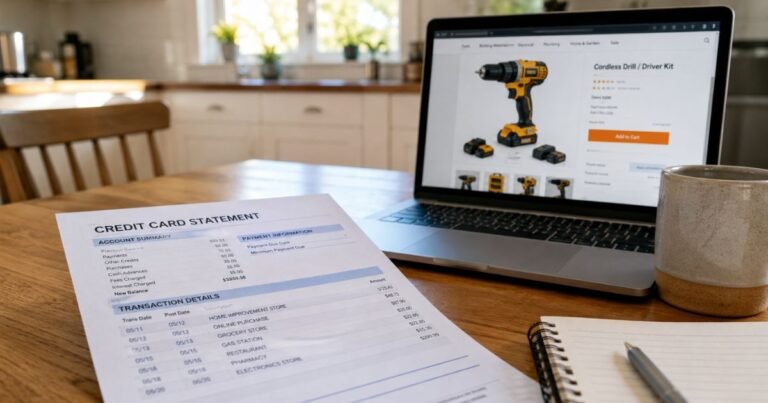
What is Postmates Charge on Credit Card?

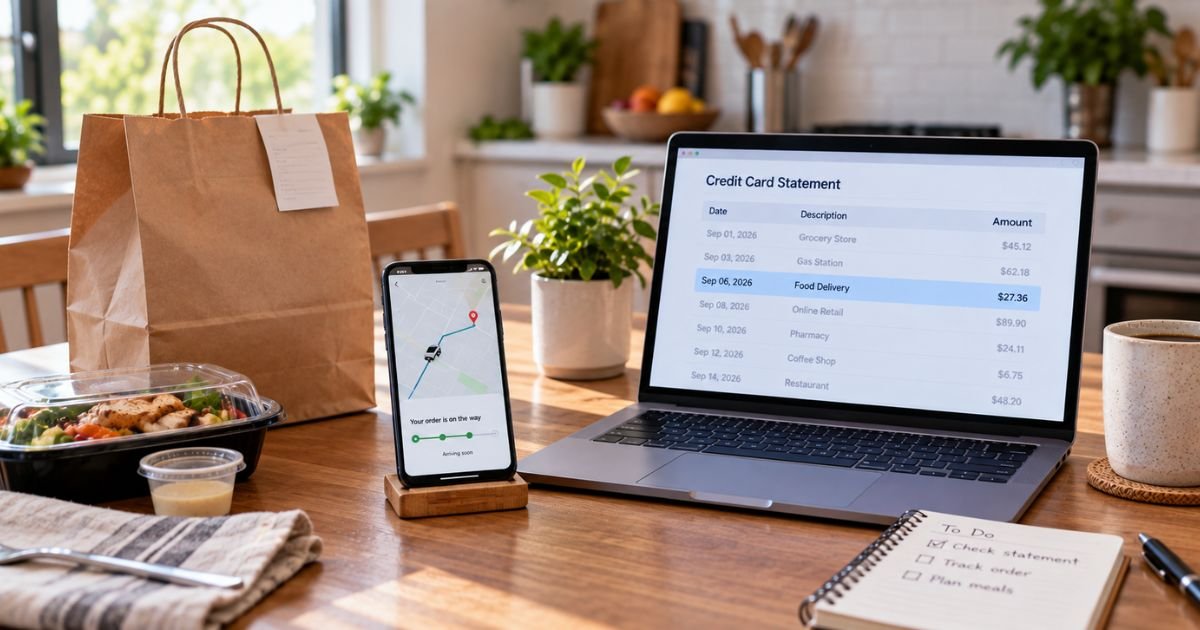
A Postmates charge on credit card can feel confusing if you don’t recall opening that old delivery app. The name may sit next to Uber. A pending line can look like you paid twice.
Unfamiliar delivery charges are often a real food order, a tip, or a short bank hold. This guide shows you how the line typically appears, where to find the receipt now, and how to stop Uber One if that is the repeat bill.
What a Postmates Charge on Credit Card Means
Postmates was a U.S. delivery app for restaurants, groceries, and convenience stores. Uber bought Postmates in 2020. Help pages for Postmates now live on Uber’s site. Many orders still print Postmates on the card even when Uber Eats handled the drop-off.
A Postmates charge on credit card is typically the food total plus delivery, service or small-order fees, tax, and tip. The restaurant name rarely appears on the bank line. The receipt in the app is the place that lists the store.
It can also be Uber One. That paid membership replaced older Postmates Unlimited perks. Uber One auto-renews on the card in your Wallet until you end it.
A pending “temp auth” or UBR POSTMATES line is often not the final bill. Official Uber help for Postmates says an authorization hold is placed when you order. That hold is not a second payment.
How the charge usually appears
Banks shorten the name in different ways. Common lines include POSTMATES, UBR POSTMATES CA, UBR* POSTMATES PENDING, POSTMATES TEMP AUTH, UBER* POSTMATES, and POSTMATES TIP.
Some issuers add a phone number such as 800-592-8996. Treat that as a merchant tag on the statement, not a published consumer help desk. Official Uber pages send customers to in-app Help.
PENDING, PRE-AUTH, POS PUR, and CHECKCARD are bank labels. They are not a second company.
PayPal, Apple Pay, or Uber Cash can change what the bank prints. The order still sits in the Uber or Postmates account that used that card.
Two similar amounts on the same day are often the hold plus the final total. Official help says that can look like a double charge while the hold is still open. One line should remain after the hold drops.
Why you might see this charge
The usual reason is a delivery you or someone with your login placed. Family phones, work profiles, and saved cards cause a lot of “mystery” Postmates lines.
The posted amount can be higher than the menu price. Delivery fees, service fees, small-order fees, tax, and a tip after drop-off all add up. A replacement item or an extra drink can change the final total after the first hold.
Canceled orders can still show a hold. Uber’s Postmates help says a canceled-order hold may take 3 to 10 days to clear, and sometimes longer depending on your bank.
A failed card can leave an “outstanding charge” in the app. Uber says that happens when funds are short, the total went up, or the payment failed. The app may block a new order until you pay that balance.
Uber One renews on a schedule you picked. Official pages say the card is charged at the rate and frequency chosen at signup when a trial or promo ends. Deleting the app does not cancel that plan.
Old Postmates gift cards or credits may have moved into an Uber Wallet if you linked accounts. A leftover balance does not always cover the full new total, so the card still gets the rest.
Match the charge to an order
Sign in to the same email or phone you used for Postmates. Open the Postmates app if you still have it. Also open Uber Eats and the main Uber app. Orders and receipts often live in more than one place after the merger.
Go to Orders or Activity. Match the date first, then the total. Open the receipt and read fees, tax, tip, and the last four digits of the card.
Search email for “Postmates,” “Uber Eats,” and the charge date. Business profiles and family accounts can send the receipt to a different inbox.
Check Wallet and Uber One. A round monthly or yearly amount that is not in Orders is often membership, not dinner.
Ask anyone who shares the phone or the card. A roommate’s late-night order still prints your name at the bank.
Keep screenshots of the statement and the receipt. Support will ask for both.
Cancel an order or stop future charges
Cancel an active order in the app as soon as you change your mind. Timing matters. Official Postmates support has told customers that a cancel after the restaurant accepts may still bill because the food was already started. The safest window is before the store accepts.
A hold from a canceled order is not extra cash you can spend yet. Uber says that refund or release often takes 3 to 10 business days. Your issuer can take longer.
To stop Uber One:
- Open the Uber, Uber Eats, or Postmates app and sign in.
- Tap Account or your profile.
- Open Uber One.
- Tap Manage Membership.
- Tap End Membership and confirm.
Official U.S. pages say you can cancel anytime with no extra cancel fee. Benefits generally last through the period you already paid. If you cancel less than 24 hours before renewal, Uber says you may see a charge that is then refunded automatically. Once a new cycle starts, the membership price is generally non-refundable except where the law requires otherwise.
Some Uber help pages also mention contacting support if you are inside the last 48 hours and the button will not finish. Use in-app Help rather than a random phone listing.
Remove extra cards from Wallet after you cancel. That does not void a delivery that already posted.
What to do if you do not recognize it
Stay calm and work in order. Match Orders in Postmates, Uber Eats, and Uber. Then check Uber One.
If the order is real but wrong, open that delivery and tap Help. Ask about missing items, fees, or a cancel. Do not rely on old support@postmates.com as your only path. Current help is inside the Uber tools.
If nothing matches, treat it as possible unauthorized use. Change the account password, review Wallet devices, and call your card issuer. For a posted charge you did not authorize, you can typically file a dispute. Deadlines vary by issuer.
Stay on official apps and uber.com or postmates.com. Do not tap “refund” texts.
Watch the next statement. A dropped hold should vanish. A real order or Uber One renewal will post.
FAQs On Postmates Charge on Credit Card
Q: Why do I see two Postmates charges for one dinner?
A: Official Uber help for Postmates says every card order creates an authorization hold, then a final charge. The hold is not a second payment. It usually drops in a few days. After a cancel, that hold may take 3 to 10 business days to clear.
Q: Is a Postmates charge the same as Uber Eats?
A: Often yes in practice. Uber owns Postmates, and many deliveries run on Uber’s network. The bank may still print Postmates. Check both apps for the receipt. Uber One can also bill the same card.
Q: How do I stop Postmates from charging my card again?
A: End Uber One in the app under Account, then Manage Membership, then End Membership. Remove extra cards from Wallet. Canceling one food order does not cancel the membership. Deleting the app does not stop renewal.
Q: Will Postmates refund a charge I do not recognize?
A: If the order is in your account, use Help on that receipt and ask them to review it. Holds from canceled orders generally reverse on the bank’s timeline. If no order exists, contact your card issuer about an unauthorized charge. Policies vary.
Conclusion
A Postmates charge on credit card is typically a delivery total, a temporary hold, or Uber One on a card saved after Uber bought Postmates. Match the receipt in Postmates, Uber Eats, and Uber before you panic.
Cancel food only before the store accepts when you can. End Uber One in the membership hub if that is the repeat line. If nothing matches, use in-app Help, then your card issuer.
Disclaimer: This article is for general information only. It is not financial, legal, or tax advice. Postmates and Uber fees, descriptors, and membership rules can change and may vary by city and card issuer. Confirm account-specific questions in the official apps, with Uber support, or with your bank before you cancel or dispute a charge.