What is Amazon Digital Services Charge on Credit Card?


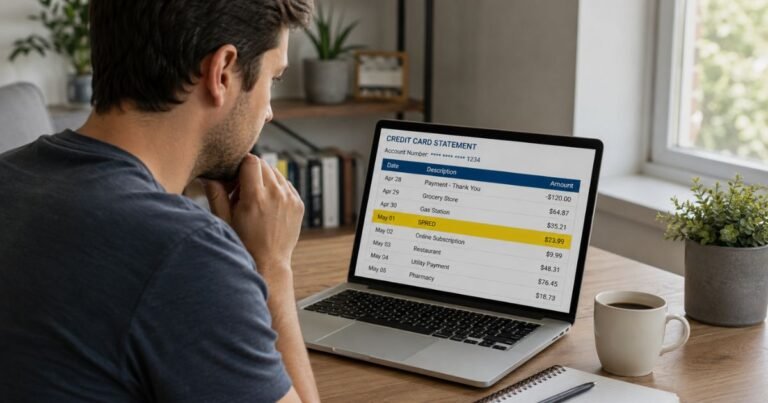
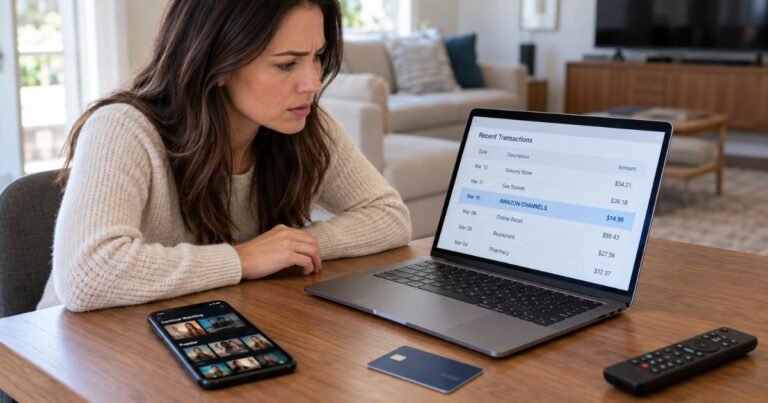
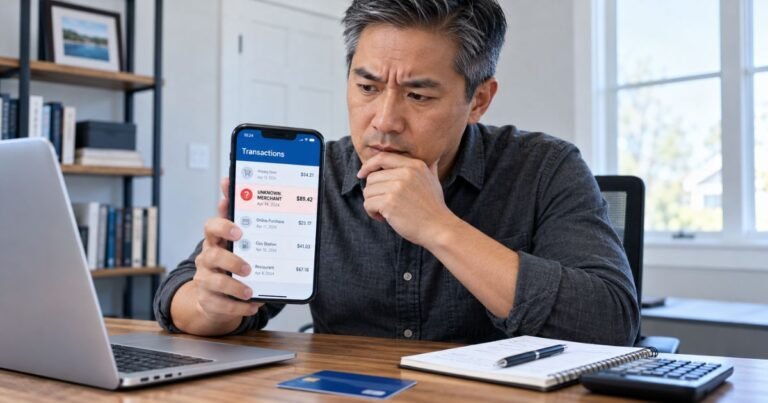
You open your credit card statement and spot a charge labeled Amazon Digital Services, Amazon Digital Svcs, or AMZN Digital. You don’t remember buying anything physical, so the charge feels confusing.
This is one of the most common Amazon-related descriptors people see. It almost always comes from digital content or subscriptions rather than shipped products.
Here’s a clear breakdown of what the charge means, how to find the exact purchase, and what to do if you don’t recognize it.
Quick Answer
An Amazon Digital Services charge on credit card is a legitimate Amazon billing descriptor for digital purchases and subscriptions. It covers Kindle books, app downloads, video rentals or purchases, Amazon Music, software, Kindle Unlimited, and similar items.
Check Your Digital Orders in your Amazon account to match the date and amount. If it’s unauthorized, contact Amazon and your card issuer right away.
What Is an Amazon Digital Services Charge?
Amazon uses different billing names depending on the type of purchase. Physical products usually show as Amazon.com or Amazon Marketplace. Digital items use a separate entity called Amazon Digital Services LLC.
On your statement you may see variations such as:
- Amazon Digital Svcs
- Amazon Digital Services
- AMZN Digital Svcs
- Amazon Digital Svcs 866-216-1072 WA
These charges process through Amazon’s digital systems and often post quickly. They are not the same as your regular Prime membership fee (which usually appears under Amazon Prime or a similar name).
What Does the Charge Usually Cover?
Amazon Digital Services charges typically include:
- Kindle eBooks and magazines
- Audible audiobooks or memberships (in many cases)
- Music downloads or Amazon Music purchases
- Movies and TV shows bought or rented on Prime Video
- Add-on channel subscriptions (such as certain streaming channels)
- Apps and games from the Amazon Appstore
- Software or digital game downloads
- Kindle Unlimited
- Certain one-time digital fees or opt-out charges
Many of these are one-time purchases. Others are recurring monthly or annual subscriptions.
Why You Might Not Recognize the Charge
Several everyday situations make the charge easy to miss:
- A family member used the shared Amazon account or household card
- You started a free trial that converted to a paid subscription
- You bought a Kindle book or rented a movie weeks earlier and forgot
- An auto-renewing service such as Kindle Unlimited or a video channel
- An app or in-app purchase on a Fire tablet or other Amazon device
- A small test or residual charge after canceling a service
Digital orders do not appear in the main “Your Orders” list the same way physical packages do. That separation is the main reason many people feel surprised when the charge shows up.
How to Find the Exact Source of the Charge
Follow these steps on a computer or the Amazon app:
- Sign in to your Amazon account.
- Go to Accounts & Lists (or Your Account).
- Select Your Orders, then switch to the Digital Orders tab (or search “Digital Orders”).
- Match the date and amount to the charge on your statement.
- Also check Memberships & Subscriptions for any active recurring digital services.
- Review Your Payments or Your Transactions for a full list of payment activity.
Most people find the matching order within a minute or two. Note the order number if you need to contact support later.
How to Cancel Unwanted Digital Subscriptions
If the charge is from a subscription you no longer want:
- Go to Memberships & Subscriptions in your Amazon account.
- Locate the service (Kindle Unlimited, channel subscription, etc.).
- Select Cancel or Manage and follow the prompts.
- Confirm the cancellation and save any confirmation email or screenshot.
Cancellation usually stops future charges, but you may still have access until the end of the current billing period. Refunds for the current period are not always automatic and depend on Amazon’s policies and timing.
What to Do If the Charge Is Unauthorized
If you cannot find any matching digital order and no one in your household recognizes the purchase:
- Contact Amazon Customer Service through the Help section in your account, chat, or the phone number listed on Amazon’s official help pages. Provide the date, amount, and last four digits of the card.
- Ask them to investigate and request a refund if the charge is not yours.
- At the same time (or if Amazon cannot resolve it quickly), call the number on the back of your credit card and report the charge as unauthorized.
- Request a new card if you suspect the account or card details were compromised.
Under U.S. credit card rules, your liability for unauthorized charges is limited when you report them promptly. Keep records of all conversations and confirmation numbers.
Common Mistakes to Avoid
- Looking only in the regular “Your Orders” list and missing the Digital Orders section
- Assuming every Amazon-related charge is fraud without checking your account first
- Sharing full card details with anyone who contacts you claiming to be Amazon
- Ignoring small recurring charges that can add up over months
- Waiting too long to dispute the charge with your card issuer
Practical Tips to Stay Ahead of Future Charges
Turn on order and payment notifications in your Amazon account and banking app.
Review Memberships & Subscriptions every few months.
Use Amazon’s “1-Click” and voice purchasing settings carefully, especially on shared devices.
Consider virtual card numbers for new digital trials when your bank offers them.
Keep a simple note of any free trials you start so you remember the end date.
FAQs On Amazon Digital Services Charge on Credit Card
Is Amazon Digital Services a legitimate charge?
Yes. It is the official billing name Amazon uses for digital content and many digital subscriptions. It is not a third-party company.
Why doesn’t the charge appear in my regular Amazon order history?
Digital purchases and subscriptions are tracked separately under Digital Orders and Memberships & Subscriptions. Physical product orders appear in the main order list.
Can I get a refund for an Amazon Digital Services charge?
It depends on the item and timing. One-time digital purchases often have limited or no refund windows. Subscriptions may be refundable if canceled promptly or if Amazon agrees the charge was incorrect. Contact Amazon support with the order details.
What if someone else in my household made the purchase?
Amazon Household and shared accounts allow other authorized users to buy digital content. Check with family members and review the Digital Orders list for the account that is linked to the card.
If the payment relates to an ebook or digital order, compare Amazon Downloads and Kindle SVCS. Look up the actual digital receipt to confirm which service billed your card.
Conclusion
An Amazon Digital Services charge on credit card almost always comes from a Kindle book, video rental, app, music download, or digital subscription processed by Amazon Digital Services LLC.
The fastest way to identify it is to open Your Digital Orders and Memberships & Subscriptions in your Amazon account and match the date and amount.
If the charge is legitimate but unwanted, cancel the subscription right away. If it is truly unauthorized, contact both Amazon and your card issuer without delay.
Checking your digital order history regularly and enabling payment alerts will help you catch these charges early and avoid surprises.
Disclaimer: This article is for general informational purposes only and does not constitute financial, legal, or professional advice. Amazon’s billing descriptors, policies, and account interfaces can change. Always verify details directly in your Amazon account and with your card issuer. If you suspect fraud, report it promptly to Amazon Customer Service and your financial institution.