What Does SQ Mean on a Credit Card Charge?

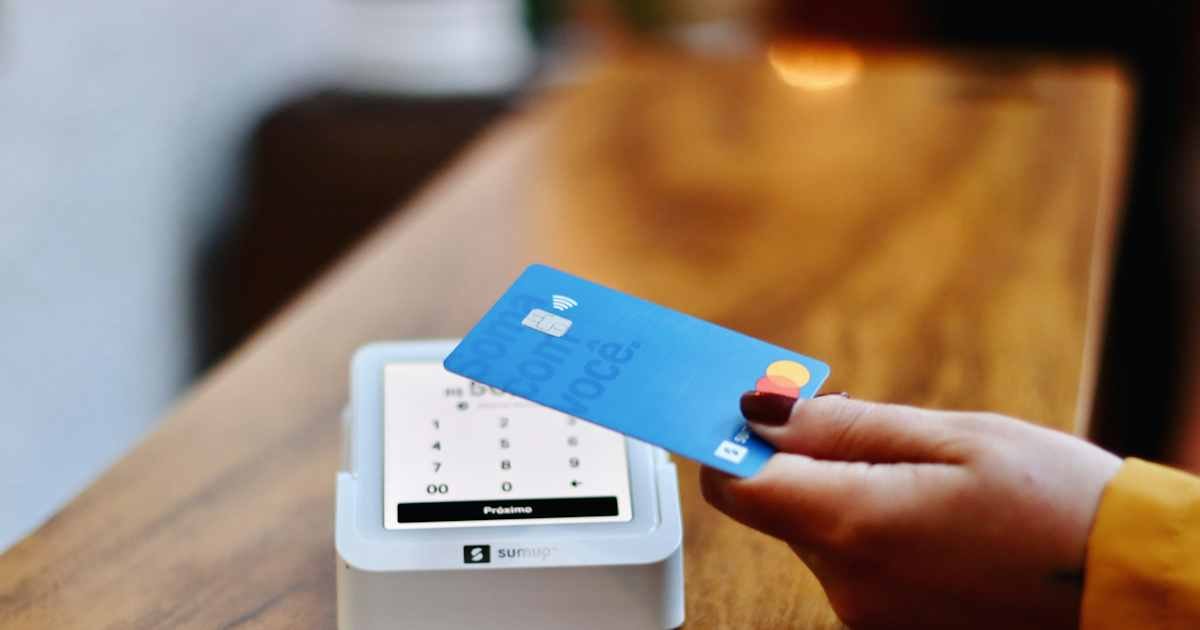
If you see SQ on a credit card charge, it commonly means the business accepted your payment through Square, a payment processing service. Square says its sellers’ transactions may show as SQ* followed by the business name, a shortened name, or a business category. It does not necessarily mean Square itself sold you anything.
The key is the text after SQ. That part can help you find the coffee shop, market vendor, salon, or other seller that processed your payment. If you cannot match it with a receipt, Square offers a transaction lookup process, and your card issuer can help investigate an unauthorized payment.
What Does SQ Mean on a Credit Card Charge?
SQ is a common indicator that a merchant used Square to accept a card transaction. Square provides payment tools for businesses, including card readers, online checkout, invoices, and point-of-sale software. You might buy something from a small store and see SQ rather than the familiar sign over its front door.
Square’s official customer help explains that SQ* or gosq.com may appear on billing statements along with a merchant name and category. The exact wording depends on the seller’s account details and the bank’s display. Do not interpret the prefix as a special card fee or a recurring Square membership.
Why the merchant name may look unfamiliar
A seller may register the payment account under a legal business name, a shortened trading name, or an individual owner’s name. For example, a pop-up food stand might use a business registration that is different from the name printed on its sign. Banks may also shorten the description to fit the available space.
Imagine buying lunch at a weekend market. The receipt says “Green Street Café,” while the card statement shows SQ* followed by a personal name. Both entries can refer to the same purchase. Only an invoice, receipt, or processor record can confirm the connection.
Where Square payments are commonly used
- Restaurants, cafés, food trucks, and independent bakeries.
- Farmers markets, craft fairs, and temporary retail stalls.
- Hair salons, barbers, repair businesses, and personal services.
- Independent retailers using Square point-of-sale devices.
- Online sellers who use Square Online or digital invoices.
These are examples of merchant types, not proof that any particular charge came from one of them. Square supports many businesses, and two different sellers can have similar names. The transaction date, final amount, and full descriptor remain important.
What does SQ* before a merchant name mean?
An asterisk after SQ generally acts as a separator in Square-style descriptors. For example, SQ* followed by a store name is consistent with a merchant processed through Square. Sometimes the label includes extra letters, a business category, or a reference. Your bank may remove or replace punctuation.
A name beginning with SQ does not automatically mean the transaction is authentic. Someone can misuse a real merchant’s checkout, and an unfamiliar transaction can still be unauthorized. Identify the seller before deciding whether to dispute it.
How to identify an SQ charge step by step
- Open your card details. Copy the entire merchant description, date, final amount, and city if one appears.
- Think about small in-person purchases. Check visits to cafés, markets, boutiques, and service providers within the relevant period.
- Search your receipts and email. Square can send digital receipts by email or text depending on merchant and customer preferences.
- Use Square’s buyer help. Visit Square’s official cardholder support guidance and follow its receipt lookup instructions.
- Ask the seller. If you think you found the merchant, provide only the minimum information needed to search for the transaction.
- Contact the issuer. If no authorized purchase matches, ask for fuller details and report potential fraud.
When checking a Square receipt, compare the subtotal, sales tax, and any tip with the amount that posted to your card. An in-person tip added after you signed a receipt can explain a difference between the initial authorization and the final charge.
Why the Square amount may differ from what you remember
The total might include sales tax, a tip, or several items purchased together. A restaurant payment may first appear pending at one amount, then post at the final total after a tip is entered. Ask for an itemized receipt if the difference is not obvious.
However, do not assume every difference is a tip. Duplicate settled transactions, an incorrect amount, or an unauthorized charge should be reviewed with the seller and your card issuer. If two entries appear, check whether one is still only a temporary pending authorization.
Does SQ mean a subscription?
No. SQ primarily suggests the use of Square’s payment tools. Many transactions are one-time in-person purchases. Some Square sellers may use recurring invoices or subscriptions, but the prefix by itself does not identify a recurring plan.
To determine whether a payment repeats, review the statement dates and contact the actual business. If you find a recurring charge you authorized but no longer want, cancel through the merchant and keep a copy of the confirmation. If it is unauthorized, report the problem to your issuer.
Is an SQ charge a scam?
Not inherently. Square is an established payment provider used by many merchants. A charge showing Square-style wording can be completely legitimate. But the existence of a real payment processor does not guarantee that every individual transaction was approved by the cardholder.
Follow the same verification process you would for any unfamiliar charge. Save the statement entry, check the receipt, and ask your bank to investigate if you do not recognize it. Our guide to unknown credit card charges explains how to handle abbreviated merchant names.
What if Square’s receipt lookup does not find anything?
First confirm the posted amount and date. A bank may show the settlement date while the original receipt shows the purchase date. Try only the official Square lookup tool and follow its instructions; avoid entering card information into an unrelated website.
If you still cannot find the transaction, ask your issuer for merchant details. There may be a business name or category code not visible in the standard app screen. Square’s support team may also explain what information it can or cannot provide to buyers.
What to do if the charge is unauthorized
Call the phone number on the back of your credit card and explain that the transaction does not correspond to a purchase you approved. Ask about the issuer’s fraud investigation and whether a replacement card is advisable. Save the case number and watch for follow-up notices.
For a billing error, federal law can provide additional rights, including a written-notice procedure with time limits. Use the dispute instructions from your own card issuer and keep copies of the written notice and supporting evidence.
How to stop future unwanted SQ charges
If the payment came from an unwanted merchant subscription, ask that merchant to cancel it and save written confirmation. If the payment is fraudulent, ask your issuer to protect the card and review other activity. Changing the card number may help prevent misuse, although recurring-payment arrangements can be handled differently by issuers and networks.
Enable transaction alerts so you can quickly identify future charges. For more preventive measures, see our guide to blocking a credit card charge.
Square versus other payment processors
The Square-style prefix is different from some labels used by Shopify, PayPal, or other checkout services. These processors can display a business name that differs from the retailer’s public brand. Identifying the processor helps narrow the search, but it does not replace checking the actual merchant record.
If a charge simply shows “SQ” without further context, treat the merchant as unidentified until you obtain a receipt or card issuer confirmation. Do not make up a business based on one or two letters.
Official sources
- Square: Purchases and Cardholder Help
- Square Seller Community: Statement Descriptions
- CFPB: Fixing Credit Card Billing Mistakes
FAQs About SQ Credit Card Charges
Q. Does SQ mean Square charged me directly?
A. Usually it identifies a merchant that uses Square to accept payment. Find the actual seller from the rest of the description or the receipt.
Q. What is SQ* on my statement?
A. SQ* is a common Square transaction prefix, often followed by the merchant’s name or business category.
Q. Why is there an extra amount on an SQ purchase?
A. It may reflect a tip, tax, or finalized amount. Compare the posted charge with the itemized receipt; dispute any unexplained error.
Q. How do I get a refund for an SQ charge?
A. Start with the merchant that sold you the item or service. If the charge is unauthorized or a billing error remains unresolved, contact your card issuer.
Conclusion
SQ on a credit card charge usually means a payment went through Square, not that Square itself sold you something. Review the full descriptor, retrieve the receipt, and confirm the amount. If no authorized purchase explains the transaction, report it to your card issuer.
Disclaimer: This guide is for general U.S. consumer education and is not individualized financial or legal advice. Merchant descriptors vary, and a bank or merchant must verify an individual payment.