What is Blink Charge on Credit Card Statement?

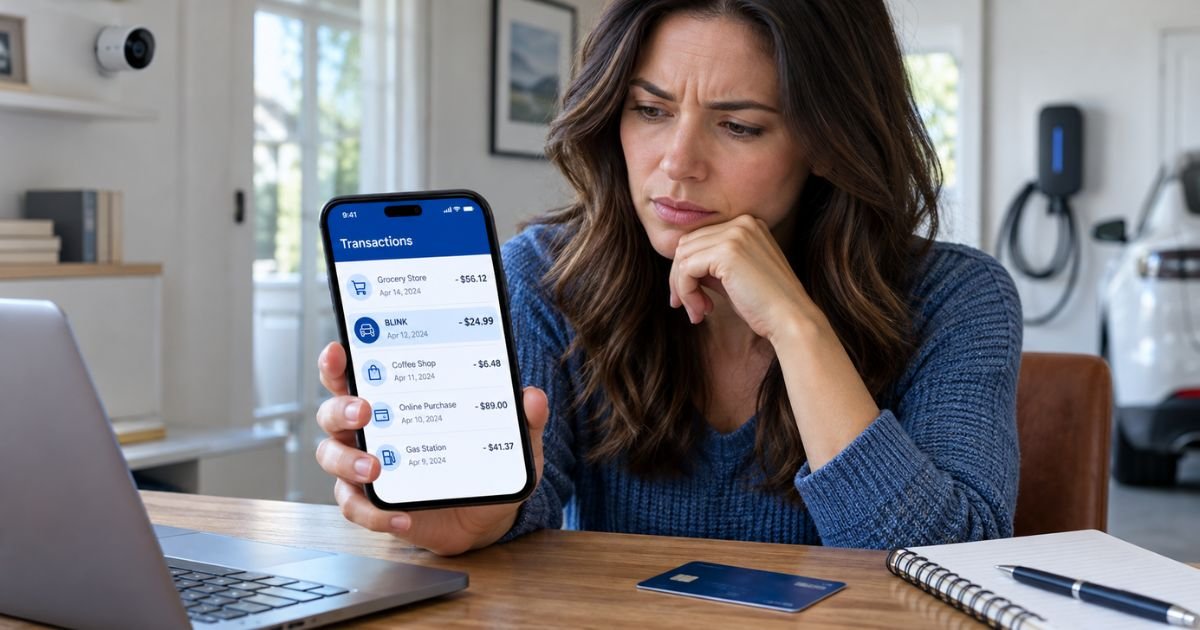
A Blink charge on credit card statements can feel confusing if you don’t remember making a purchase or signing up for a subscription. The charge may come from Blink Home Security, Blink Charging, Blink Fitness, or another business using the Blink name.
The good news is that many unfamiliar charges are legitimate purchases or automatic renewals. This guide explains what Blink charges mean, how to identify the merchant, and how to cancel or dispute unwanted payments.
What Is the Blink Charge on Credit Card?
A Blink charge on credit card statements generally represents a payment to a business operating under the Blink name. However, several unrelated companies use this name, so the exact merchant depends on your transaction details.
One possible source is Blink Home Security, an Amazon-owned brand that sells smart security cameras and video doorbells. Customers may pay monthly or annually for cloud video storage and additional camera features.
Another possibility is Blink Charging, which operates electric vehicle charging stations. If you’ve recently charged an electric vehicle, the transaction may represent a charging session.
Blink Fitness, Blinkist, and Blink Health are other businesses worth checking if you’ve used their services.
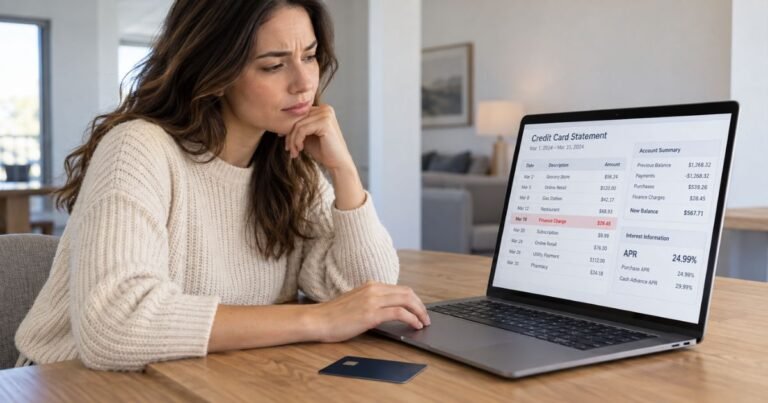
The word “BLINK” alone cannot confirm which company charged you. Review the full merchant description, amount, and transaction date before deciding whether the payment is legitimate.
Why Is Blink Charging My Credit Card?
Several situations may explain an unfamiliar Blink transaction.
1. Blink Home Security subscription
If you own Blink security cameras, you may have subscribed to a paid plan for cloud storage and additional features.
Your subscription may renew automatically each month or year.
2. An electric vehicle charging session
If you’ve used a Blink Charging station, your card may have been billed for electricity, charging time, or applicable station fees.
A temporary authorization hold may also appear before the final amount is processed.
3. A Blink Fitness membership
If you’ve joined a Blink Fitness gym, the charge may relate to membership dues or another fee under your agreement.
4. A Blinkist subscription
Blinkist provides summaries of nonfiction books and other learning content. A paid subscription may renew automatically, although its billing description isn’t necessarily shortened to BLINK.
5. An unauthorized purchase
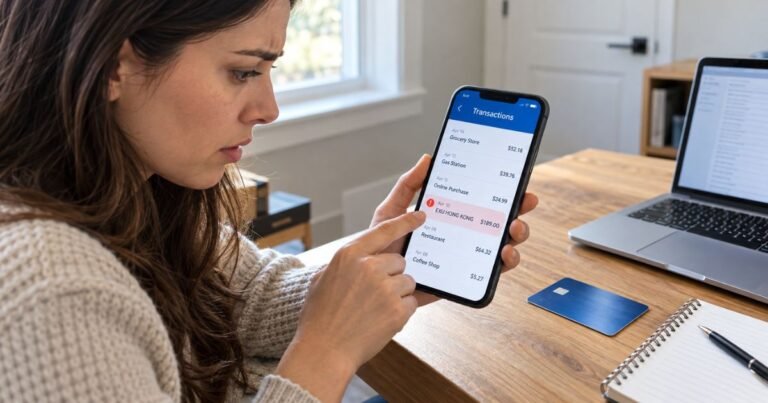
If you haven’t used any Blink-related service, the payment may be unauthorized.
Contact your credit card issuer promptly if you suspect someone used your card without permission.
Which Companies May Appear as Blink on Your Statement?
Several businesses share similar names but offer different services.
| Company | Type of service | Possible reason for payment |
|---|---|---|
| Blink Home Security | Smart cameras and doorbells | Cloud storage subscription |
| Blink Charging | Electric vehicle charging | Charging session or authorization |
| Blink Fitness | Gym and fitness memberships | Membership dues |
| Blinkist | Book summary and learning app | Digital subscription |
| Blink Health | Prescription medication service | Medication purchase |
| Blink workplace app | Employee communication software | Business subscription |
These are potential matches, not confirmed users of the exact “BLINK” credit card descriptor.
Your bank may provide a merchant location, website, or business category that helps identify the correct company.
How Much Does Blink Usually Charge?
Blink charges vary widely depending on the company and service.
For example, Blink Home Security offers several subscription plans. Its standard U.S. Basic and Plus plans have advertised the following prices:
| Blink camera plan | Monthly price | Annual price |
|---|---|---|
| Blink Basic | $3.99 | $39.99 |
| Blink Plus | $11.99 | $119.99 |
These are standard advertised prices before applicable taxes. Promotional pricing, additional plans, and updated terms may affect the amount you pay.
Blink Charging fees depend on the charging station and your usage. Some stations charge by electricity consumed, charging duration, or session.
Blink Charging also describes a $15 temporary authorization hold for certain sessions. This isn’t necessarily the final payment amount.
For other Blink businesses, check your receipt or membership agreement to confirm the cost.
How Does Blink Appear on Credit Card Statements?
Your bank may display a shortened merchant name instead of the company’s full business name.
Possible descriptions include:
| Statement description | Possible explanation |
|---|---|
| BLINK | Unspecified Blink-related merchant |
| BLINK CHARGING | Potential EV charging transaction |
| BLINK FITNESS | Potential gym membership payment |
| BLINK SUBSCRIPTION | Potential recurring service payment |
| BLINKIST | Potential Blinkist digital subscription |
| BLINK HEALTH | Potential prescription-related purchase |
These are examples of possible descriptions, not a verified list of every billing format.
Some Blink Home Security subscriptions may appear under Amazon-related billing information, depending on where you purchased the plan.
If your bank only displays “BLINK,” request additional transaction details before contacting a specific company.
How to Verify a Blink Charge on Your Credit Card
If you don’t recognize the payment, check your recent purchases and subscription history.
Step 1: Review the transaction
Open your credit card app and check the amount, date, merchant location, and complete description.
Also, check whether the transaction is pending or completed.
Step 2: Check your Blink Home Security account
If you own Blink cameras, open your Blink account and review your subscription settings.
You can also check Amazon’s Memberships & Subscriptions section for Blink plans purchased through Amazon.
Step 3: Review EV charging activity
If you drive an electric vehicle, open your Blink Charging app and review recent sessions.
Compare the charging date and amount with your credit card transaction.
Step 4: Check other subscriptions
Review gym memberships, digital subscriptions, and purchases through Apple or Google Play.
Step 5: Search your email
Search for Blink, Blink Charging, Blink Fitness, Blinkist, and payment receipts.
Step 6: Contact your bank
If you still can’t identify the charge, ask your issuer for additional merchant information.
How to Cancel a Blink Subscription
The cancellation process depends on which Blink company billed you.
Cancel Blink Home Security through Blink
- Sign in to your Blink account.
- Open My Plan.
- Review your subscription details.
- Select Cancel My Plan.
- Confirm your cancellation.
- Save the confirmation email.
These steps generally apply to plans purchased directly through Blink.
Cancel through Amazon
If you purchased your Blink camera subscription through Amazon:
- Sign in to your Amazon account.
- Open Memberships & Subscriptions.
- Find your Blink subscription.
- Select Cancel Subscription.
- Confirm your choice.
Cancel other Blink memberships
For Blinkist, check your subscription settings or the app store where you subscribed.
For Blink Fitness, follow the cancellation process in your gym membership agreement. Requirements may depend on your membership and location.
Deleting an app or replacing your credit card doesn’t automatically cancel a subscription.
Can You Get a Refund for a Blink Charge?
You may qualify for a refund depending on which company charged you and why.
Blink Home Security’s refund terms vary by purchase channel. For example, eligible monthly and annual plans canceled through Amazon may receive prorated refunds, while plans canceled through Blink’s website generally don’t automatically receive refunds for unused time.
For Blink Charging, contact the company if your final payment doesn’t match your charging session.
If you see a pending authorization rather than a completed charge, it may disappear automatically after processing.
For other services, review the applicable cancellation and refund terms.
Refund approval isn’t guaranteed. Keep payment receipts and cancellation confirmations in case you need to challenge a billing error.
Is the Blink Credit Card Charge a Scam?
A Blink charge isn’t automatically fraudulent. Several legitimate businesses operate under this name.
However, the transaction may require investigation if you don’t recognize the merchant, amount, or purchase date.
Be cautious if you notice repeated payments from an unfamiliar company or charges that don’t match any account you control.
If you suspect fraud, report it to your credit card issuer immediately.
Don’t share your full credit card number or banking password with someone claiming to represent Blink through an unsolicited message.
How to Dispute an Unauthorized Blink Charge
If you cannot identify the merchant or believe the charge is unauthorized, contact your bank.
Follow these steps:
- Call the number on the back of your credit card.
- Explain that you don’t recognize the Blink transaction.
- Provide the payment amount and transaction date.
- Ask your issuer to investigate.
- Follow its dispute instructions.
- Keep records of your communications.
For qualifying billing errors under the Fair Credit Billing Act, you generally must send a written dispute notice within 60 days after your issuer sent the first statement containing the error.
Your issuer may offer temporary credit during the investigation, but a final refund isn’t guaranteed.
How to Prevent Unexpected Blink Charges
You can reduce unwanted payments by checking your active subscriptions regularly.
Enable credit card transaction alerts and review automatic renewal dates before free trials or paid memberships renew.
If you own Blink cameras, monitor your subscription settings. If you use Blink Charging, review your charging history and receipts.
Avoid saving payment information on unfamiliar websites, and contact your bank promptly if you notice suspicious activity.
FAQs On Blink Charge on Credit Card
Q: What company is Blink on my credit card statement?
A: Blink may refer to Blink Home Security, Blink Charging, Blink Fitness, or another company using the name. Check your transaction details and recent purchases to identify the merchant.
Q: Why is Blink charging me every month?
A: A recurring Blink charge may come from a Blink Home Security subscription, gym membership, or another paid service. Review your active subscriptions and compare their renewal dates with your statement.
Q: How do I stop Blink from charging my credit card?
A: Identify the company responsible for the payment and cancel the relevant subscription through its official account settings. If the charge is unauthorized or continues after valid cancellation, contact your credit card issuer.
Q: Is a Blink charge on my credit card fraudulent?
A: Not necessarily. Many Blink charges come from legitimate subscriptions or purchases. If you don’t recognize the transaction after reviewing your accounts, report it to your bank for investigation.
Conclusion
A Blink charge on credit card statements may come from Blink Home Security, Blink Charging, Blink Fitness, or another business with a similar name. The payment could represent a subscription renewal, gym membership, electric vehicle charging session, or digital purchase.
Start by reviewing the full transaction description and checking your purchase history. If you identify an unwanted subscription, cancel it through the appropriate provider. If the charge remains unfamiliar or unauthorized, contact your credit card issuer promptly.
Disclaimer: This article is for informational purposes only and does not provide financial or legal advice. Merchant descriptions, subscription pricing, refund policies, and credit card dispute procedures may vary by company and issuer. Verify account-specific questions directly with the relevant Blink company or your bank.