What Is BCS MPP Charge on Credit Card?

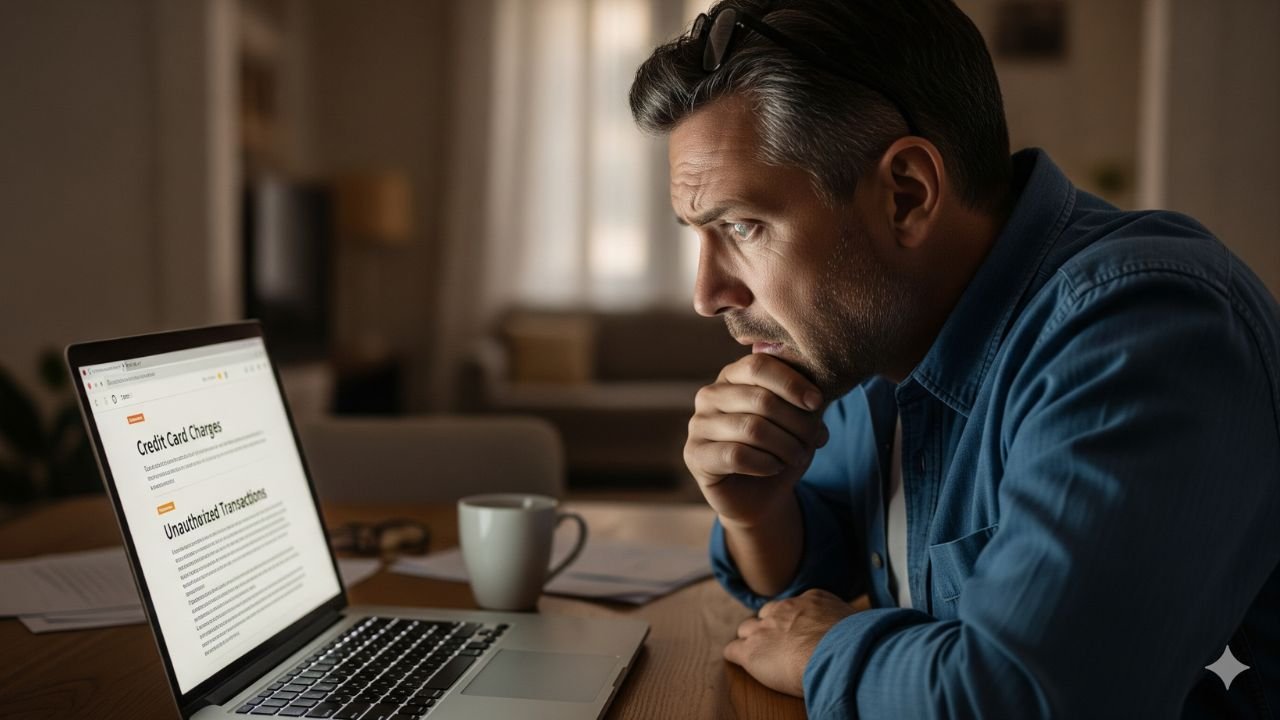
Have you ever scanned your bank statement and spotted a BCS MPP charge on credit card followed by a school name or county, with an amount that doesn’t ring any bells right away.
You’re not alone in this. Many people notice these charges and wonder if its a mistake or something more serious.
Understanding the BCS MPP Charge
Let’s start with the basics. The BCS MPP charge is typically a transaction descriptor that appears on your credit card statement when you make a payment through MyPaymentsPlus.
This is an online platform designed to make it easy for parents and guardians to handle school-related expenses. MyPaymentsPlus isn’t just for schools though.
It can be used for other organizations that need a simple way to collect fees or payments.
You might see it formatted like BCS MPP School Name or BCS MPP County.
The BCS part could stand for something internal to the payment processing, but the key piece is MPP, which points to MyPaymentsPlus.
This service partners with school districts across the United States to manage things like meal accounts, activity fees, and more.
If you have kids in school, this charge might be from adding money to their lunch account or paying for a field trip.
Why does it show up this way? Credit card statements have limited space for merchant names, so processors use abbreviated codes.
This can make legitimate charges look mysterious at first glance. But once you connect the dots, it usually turns out to be something routine.
What Is MyPaymentsPlus?
MyPaymentsPlus is a user-friendly online tool that helps streamline payments for educational and other community services.
Its powered by Horizon Software International and gives parents round-the-clock access to manage their children’s accounts. Think of it as a one-stop shop for handling school finances without writing checks or visiting the office.
The platform offers several features.
You can preload money into cafeteria accounts so your kids can buy meals without cash. It also handles payments for field trips, sports registrations, yearbooks, and even AP exam fees.
Some schools use it for parking permits or technology fees. Beyond schools, it might be used by other groups for event tickets or memberships.
Setting up an account is simple. You register with your email, link your students info, and add a payment method like a credit card.
Then, you can make deposits or pay bills anytime from your phone or computer. The app is available on both iOS and Android, making it convenient for busy parents.
One big plus is the transparency. You get notifications for low balances and can view transaction history. This helps avoid surprises like a kid coming home hungry because their account ran dry.
Schools like it because it reduces administrative work and ensures funds are collected efficiently.
Why Does the Charge Appear as BCS MPP?
The way charges show up on your statement depends on the payment processor. MyPaymentsPlus uses a system where transactions are labeled with BCS MPP to identify them.
This isn’t unique to one company its a common practice in the industry to categorize payments.
For example, if youre paying for lunches in Gwinnett County schools, it might appear as BCS MPP Gwinnett County.
In other areas, like St. Tammany Parish or Amity Region, the school or district name gets tacked on. This helps you trace it back, but if you don’t remember the payment, it can still be confusing.
Sometimes, the charge includes a phone number like 877-237-0946, which is a support line for MyPaymentsPlus. Calling that can quickly clear things up.
The amount is usually small to moderate, depending on what you’re paying for a lunch deposit might be twenty dollars, while a field trip could be more.
Its worth noting that this descriptor has shown up in various contexts, from public school districts to government reports.
In some state transparency documents, similar charges appear for educational expenses, confirming its legitimacy in those cases.
Common Reasons for Seeing This Charge
There are several everyday scenarios where a BCS MPP charge might appear on your card.
Here’s a breakdown to help you identify yours.
- School Meal Accounts: This is the most frequent one. Parents add funds so kids can buy breakfast or lunch. If your child eats at school regularly, you might set up auto-replenish, leading to recurring charges.
- Activity and Field Trip Fees: Schools often use MyPaymentsPlus for extras like class trips, sports equipment, or club dues. These are one-time payments that can catch you off guard if you forgot about them.
- Registration and Testing Costs: Think AP exams, SAT prep, or enrollment fees for summer programs. These tend to happen at specific times of the year.
- Other School-Related Expenses: Parking passes, yearbooks, or even donations to school events can go through this system.
- Non-School Uses: While less common, some community organizations or after-school programs might use the platform for payments.
If you have multiple kids in different schools, charges could add up quickly.
Always check the date of the charge against your calendar to see if it matches a school event.
How to Verify If the Charge Is Legitimate
Spotting an unfamiliar charge? Dont panic. Heres a step-by-step guide to check it out.
First, talk to your family. Ask if anyone made a school payment recently. Kids or spouses might have handled it without mentioning.
Next, log into your MyPaymentsPlus account if you have one. You can view recent transactions and match them to your statement.
If you don’t have an account, visit the schools website they often link to the payment portal.
Contact the school directly. The finance or cafeteria office can confirm if the charge ties to your students account. Provide the charge details for quick verification.
If its still unclear, call the number on the charge or MyPaymentsPlus support. They can look up the transaction by your card info.
Finally, review your credit card app or online banking for more details. Some issuers show merchant categories, which might list it under education.
By following these steps, most people find out its a valid charge. But if it doesnt add up, it could be time to take further action.
What to Do If You Don’t Recognize the Charge
If youve checked and the charge seems off, act fast. Unrecognized charges could be errors or fraud.
Start by contacting your credit card company. They can place a hold on the charge and investigate. Under federal law, youre protected from unauthorized charges, often with zero liability.
Dispute the charge through your issuers app or website. Provide details like the amount, date, and why its suspicious. Theyll usually credit you temporarily while they look into it.
If its fraud, change your card number and monitor for other odd activity. Enable transaction alerts to catch issues early.
In rare cases, it might be a billing error from the school. Reach out to them to request a refund if applicable.
Remember, quick action limits damage. Most disputes resolve in your favor if handled promptly.
Tips for Managing School Payments and Avoiding Surprises
To keep things smooth, here are some handy tips.
Set up email notifications in MyPaymentsPlus for every transaction. This way, youre in the loop right away.
Use a dedicated card for school payments. This separates them from other expenses and makes tracking easier.
Review statements monthly. Make it a habit to go over every line item.
Consider budgeting apps that categorize charges. They can flag education-related ones automatically.
Teach older kids about responsible spending if they have access to accounts.
If auto-payments are set, note the dates they hit to avoid overdrafts.
| Tip | Benefit |
|---|---|
| Enable alerts | Instant awareness of charges |
| Dedicated card | Easier tracking |
| Monthly reviews | Catch issues early |
| Budget apps | Automatic categorization |
These small habits can save you time and stress in the long run.
FAQs On BCS MPP Charge on Credit Card
Q: What does BCS MPP stand for on my credit card?
A: BCS MPP is a descriptor for payments processed through MyPaymentsPlus, often for school-related expenses. The exact acronym isnt publicly detailed, but its tied to their payment system.
Q: Is the BCS MPP charge a scam?
A: In most cases, no its a legitimate charge from MyPaymentsPlus. However, if you didn’t authorize it, treat it as potential fraud and contact your card issuer.
Q: How can I stop future BCS MPP charges?
A: Log into your MyPaymentsPlus account and adjust auto-replenish settings or remove your card. If its a one-time payment, just avoid using the service. Contact the school if needed.
Conclusion
The BCS MPP charge on credit card is usually nothing to worry about its often just a school payment in disguise. By understanding MyPaymentsPlus and how these transactions work, you can stay on top of your finances.
Disclaimer: This blog provides general information based on publicly available sources. Its not financial or legal advice. Always consult your credit card issuer or a professional for personalized guidance. The content is for educational purposes only.