What is Adobe Websales Charge on Credit Card?

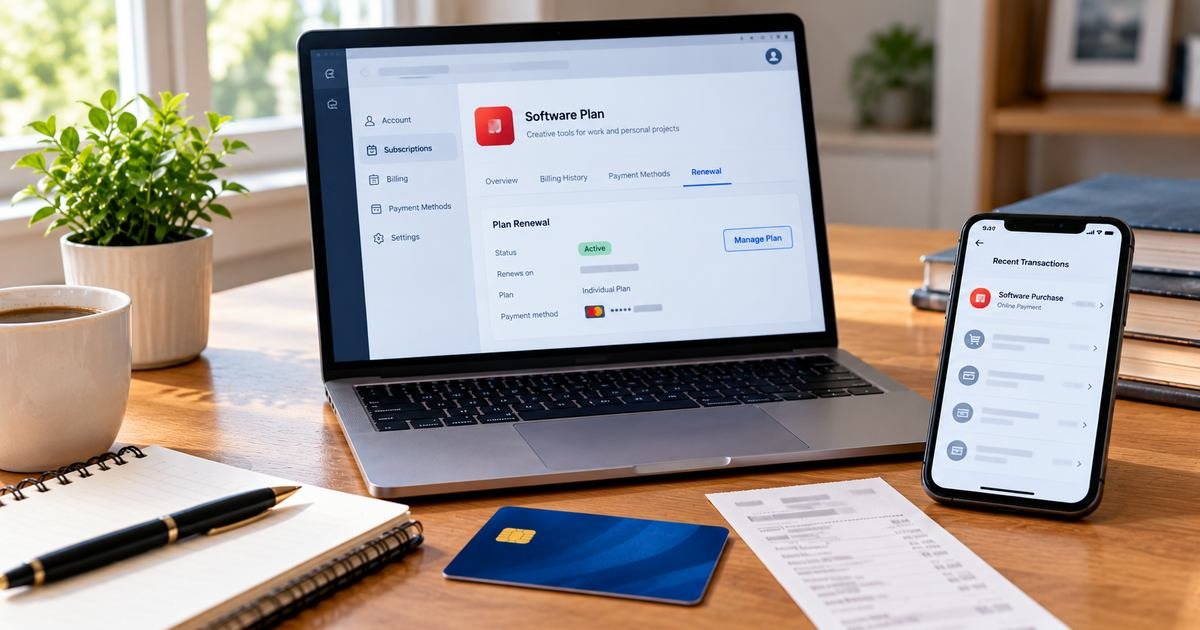
An Adobe Websales charge on your credit card often comes from an Adobe software purchase or subscription. It may relate to Acrobat, Creative Cloud, Adobe Stock, Photoshop, or another product purchased through Adobe’s online sales system.
The company provides a charge finder and billing-history tools that can help locate the actual account. This guide explains why the payment might repeat, how annual plans differ from monthly contracts, and what to do about a charge you did not authorize.
What Is Adobe Websales Charge on Credit Card?
Adobe sells creative and document software through direct web checkout and other channels. A card description showing Adobe Websales is consistent with the company’s online billing operations, but the full statement label and issuer record should still be checked.
Products may include individual apps, Creative Cloud subscriptions, Adobe Acrobat, Adobe Stock, and separate add-on services. Buying several products can result in separate charges even when the apps share one login.
Adobe supports monthly plans and some annual commitments that are billed monthly. A lower monthly debit does not always mean the service can be canceled without an early termination amount.
The price on a new promotional offer may not be what an established customer pays at renewal. The correct explanation comes from the specific plan and receipt rather than an advertised headline price.
Which Adobe Product May Have Triggered Websales
If you recently subscribed to Photoshop, Illustrator, Acrobat, or another Adobe tool, review the plan list in the account you used to sign up. The product name may not be included in the payment descriptor.
Adobe Stock, extra storage, AI-related features, or separate account services can add another line to the bill. Check all active plans instead of assuming one plan represents the entire charge.
Student and teacher promotions can carry time-limited pricing. Adobe’s 2026 billing guidance explains that renewal at standard rates can follow the introductory term.
An authorized coworker might have purchased a software license for a business card. Compare the corporate expense report, user seat, and invoice before describing the entry as unapproved.
If the issuer lists a location or payment reference inconsistent with Adobe, use its expanded merchant information. A similar label or impersonating seller may not be a genuine Adobe transaction.
Use Adobe’s Official Charge Finder and Invoice History
Adobe has an official tool for looking up a charge using details from the payment statement. The company cautions that a recent payment can take up to 48 hours to appear in the system.
Sign in at Adobe’s website and open the account plans and billing history. Check the invoices for the exact debit, taxes, billing period, and payment method.
Search email for Adobe, Websales, Acrobat, Creative Cloud, Stock, invoice, and the amount shown by the bank. The purchase confirmation should identify which Adobe account accepted the order.
Consider whether another email address was used for a separate Adobe ID. Adobe’s help material identifies multiple accounts as a common source of unexpected repeated charges.
If Adobe cannot locate a purchase after checking the official tool and authorized accounts, ask your card issuer for the full merchant-of-record details and report an unexplained posted payment.
Adobe Annual Plans, Renewals, and Cancellation Fees
An annual subscription billed monthly means the customer agrees to an annual term but pays in installments. It is different from a month-to-month plan with no annual commitment.
Adobe explains that canceling some annual plans before the term ends can trigger an early termination fee. Review the specific contract and the amount presented in the cancellation flow before confirming.
A promotional subscription can renew at the standard rate. Compare the original offer, plan renewal date, and any notice with the new charge before assuming that Adobe has increased the rate incorrectly.
To stop future bills, open the relevant Adobe plan and follow its authenticated cancellation steps. Cancel each separately billed plan you no longer want and save every confirmation.
Deleting an Adobe app or signing out of Creative Cloud does not cancel billing. The account must confirm that the plan has ended or that renewal is disabled.
Duplicate Charges and Refund Eligibility
Adobe notes that two or more charges can come from multiple active plans or a previously failed payment that was later collected. Examine the invoice numbers and payment periods first.
If the charge appears after cancellation, check whether the billing cycle had already started or the request was incomplete. Adobe says a successful cancellation should generate confirmation.
Refund eligibility can depend on the plan, payment timing, and purchase channel. Do not assume all annual installments or add-on purchases have the same refund policy.
If Adobe approves a credit, its help center gives typical processing guidance but your bank ultimately controls when the refund becomes visible. Keep the confirmation and check the posted credit.
If you did not authorize an Adobe transaction, notify your issuer rather than treating cancellation of another legitimate Adobe plan as a complete fraud remedy.
How to Check a Charge Against Your Credit Card Records
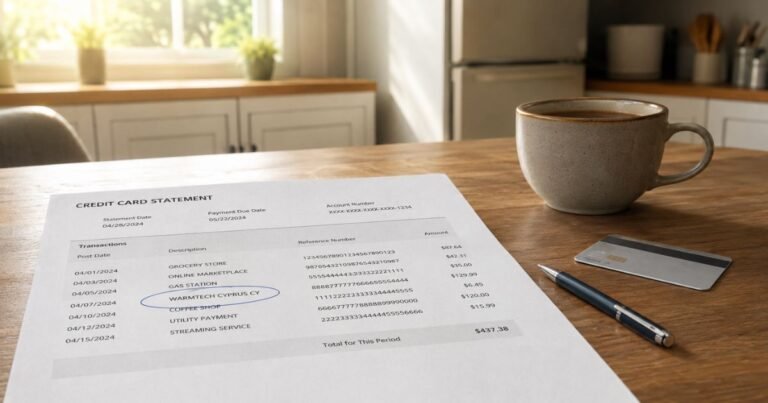
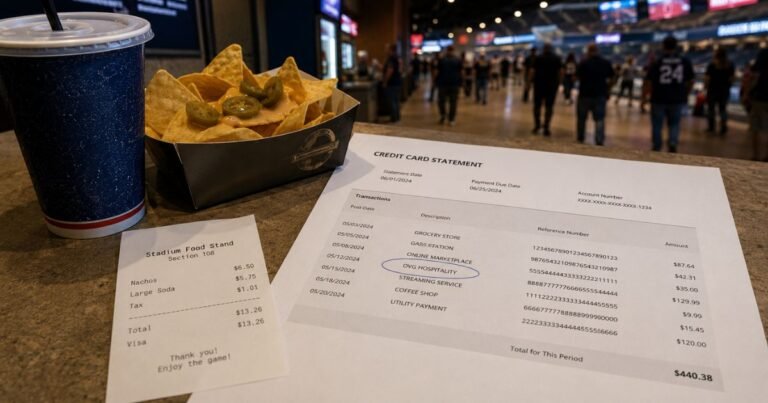
Start in your bank’s authenticated mobile app or website. Write down the complete merchant label, amount, transaction date, posting date, and any business location or phone reference. A shortened descriptor may not resemble the brand you used at checkout.
Confirm whether the entry has posted. A temporary card authorization can disappear or settle for a different amount. One pending authorization beside its completed replacement is not necessarily two charges.
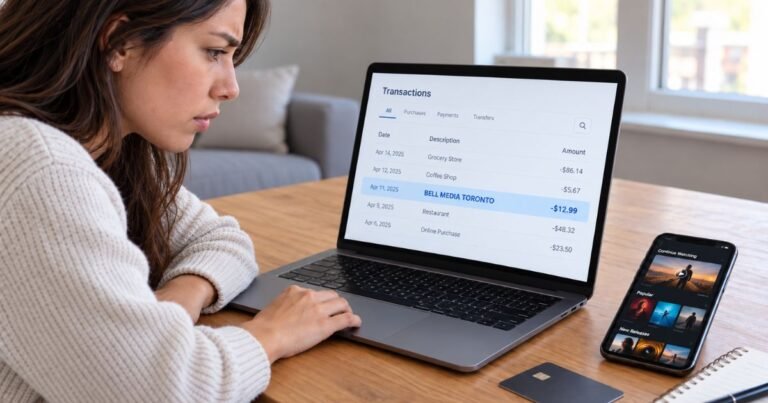
Search receipts by the exact amount, not only by the displayed company name. Review purchase confirmations, saved payment methods, and authorized additional users. A business may use a corporate name or processor different from its public brand.
When the card entry still makes no sense, ask the issuer for the full merchant of record and additional payment details. The card network may carry information that is not displayed in the ordinary statement.
Keep copies of receipts, the statement, and communications with the company. Those records help distinguish a mistaken amount from a transaction made without the cardholder’s permission.
Incorrect Amounts, Refunds, and Unauthorized Payments
If you recognize the merchant but not the total, request an itemized invoice. Compare the initial price, taxes, discounted periods, additional products, and any applicable payment processing costs.
If nobody with authorization recognizes a posted payment, report it promptly through your bank’s verified fraud channel. Ask whether a temporary card lock, replacement card, or account security update is appropriate.
For many US credit card billing errors, the Consumer Financial Protection Bureau says to send a written notice within 60 calendar days after the issuer sent the first statement containing the error. The designated billing-error address may not be the same address used for payments.
An issuer dispute launches an investigation and does not automatically guarantee reimbursement. Save the reference number, refund promises, and cancellation confirmation while continuing to meet obligations for undisputed balances.
A refund generally appears as a separate credit after the original settled purchase. Pending authorizations may simply be released without a separate credit. Review final postings before deciding that a promised reversal was missed.
Prevent the Same Billing Confusion Later
Enable transaction alerts when available so a future descriptor can be connected to a purchase at the time it happens. Save purchase receipts and renewal notices together in a searchable folder.
If a paid service renews automatically, cancel with the merchant or app store controlling the actual agreement. Uninstalling an app or changing cards is not always enough to terminate a valid subscription.
Do not disclose full payment card numbers, one-time security codes, or account passwords to an unrelated charge-lookup site. Use authenticated merchant and issuer support tools instead.
Check your next statement after an account change or dispute. Report any additional unexplained entries under the same merchant and share the earlier investigation reference with the issuer.
Official Sources and Merchant Verification
Adobe’s official charge finder accepts payment details to locate Adobe transactions, and its billing guide explains that an expired promotion, multiple plans, or an annual plan billed monthly can change the statement total. Adobe also documents early cancellation fees for some annual arrangements. A description resembling Adobe Websales is a lead, but the charge finder and account invoice must verify your specific payment.
Check Adobe’s official unknown-charge finder for verified company-specific procedures. For an unexplained payment, our merchant identification guide provides additional steps, while the CFPB’s billing-error instructions cover formal dispute rights.
FAQs About Adobe Websales
Q: Does Adobe Websales mean a Creative Cloud subscription?
A: It can, but Acrobat, Adobe Stock, individual apps, and other Adobe purchases may also cause a payment. Check your invoice.
Q: Why did the Adobe amount increase?
A: An introductory offer may have ended, or a different plan, tax, or additional product may be billed. Compare the account history.
Q: Can an Adobe annual plan have a cancellation fee?
A: Yes. Some annual commitments billed monthly may carry early termination fees, depending on the accepted terms.
Q: How can I identify an Adobe charge I do not recognize?
A: Use Adobe’s official charge finder and then contact your card issuer if no authorized payment can be matched.
Conclusion
Adobe Websales on a card statement needs to be matched to a real receipt, account, or issuer merchant record. Adobe’s own charge finder and the billing history are the most reliable starting points for identifying the specific plan.
Use verified account controls for an authorized renewal and preserve the cancellation evidence. If no authorized user recognizes a posted charge, contact the card issuer promptly.
Disclaimer: This article contains general consumer information, not legal or financial advice. Prices, subscriptions, refund rights, and issuer dispute rules vary. Confirm account-specific details with the merchant and the credit card issuer.