What Is the Roku Channel Charge on My Credit Card?

A The Roku Channel charge on your credit card usually means someone purchased a paid subscription through The Roku Channel or another service billed through Roku. The basic Roku Channel is free, but optional premium subscriptions are not. Roku’s official support guidance confirms that subscriptions purchased inside The Roku Channel can appear as “The Roku Channel” on your billing statement.
Before disputing the payment, open your Roku account’s purchase history and subscriptions. If you cannot match the charge to a service you or an authorized user purchased, contact Roku support and your card issuer. Here is how to identify, cancel, and investigate the charge.
What Is the Roku Channel Charge on a Credit Card?
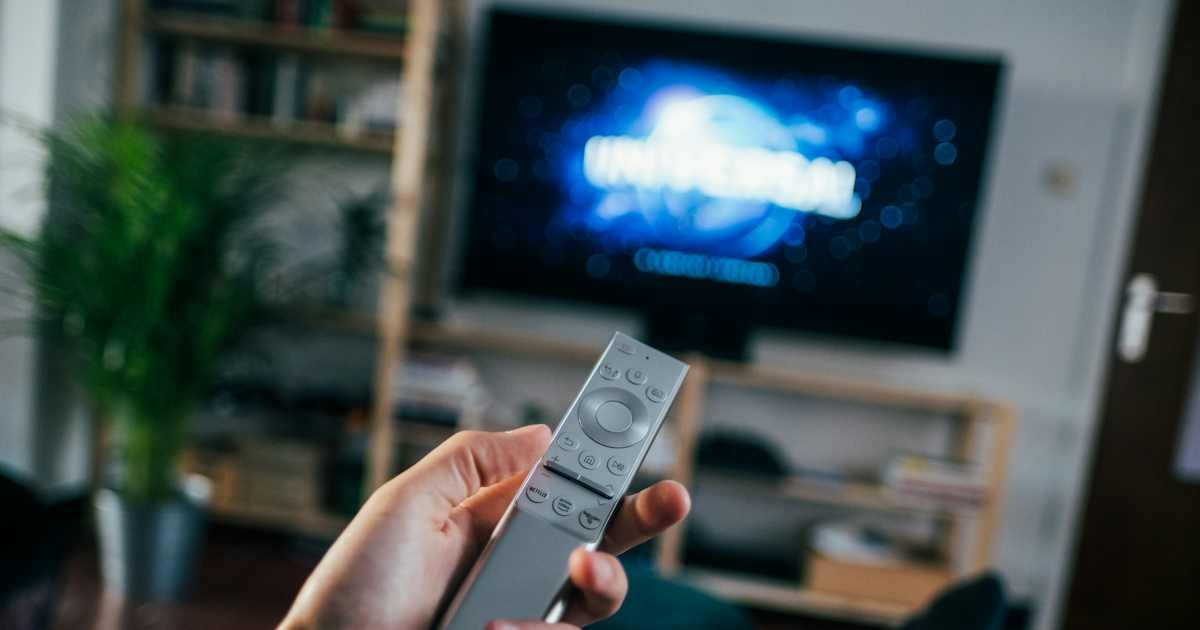
The Roku Channel is a streaming service that offers free viewing along with optional paid subscriptions. The presence of a Roku account or Roku streaming device does not automatically create a monthly fee. However, paid channels, premium subscriptions, trial conversions, and certain other purchases can create card transactions.
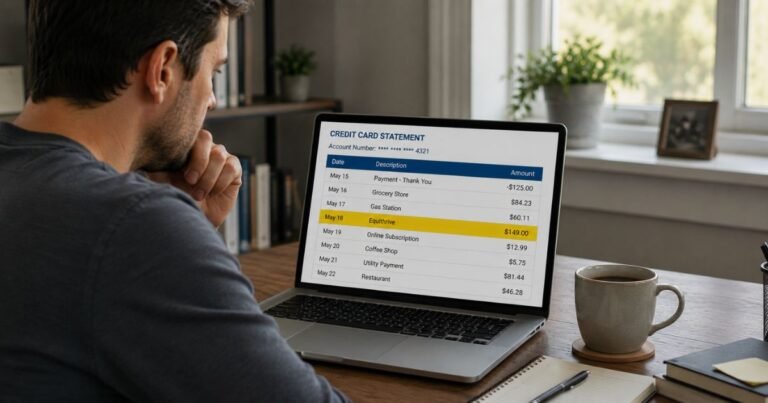
According to Roku’s help center, charges from the company may appear as “Roku,” “Roku for” followed by another service name, or “The Roku Channel.” The label helps you identify the billing platform, not necessarily the exact show, movie, or channel that was purchased.
Is The Roku Channel free?
Roku says The Roku Channel itself is free. You can watch eligible free programming without paying a separate monthly subscription for the channel. Its catalog may also offer premium subscriptions and other paid options.
That distinction matters when you see a recurring charge. A payment described as “The Roku Channel” does not generally mean you are paying simply to have a Roku device or use the free part of the service. It may be a separate paid subscription activated within that platform.
Common reasons for a Roku charge
- A premium subscription: Someone signed up for a paid channel or service through The Roku Channel.
- A free trial ended: A trial continued into a paid billing period because auto-renew was not turned off in time.
- A shared household purchase: A family member using a connected Roku account subscribed without telling the cardholder.
- A charge managed by Roku: A subscription to another streaming provider may be billed through Roku, depending on how it was purchased.
- A hardware purchase: An order placed directly through Roku may appear in the account’s purchase history, although its statement description may differ.
Roku also explains that some payment-method updates can create small pending authorization holds. A temporary hold is not always a completed purchase. Check whether the entry actually posts before assuming that the same amount was charged twice.
How to check your Roku purchase history
- Go directly to my.roku.com and sign in with your Roku account email.
- Open Purchase history and invoices.
- Find an invoice with the same date and amount as the card charge.
- Check the product or subscription name and the account used.
- Save the invoice or transaction details for your records.
These steps come from Roku’s purchase history instructions. If no matching invoice appears, think about whether your household uses a second Roku email address or another streaming account. Do not repeatedly submit payment details to lookalike support websites.
How to find and cancel a Roku subscription
Open my.roku.com/subscriptions and look for the service. Roku’s support instructions explain that eligible subscriptions billed and managed through Roku can be managed there. Review each active subscription, renewal date, and cancel option before confirming changes.
Canceling a subscription normally stops future eligible renewals, not necessarily a charge that has already posted. Roku notes that access often continues until the end of the paid billing period. Check the current service terms and refund rules for your situation rather than assuming every cancellation generates an automatic refund.
Some streaming subscriptions may be billed by Roku but managed through the provider, while others are both billed and managed directly by the streaming company. If the service is missing from your Roku account, check the vendor shown on the statement and ask Roku or that service who controls the subscription.
What if you do not recognize the charge?
Start by comparing the exact charge amount with Roku invoices. Check recent trial activations, devices signed into your account, and family members who can make purchases. If you cannot explain the payment, use Roku’s unrecognized charges instructions and contact your card issuer promptly.
Do not assume the descriptor alone proves a legitimate Roku charge. The issuer can review the full transaction information, while Roku can check purchases associated with an account. If you suspect your card details were used without permission, ask your issuer about blocking future transactions and securing the account.
Why Roku sometimes shows another company’s name
The name on the card may use Roku’s billing label even when the content comes from a separate streaming company. Roku’s official help pages give examples in which the company shown after “Roku for” identifies a service’s parent organization or billing relationship.
This can make a bill confusing when you remember paying for a channel but not the legal entity listed. Search the invoice in your Roku account rather than guessing from the brand on the statement. Our credit card charge identification guide covers similar differences between a storefront and its billing name.
Can you get a refund for a Roku subscription?
Refund eligibility depends on the purchase, the service, and the applicable policy. Canceling a paid channel usually prevents future renewals, but it may not reverse a renewal already processed. Ask Roku or the responsible streaming provider to review the specific invoice and explain any available refund options.
For a transaction you did not authorize, report it to your card issuer. For a legitimate purchase with an unresolved billing problem, document your communications and follow the issuer’s dispute process when appropriate. Do not open an unauthorized-transaction claim for a purchase you knowingly made merely because you no longer want the service.
What about a one-dollar Roku charge?
Roku describes a small pending authorization, often one U.S. dollar, that may appear when a payment method is added or changed or when a trial is started. An authorization checks whether the payment account is available; it is not necessarily a completed charge.
Look for a pending status, then check whether the transaction disappears or posts. If the hold remains unexpectedly or you never added a card to Roku, contact your card issuer and Roku. The exact handling and release timing depend on the issuer and transaction.
Prevent surprise streaming charges
Review your active subscriptions every month and cancel trials before their renewal deadline if you do not plan to continue. Roku offers purchase-control settings, including a PIN option, to help reduce unwanted purchases on shared devices. It is also useful to check which Roku account is signed in to each device.
Keep receipts and confirmation emails for subscriptions you buy. Turn on payment alerts through your card issuer so you notice a new recurring transaction quickly. If a charge appears without an explanation, use our guide to stopping unwanted card charges for additional practical steps.
Roku charge versus a direct streaming bill
A streaming service may bill customers directly even when they watch through a Roku device. In that case, the transaction might use the streaming company’s own name, not Roku’s. Conversely, an invoice tied to Roku can appear under The Roku Channel even when it relates to paid content from another company.
The easiest way to tell is to find the invoice and identify who actually handles billing. That determines where to cancel, request a refund, or update payment information.
Official sources
- Roku: Purchase History and Charges
- Roku: Unrecognized Charges
- Roku: Manage or Cancel Subscriptions
- CFPB: Fix Credit Card Billing Errors
FAQs About The Roku Channel Charge
Q. Why is The Roku Channel charging me if it is free?
A. The free service can offer optional paid subscriptions. Check Roku purchase history to identify which subscription, if any, created the charge.
Q. Can I cancel the subscription on my television?
A. Some eligible Roku-managed subscriptions can be managed on the device or at my.roku.com/subscriptions. Other services require contacting their own billing provider.
Q. Will canceling a Roku subscription refund the last payment?
A. Not automatically. Cancellation generally stops future renewals; refund eligibility depends on the purchase and current terms.
Q. What if I have no Roku account?
A. Ask any authorized users whether they used your card. If you still cannot identify the payment, contact your card issuer promptly about an unauthorized transaction.
Conclusion
A The Roku Channel charge on a credit card often comes from an optional paid streaming subscription, not the free Roku Channel itself. Check the invoice at my.roku.com, cancel unwanted future renewals through the correct provider, and report unexplained transactions to your card issuer.
Disclaimer: This article provides general consumer information, not personal legal or financial advice. Roku services, billing arrangements, refunds, and card issuer procedures can change. Verify your account’s details with Roku and your payment provider.