OnlyFans Charges on Credit Card: What Shows Up

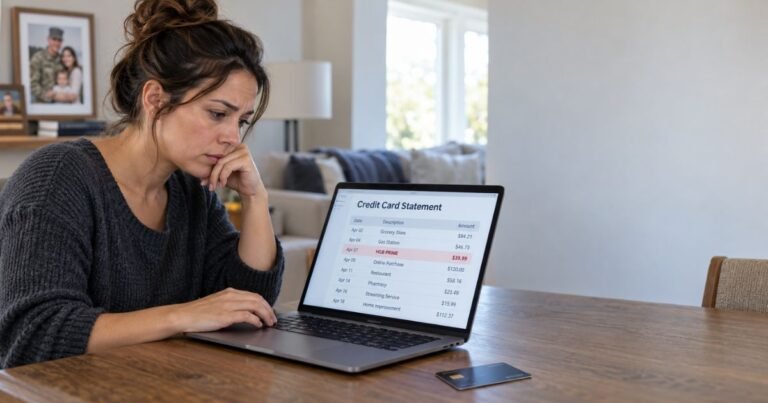
Finding an unexpected charge on credit card can feel unsettling. When the description includes OnlyFans, questions pile up fast. Is this legitimate? Why does the name show so clearly? Can anyone else see it?
This guide walks you through exactly how OnlyFans charges show up on credit card and bank statements. You’ll learn the common descriptors, what a small verification charge means, how to handle unauthorized activity, and practical options if you prefer more privacy.
Everything here focuses on clear facts and steps you can use right away.
What Do OnlyFans Charges Look Like on a Credit Card Statement?
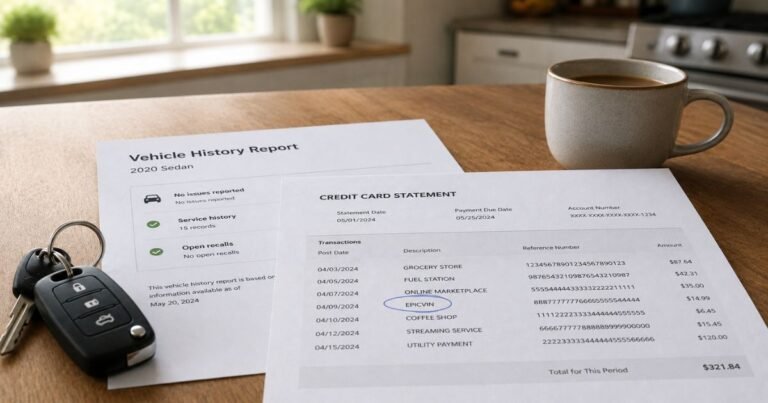
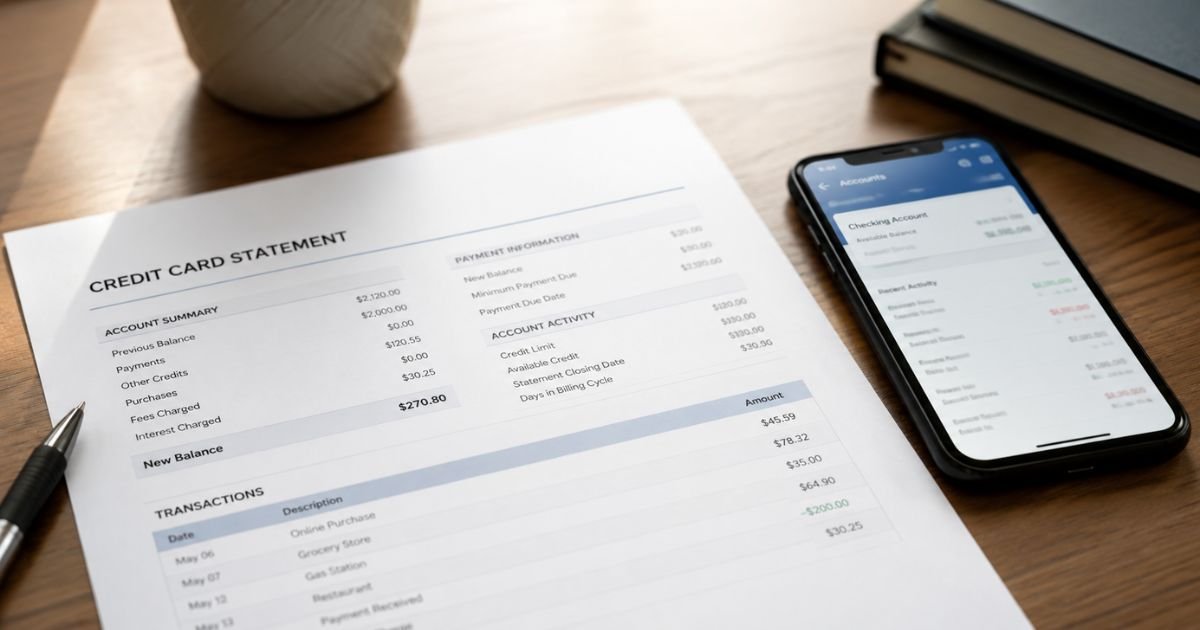
Banks and card issuers must list the merchant name registered in the payment system. OnlyFans does not use a vague or generic label.
Most people see one of these descriptors:
- ONLYFANS.COM
- ONLYFANS.COMA, ONLYFANS.COMB, or ONLYFANS.COM-G
- CCBill.com *OnlyFans
- OnlyFans
- Fenix International or Fenix Intl
- OF
Sometimes extra details appear, such as a phone number (for example, 88868880458) or a location code like FL or GBR. These come from the payment processor or the company’s registered details.
Fenix International Limited is the parent company that operates OnlyFans. That is why some statements list the company name instead of (or alongside) OnlyFans.
The specific creator you subscribed to never shows up. Only the platform name, date, and amount appear. This is standard for most digital subscription services.
Why OnlyFans Charges Are Not Discreet
Unlike some adult platforms that once used coded names, OnlyFans registers under its actual brand. Financial rules require clear merchant identification so cardholders can recognize legitimate charges and dispute fraud quickly.
Payment processors such as Stripe or CCBill handle the transactions, yet the final descriptor still includes “OnlyFans” or the parent company name in the majority of cases.
The $0.10 Verification Charge Explained
Many users notice a tiny $0.10 (or similar small amount) charge when they first add a card or follow free accounts. OnlyFans uses this to confirm the card is valid and belongs to an adult.
The charge often appears under the same OnlyFans descriptors and is usually refunded within a few days. Even so, it remains visible on your statement during that window.
If you never intended to add a payment method, treat the charge the same way you would any other unexpected OnlyFans entry.
Common Types of OnlyFans Charges
Charges fall into a few clear categories:
- Monthly or recurring subscriptions
- One-time tips
- Pay-per-view messages or posts
- Temporary authorization holds
- The small verification amount
All of them use similar billing names. Recurring subscriptions renew automatically until you cancel them in your OnlyFans account settings.
How to Spot and Handle Unauthorized OnlyFans Charges
Unauthorized charges happen for several reasons: a shared card, a compromised account, or an old subscription you forgot to cancel.
Steps to take right away:
- Log into your OnlyFans account (or attempt a password reset) and check active subscriptions. Cancel anything you do not recognize.
- Contact your bank or credit card issuer immediately. Report the charge as unauthorized and request a temporary block on further OnlyFans transactions.
- Ask the issuer to open a formal dispute or chargeback if the amount is significant.
- Change your OnlyFans password and enable any available two-factor authentication.
- Monitor the account for a few weeks to confirm no new charges appear.
OnlyFans generally does not issue refunds for content once it has been accessed. Bank disputes remain the main path for true unauthorized activity. Keep screenshots of statements and any cancellation confirmations.
Practical Ways to Keep OnlyFans Charges More Private
You cannot change how OnlyFans labels its own transactions. You can, however, change which account or card receives the charge.
Prepaid cards bought with cash
Purchase a Visa or Mastercard gift card at a store. Load it with the amount you plan to spend. These cards are not linked to your main bank account, so the OnlyFans charge never appears on your primary statement. Note that many prepaid cards carry activation fees and cannot be reloaded easily.
Virtual cards with privacy features
Services such as Privacy.com let you create single-use or merchant-locked virtual card numbers. When you enable the private spend setting, the statement shows a generic label such as “PWP*Privacy.com” instead of OnlyFans. You still control the spending limit and can pause the card at any time.
Separate dedicated cards
Some people open a secondary credit or debit card used only for online subscriptions. The charges still appear, but they stay off the main household statement.
Paperless statements and email-only notifications reduce the chance that paper mail reveals activity, yet the digital record remains.
Best Practices and Common Mistakes
- Always cancel subscriptions inside the OnlyFans app or website rather than relying on the bank alone.
- Set calendar reminders a few days before renewal dates if you want to review spending.
- Avoid sharing payment methods with others if privacy matters to you.
- Do not ignore small verification charges; investigate them promptly.
A frequent mistake is assuming the charge will somehow disappear or appear under a different name. It will not. Another is waiting too long to dispute an unauthorized transaction—most banks have strict time limits.
Alternatives If You Want to Avoid Card Charges Altogether
OnlyFans primarily accepts major credit and debit cards (Visa, Mastercard, Discover, and some prepaid options). It does not accept PayPal for fan payments.
If card use is a concern, the practical alternatives are prepaid cards or virtual cards as described above. Crypto or other methods are not natively supported for subscribers at this time.
Conclusion
OnlyFans charges on credit card statements appear clearly under names such as ONLYFANS.COM, CCBill.com *OnlyFans, Fenix International, or OF. The platform does not use discreet billing. A small $0.10 verification charge can also show up when you add a card.
Knowing the exact descriptors helps you spot legitimate activity quickly and act on anything unauthorized. If privacy is important, prepaid cards or virtual cards with private modes offer workable options without changing how OnlyFans itself operates.
Review your statements regularly, cancel subscriptions you no longer want, and contact your bank at the first sign of unfamiliar charges. Clear information and quick action keep control in your hands.
FAQs On OnlyFans Charges on Credit Card
Does OnlyFans show the creator’s name on my statement?
No. Statements list only the platform or parent company name, the amount, and the date. Individual creator names never appear.
Can I get a refund for an OnlyFans subscription I canceled?
OnlyFans generally does not refund subscriptions once content has been accessed. For true unauthorized charges, dispute the transaction directly with your bank or card issuer.
Will a free OnlyFans account still create a charge?
Yes. Adding a payment method or following free accounts often triggers a temporary $0.10 verification charge that appears under the usual OnlyFans descriptors and is typically refunded later.
How can I stop future OnlyFans charges?
Cancel every active subscription inside your OnlyFans account settings. Then contact your bank and request a block on further transactions from that merchant if needed.
Disclaimer: This article provides general information based on publicly reported billing descriptors and common user experiences as of 2026. Billing labels can vary slightly by bank and payment processor. It is not financial, legal, or official advice from OnlyFans or any bank. Always verify charges with your own statement and contact your card issuer or OnlyFans support for account-specific issues.