What is Effecto Charge on Credit Card Statement?

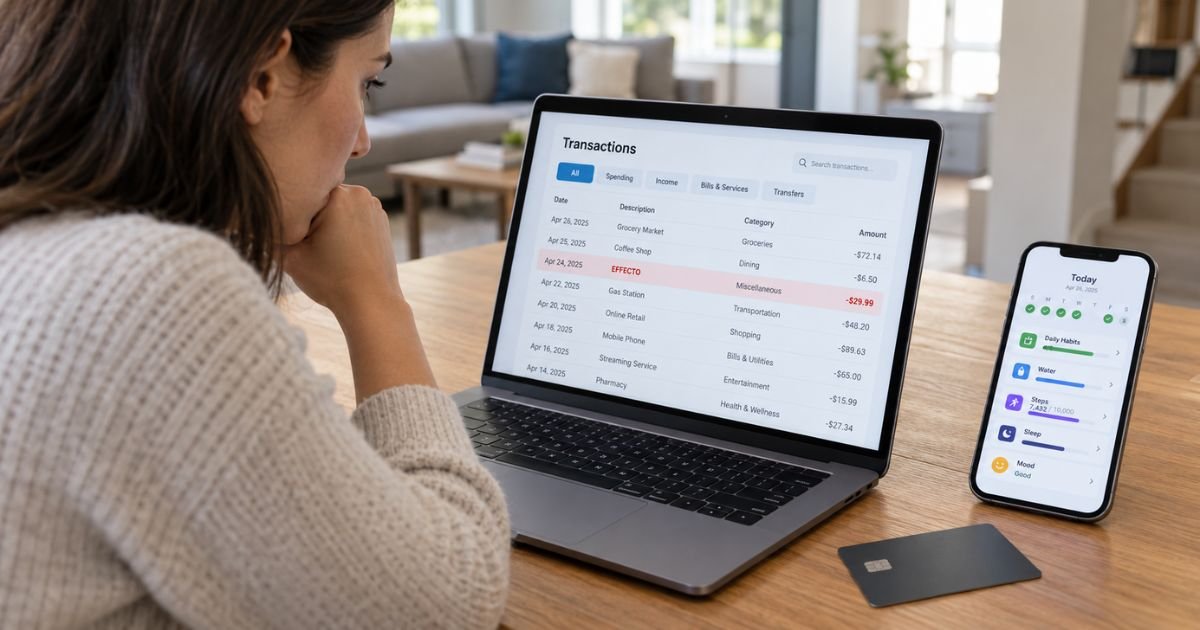
An Effecto charge on credit card can feel confusing if you don’t remember signing up for anything. In many cases, the charge may be connected to an Effecto app subscription or online purchase.
Effecto is a habit, mood, health, and productivity tracking app. You should check your Effecto account, email receipts, and app store subscriptions before treating the charge as unauthorized.
What Is an Effecto Charge on Credit Card?
An Effecto charge on credit card typically relates to a paid subscription for the Effecto mobile app or its online service. The app is provided by Medical Score UAB and offers tools for tracking habits, mood, focus, symptoms, medications, and daily routines.
Effecto uses a subscription model for access to its full features. Depending on how you signed up, the payment may be processed directly through Effecto, Apple, Google Play, or another payment processor.
This means the wording on your statement may not always look exactly like the name you remember seeing in the app. You should compare the amount and date with your subscription records.
Why Did Effecto Charge Your Card?
The most common reason is generally an active Effecto subscription. Effecto offers automatically renewing subscriptions, so your card may be charged again when a new billing period begins.
You may have originally signed up after completing an online quiz or downloading the app. If you didn’t cancel before the renewal date, the subscription may have continued automatically.
The amount may also look different from your first payment. Introductory offers and later renewal prices can vary, so you should check the terms shown when you subscribed.
What Is the Effecto App?
Effecto is generally marketed as a habit, wellness, mood, and productivity tracking service. It lets you record daily behaviors and review patterns involving focus, mood, routines, symptoms, medications, and other lifestyle factors.
Some users may have first encountered Effecto through content related to ADHD, productivity, or personal wellness. Its features and marketing may change over time.
The app itself may be free to download, but full access generally requires a paid subscription. That paid access is what may create the Effecto charge on your card.
Could the Charge Be From Medical Score UAB?
Yes. Effecto is associated with Medical Score UAB, so a payment related to Effecto may sometimes appear under that company name rather than simply “Effecto.”
This can make the transaction difficult to recognize. You may remember subscribing to Effecto but see Medical Score or another payment descriptor on your statement.
You should compare the amount and transaction date with your Effecto purchase history. A matching subscription receipt is generally the best way to confirm the connection.
Why Is Effecto Charging You Repeatedly?
Repeated Effecto charges usually suggest that you have an automatically renewing subscription. Your billing frequency depends on the plan you selected.
The subscription may have been purchased through the Effecto website, Apple App Store, or Google Play. Each billing channel may use its own renewal process.
You should not assume deleting the app stopped the subscription. Removing an app from your phone generally doesn’t cancel recurring billing.
How to Verify an Effecto Charge
Start by searching your email for Effecto, Medical Score, or subscription confirmation messages. Look for an amount that matches the transaction on your statement.
You should also check the date when you first downloaded or registered for Effecto. That may help you determine whether the charge is a renewal.
Compare these details:
| What to check | What you’re looking for |
|---|---|
| Charge amount | A matching Effecto subscription payment |
| Transaction date | Your signup or renewal date |
| Email receipts | Effecto or Medical Score confirmation |
| Apple subscriptions | An active or expired Effecto plan |
| Google Play | An Effecto subscription |
| Effecto account | Current subscription status |
You should also ask other authorized card users. Someone in your household may have signed up using your payment method.
How to Cancel an Effecto Subscription
The correct cancellation method generally depends on where you purchased the subscription. You should cancel through the same billing channel whenever possible.
If you subscribed through the Effecto website, you can generally use Effecto’s subscription management system or contact Effecto support using the email address connected with your account.
If you subscribed through Apple, open your Apple account subscription settings and locate Effecto. Select the option to cancel the subscription.
If you subscribed through Google Play, open Google Play and check Payments & subscriptions, then Subscriptions. Find Effecto and follow the cancellation instructions.
Make sure the subscription shows as canceled. Saving a cancellation confirmation can help if another charge appears later.
Does Deleting Effecto Stop the Charges?
No. Deleting the Effecto app generally does not cancel an active subscription.
Deleting your Effecto account or personal data may also be separate from ending your billing agreement. You should cancel the subscription itself before assuming payments will stop.
This is a common issue with subscription apps. Always confirm your subscription status through the service that handles your billing.
Can You Get an Effecto Refund?
A refund may depend on where you purchased the subscription and why you’re requesting your money back. Effecto’s own policies may apply to purchases made directly through its website.
If Apple processed your payment, you may need to request a refund through Apple. Google Play purchases may generally need to be handled through Google.
A refund isn’t guaranteed just because you forgot to cancel. You should contact the appropriate billing provider and explain the specific issue.
Keep your receipts, cancellation emails, and screenshots. These records may help if there is a disagreement about when you canceled or what you were charged.
What If Effecto Charged You Twice?
Two Effecto transactions may mean that more than one subscription was created. You may also have subscribed using different email addresses or through both a website and an app store.
Check each receipt carefully. Look for separate subscription dates, account emails, or payment providers.
If both charges appear to cover the same subscription period, contact Effecto or the payment platform that processed the purchase. You should provide only the information needed to identify the transaction.
What If You Don’t Recognize Effecto at All?
First, search your email accounts for Effecto or Medical Score. You may have completed an online quiz or trial and forgotten that it led to a subscription.
You should also check your Apple and Google Play subscription histories. An old or inactive-looking app may still have a paid subscription attached to it.
Ask anyone authorized to use your card whether they recognize the service. If nobody does, contact your card issuer using the official number on the back of your card.
Your bank may have additional merchant information that isn’t visible on your statement. If the payment wasn’t authorized, your issuer can explain your dispute and card replacement options.
Should You Dispute an Effecto Charge?
You may consider a dispute when you genuinely did not authorize the transaction. A dispute may also be appropriate if charges continue after a confirmed cancellation and the billing issue cannot be resolved.
If you recognize the subscription but simply forgot to cancel it, you should generally contact Effecto or the relevant app store first. Your card issuer may ask whether you attempted to resolve the issue with the merchant.
If you believe someone used your card without permission, contact your issuer promptly. Dispute procedures and deadlines may vary by bank.
How to Prevent Another Effecto Charge
Confirm that your subscription status shows as canceled. Don’t rely on deleting the app or removing your account.
Keep your cancellation confirmation and check your next statement. This can help you spot any unexpected renewal quickly.
If you purchased Effecto through more than one platform, check each account separately. You may need to cancel multiple subscriptions if more than one was created.
FAQs On Effecto Charge on Credit Card
Q: What is Effecto on my credit card statement?
A: Effecto is typically a charge for a subscription to the Effecto habit, mood, health, and productivity tracking app. The service is associated with Medical Score UAB.
Q: Is Effecto a recurring subscription?
A: Yes, Effecto generally offers automatically renewing subscriptions. Your card may continue to be charged according to your plan until you cancel it.
Q: How do I stop Effecto from charging my card?
A: Cancel through the platform where you subscribed. That may be Effecto’s website, the Apple App Store, or Google Play.
Q: What should I do if I never signed up for Effecto?
A: Check your email, app store subscription history, and other authorized card users first. If you still can’t identify the payment, contact your card issuer and report the unfamiliar transaction.
Conclusion
An Effecto charge on credit card typically comes from a paid subscription to the Effecto app or online service. It may sometimes appear under Effecto, Medical Score, or a payment processor rather than the exact name you remember.
Check your subscription history and receipts before taking action. If you don’t recognize the charge or billing continues after cancellation, contact the appropriate merchant or your card issuer.
Disclaimer: This article is for general informational purposes only and isn’t financial or legal advice. Subscription, cancellation, refund, and dispute policies may vary by company and card issuer. Verify account-specific questions directly with Effecto or your bank.