What is Canary Software Charge on Credit Card?

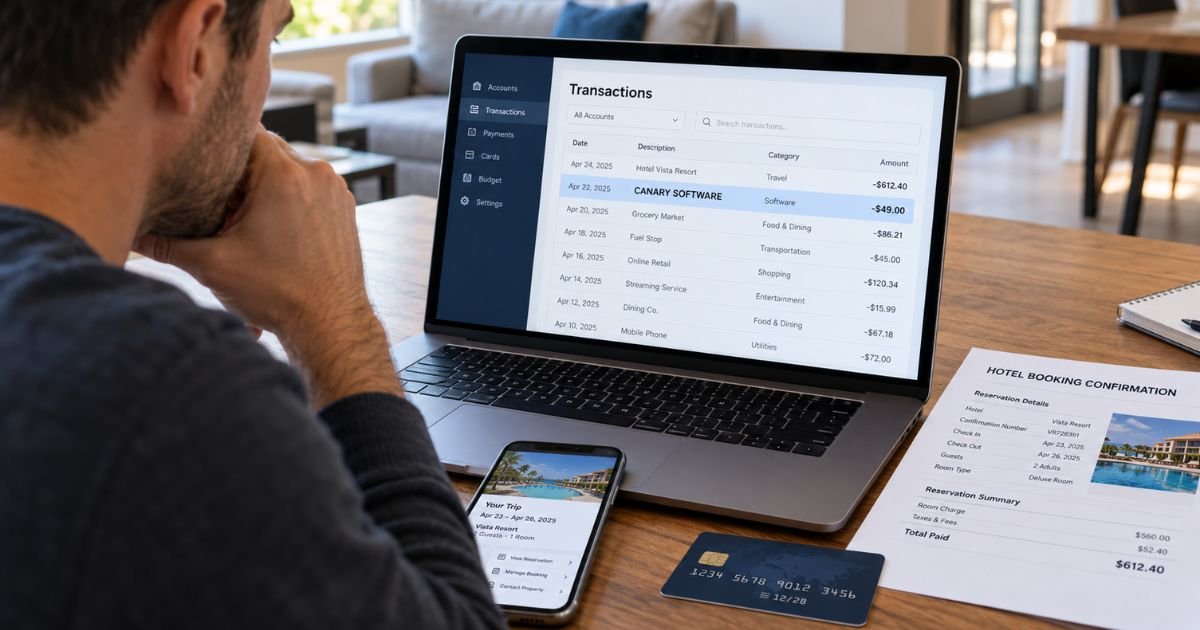
A Canary Software charge on credit card can feel confusing if you don’t remember purchasing software or signing up for a subscription. However, unfamiliar charges often come from legitimate businesses using different billing names.
The charge may be connected to a hotel payment, digital tip, or software service. Here’s how to identify the transaction, determine whether it’s legitimate, and stop or dispute unwanted charges.
What Is a Canary Software Charge on Credit Card?
A Canary Software charge on credit card may be associated with Canary Technologies, a company that provides digital software solutions for hotels and hospitality businesses.
Canary Technologies offers services such as digital check-in, payment authorization, hotel guest communication, and electronic tipping.
Some merchant identification databases associate the billing description CANARY SOFTWARE with Canary Technologies.
However, the statement description alone cannot confirm the exact source of your payment. You should verify the merchant before assuming the charge came from a hotel or software subscription.
Canary Technologies operates through its official website, canarytechnologies.com.
Why Is Canary Software Charging My Credit Card?
There are several possible reasons a Canary-related transaction may appear on your statement.
1. Hotel digital tipping
One possible explanation is that you left a digital tip for hotel employees.
Canary Technologies provides a digital tipping system that allows guests to leave gratuities using their smartphones.
For example, you may have scanned a QR code at a hotel and tipped housekeeping, valet staff, or another employee.
The payment may appear under a Canary-related billing description rather than the hotel’s name.
Canary’s official digital tipping page confirms that guests can pay tips using credit cards and digital wallets.
2. Hotel reservations or additional charges
Some hotels use Canary Technologies to collect payment information and manage guest transactions.
You may encounter its technology when:
- Completing online hotel check-in.
- Providing a credit card for incidentals.
- Paying for an event or group reservation.
- Purchasing a room upgrade.
- Making a payment through a hotel-provided link.
These activities may involve Canary’s software, although they do not guarantee that your statement will show CANARY SOFTWARE.
3. Hotel business software subscriptions
If you operate a hotel or hospitality business, the charge may relate to software your company purchased.
Canary Technologies offers subscription-based business services that help hotels manage operations and communicate with guests.
Depending on your agreement, your business may receive recurring invoices or payments for these tools.
4. Canary home security services
Another possibility involves Canary, a separate company that sells home security cameras and monitoring services.
Canary home security offers paid Premium Service plans with recurring billing.
If you own a Canary camera, review your subscription history at canary.is.
However, there is no confirmed evidence that the exact CANARY SOFTWARE descriptor always refers to Canary home security. These are different businesses, so you should not assume they’re connected.
How Does Canary Software Appear on a Credit Card Statement?
Your credit card statement may display a shortened merchant name instead of the business you remember.
This text is called a billing descriptor. Banks use these descriptions to help identify transactions.
Some third-party merchant databases report the following Canary-related descriptions:
| Statement description | Possible explanation |
|---|---|
| CANARY SOFTWARE | Possible Canary Technologies transaction |
| CANARY SOFTWARE +18777391545 | Reported descriptor associated with Canary Technologies |
| CANARY T* TIP | Possible hotel digital tipping payment |
| CANARY T* TIP followed by a hotel name | Possible gratuity for staff at the named property |
| HOTEL CC AUTH FORM | Possible hotel payment authorization service |
These examples are not a complete list of confirmed descriptors. Their appearance and formatting may vary by merchant and card issuer.
If your statement shows a different Canary-related name, your bank may be able to identify the registered merchant.
How to Identify a Canary Software Charge
If you don’t recognize the charge, start with your transaction details.
Step 1: Review your credit card statement
Open your bank’s mobile app or website and select the transaction.
Check the complete merchant description, transaction amount, posting date, and any available location details.
Step 2: Check recent hotel stays
Think about whether you recently stayed at a hotel or made a reservation.
Review hotel receipts, booking confirmations, and checkout invoices.
Pay particular attention to digital tips, deposits, and payments made through online links.
Step 3: Search your email
Search your email inbox for terms such as:
- Canary Technologies
- Canary Software
- Hotel receipt
- Digital tipping
- Payment confirmation
- Hotel reservation
You may find a receipt that matches the amount on your statement.
Step 4: Review subscriptions
If the charge repeats monthly or annually, check your active subscriptions.
Hotel operators can review their Canary Technologies contracts. Canary camera owners can check their Premium Service accounts.
Step 5: Contact the business
If the transaction appears connected to a hotel, contact the property directly.
Ask whether the hotel uses Canary Technologies and whether the charge matches a payment made during your visit.
Step 6: Contact your credit card issuer
If you still cannot identify the payment, call the number on the back of your credit card.
Your issuer may have additional merchant details that aren’t visible on your statement.
Is a Canary Software Charge a Subscription?
Not necessarily. A Canary Software charge may be a one-time transaction or recurring payment.
For example, a digital tip left for hotel housekeeping would generally be a one-time payment.
However, a hotel business purchasing Canary Technologies software may have a recurring billing agreement.
Similarly, Canary home security customers may pay monthly or annually for Premium Service.
Check whether the same merchant appears repeatedly on your statement.
Repeated charges may indicate a subscription, but the frequency alone does not prove that you authorized recurring billing.
Is the Canary Software Charge Pending or Completed?
Sometimes, you may see a pending transaction related to a hotel payment.
A pending charge generally means the merchant has requested authorization, but the transaction has not fully posted.
Hotels commonly use authorization holds to check that a payment card has enough available credit for certain expenses.
These holds can temporarily reduce your available credit without becoming final charges.
If your transaction remains pending, contact your issuer or hotel to determine whether it is an authorization or an actual payment.
Do not assume every Canary Software transaction is a temporary hold. A posted charge may represent a completed payment.
How to Cancel a Canary Software Charge
The correct cancellation process depends on which company billed you.
If the charge came from a hotel:
Contact the hotel directly and request the transaction details.
If it was a one-time digital tip or completed purchase, there may be no subscription to cancel.
You can still request a correction if the amount was incorrect or charged without permission.
If the charge came from Canary Technologies:
If you operate a hotel and have a software subscription, review your service agreement.
Contact Canary Technologies through its official support website.
Cancellation terms depend on the agreement between your business and Canary Technologies.
If the charge came from Canary home security:
Canary’s official Help Center provides these cancellation steps:
- Visit my.canary.is and sign in.
- Select your location.
- Click Manage Service Plan.
- Select Cancel Premium Service.
- Follow the remaining instructions.
If you subscribed through Apple, manage the subscription in your Apple account settings instead.
Check the official Canary cancellation guide for current instructions.
Save written confirmation whenever you cancel a recurring service.
Can You Get a Refund for a Canary Software Charge?
A refund may be possible, depending on the merchant and transaction type.
If the charge relates to a hotel, contact the property’s billing department first.
Explain why you believe the amount is incorrect and provide your receipt or reservation details.
If you paid for a subscription, review the company’s cancellation and refund policies.
Canary home security publishes specific refund conditions for Premium Service, while Canary Technologies business agreements may contain different terms.
You can also contact your credit card issuer if a merchant refuses to correct a qualifying billing error.
The Consumer Financial Protection Bureau explains when a credit card chargeback may be available.
Refunds are not guaranteed and generally depend on the facts of the transaction.
What to Do if You Don’t Recognize the Canary Software Charge
An unfamiliar Canary Software transaction is not automatically fraudulent.
However, you should take action if you cannot connect the payment to a hotel visit, subscription, or other purchase.
Start by checking with anyone authorized to use your credit card account.
If nobody recognizes the payment, contact your credit card issuer promptly.
Your bank may recommend locking your card, opening a fraud investigation, or replacing the card.
Under the Fair Credit Billing Act, you generally need to send written notice of a billing error within 60 days after your issuer sent the first statement showing the error.
Use the billing dispute address provided by your issuer, which may differ from its payment address.
You can review the CFPB’s credit card dispute guidance for more information.
How to Prevent Unrecognized Canary Charges
A few simple habits can make unfamiliar charges easier to investigate.
- Enable transaction alerts through your banking app.
- Keep hotel booking confirmations and payment receipts.
- Review amounts before submitting digital tips.
- Check subscriptions for automatic renewals.
- Monitor pending and posted transactions.
- Use official hotel websites and verified payment links.
- Report unauthorized activity promptly.
These steps can help you recognize legitimate payments and catch potential billing errors.
FAQs On Canary Software Charge on Credit Card
Q: Why do I have a Canary Software charge on my credit card?
A: The charge may be linked to Canary Technologies, which provides hotel software and digital tipping services. It could also involve another Canary-related company. Check the amount, transaction date, and merchant details to identify the source.
Q: Is Canary Software a legitimate company?
A: Canary Technologies is a legitimate hospitality software provider. However, a recognizable company name does not guarantee that a particular charge is authorized. Confirm the transaction with the merchant or your credit card issuer.
Q: Does Canary Software charge monthly?
A: Some Canary-related services use recurring billing, while hotel digital tips are generally one-time transactions. Check your statement history and account agreements to determine whether you have an active subscription.
Q: How do I stop an unauthorized Canary Software charge?
A: Contact your credit card issuer immediately if you believe the transaction was unauthorized. Your issuer can investigate the charge and explain whether you should lock or replace your card. If it’s an unwanted subscription you previously authorized, contact the merchant to cancel future billing.
Conclusion
A Canary Software charge on credit card may relate to Canary Technologies, particularly a hotel payment, digital tip, or hospitality software service. A separate Canary home security subscription is another possibility, but the billing description alone cannot confirm the merchant.
Review your transaction details, receipts, and subscription history before taking action. If you cannot identify the charge, contact your credit card issuer promptly to investigate or dispute it.
Disclaimer: This article is for informational purposes only and does not constitute financial or legal advice. Merchant billing descriptions, refund policies, and dispute procedures may vary by company and credit card issuer. Verify account-specific questions with the merchant involved or your bank.