What is B2B Prime Charge on Credit Card Statement?

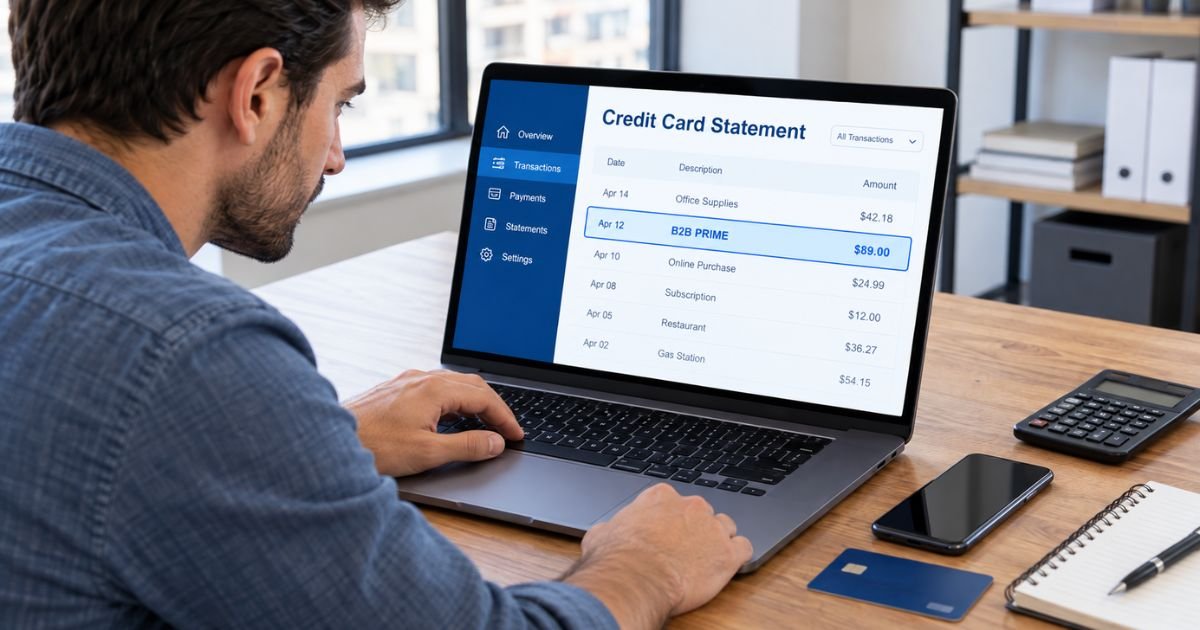
A B2B Prime charge on credit card statements can feel confusing if you don’t remember signing up for a business membership. The charge typically comes from Amazon Business Prime, a paid membership service designed for businesses and organizations.
The good news is that unfamiliar charges are often legitimate subscription renewals. This guide explains why B2B Prime appears on your statement, how to verify the payment, and how to cancel or request a refund.
What Is the B2B Prime Charge on Credit Card?
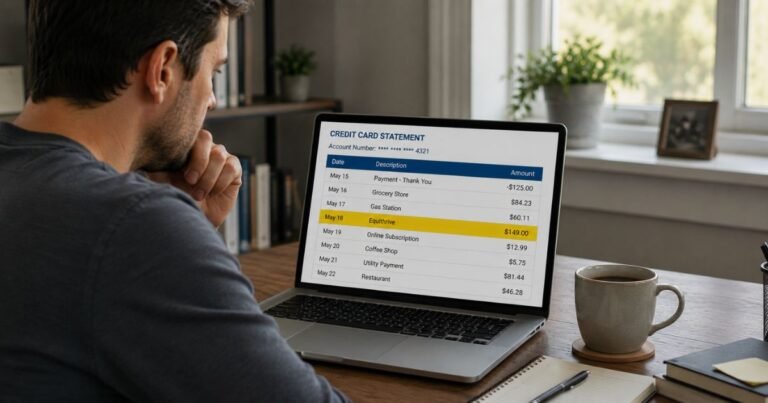
A B2B Prime charge on credit card statements generally refers to a membership payment for Amazon Business Prime, also called Prime Business.
Amazon Business Prime is a subscription program that provides business customers with benefits such as fast shipping on eligible purchases, purchasing controls, and spending management tools.
The abbreviation “B2B” means “business-to-business.” It refers to products and services designed for businesses rather than individual consumers.
Amazon offers different Prime Business membership plans based on the size and needs of an organization.
If you or someone in your organization signed up for this membership, Amazon may automatically charge the payment method associated with the account when the membership renews.
However, a B2B Prime billing description alone doesn’t prove that a specific transaction came from Amazon. You should confirm the charge through your Amazon Business account or credit card issuer.
Why Is B2B Prime Charging My Credit Card?
Several situations may explain why a B2B Prime payment appears on your credit card statement.
1. Amazon Business Prime membership renewal
Amazon Business Prime generally operates as an annual membership. If you enrolled previously, your subscription may renew automatically.
2. A free trial converted into a paid membership
Amazon may offer promotional or trial memberships to eligible business customers. If you didn’t cancel before the trial expired, your account may have converted into a paid plan.
3. Someone at your company subscribed
If you work for a business with multiple account users, an authorized administrator may have purchased or renewed the membership.
The payment could appear on a shared company credit card or a personal card previously added to the business account.
4. A membership plan upgrade
Prime Business offers several membership tiers. If your organization grows or changes plans, the membership cost may increase.
5. An older business account is still active
You may have opened an Amazon Business account for freelance work, a side business, or a previous company.
If that account still has an active paid membership, you may receive a renewal charge.
6. An unauthorized transaction
If you never created an Amazon Business account and don’t recognize the payment, it may be unauthorized.
Your credit card issuer can help investigate the transaction.
Is B2B Prime the Same as Regular Amazon Prime?
No. Amazon Business Prime and regular Amazon Prime serve different purposes.
| Feature | Amazon Prime | Amazon Business Prime |
|---|---|---|
| Intended users | Individual shoppers and households | Businesses and organizations |
| Membership benefits | Personal shopping and entertainment | Business shipping and purchasing tools |
| Prime Video | Generally included | Not included |
| Business spending tools | Not a standard benefit | Available on eligible plans |
| Membership billing | Monthly or annual options | Generally annual |
| Multiple business users | Not designed for company purchasing | Supported on eligible plans |
Amazon Business Prime is generally separate from your personal Prime subscription.
However, Amazon offers an eligible Prime Business Duo plan for certain single-user business accounts linked to a personal Prime membership. Qualifying users may receive Duo benefits without an additional membership fee.
Having a personal Amazon Prime membership doesn’t automatically explain a separate B2B Prime charge.
How Much Does B2B Prime Usually Charge?
Amazon Business Prime offers membership plans for different organization sizes.
Your actual charge depends on your selected plan, membership terms, and any applicable taxes.
Common plan categories include:
| Membership plan | Intended users |
|---|---|
| Duo | Eligible single-user business accounts |
| Essentials | Small teams |
| Small | Growing organizations |
| Medium | Larger business teams |
| Enterprise | Large organizations |
Membership prices and plan eligibility can change. Check your Amazon Business membership settings for your actual fee instead of relying on an estimated amount.
Amazon may also charge a different amount if your organization upgrades to a larger plan.
A B2B Prime charge is generally a membership fee, not a charge for a specific Amazon product order.
How Does B2B Prime Appear on Credit Card Statements?
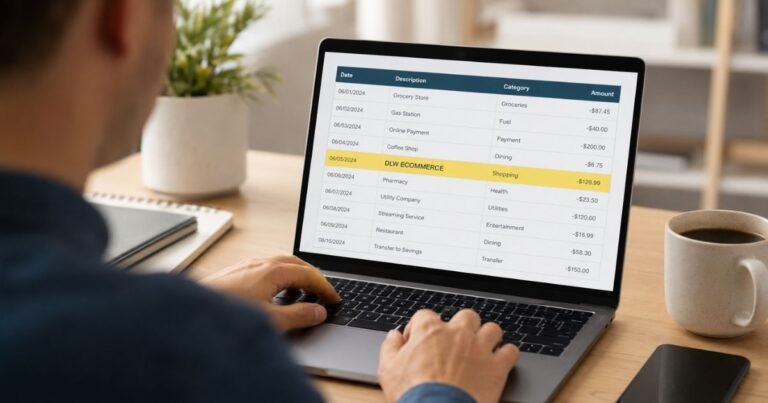
Banks may display shortened merchant descriptions instead of the complete company name.
Possible statement descriptions include:
| Billing description | Possible meaning |
|---|---|
| B2B PRIME | Potential business membership charge |
| AMZN B2B PRIME | May refer to Amazon Business Prime |
| AMAZON B2B PRIME | Potential Amazon business membership payment |
| AMAZON BUSINESS PRIME | Potential business membership renewal |
These are illustrative descriptor variations, not a verified list of every billing name Amazon uses.
Your bank may also display additional merchant information or transaction details.
If the description doesn’t clearly identify Amazon, contact your card issuer before assuming the charge is legitimate.
How to Verify a B2B Prime Charge on Your Credit Card
If you don’t recognize the payment, start by checking your Amazon Business account.
Step 1: Sign in to Amazon Business
Open the official Amazon Business website and sign in using your business account credentials.
If you have multiple accounts, review each one that may be associated with your credit card.
Step 2: Check your membership settings
Open Business Settings and look for your Prime Business membership information.
Review the membership plan, renewal date, and billing details.
Step 3: Compare the payment amount
Find the amount shown on your credit card statement.
Compare it with your membership fee and recent billing history.
Step 4: Check your email
Search your inbox for Amazon Business, Prime Business, membership renewal, or payment confirmation.
Look for emails sent around the transaction date.
Step 5: Contact your account administrator
If you share a business account, ask the administrator whether they purchased or renewed Prime Business.
An administrator may have billing information that regular account users cannot access.
Step 6: Contact Amazon Business support
If the payment remains unclear, contact Amazon through its official customer support system.
Ask the representative to help identify the membership payment.
How to Cancel a B2B Prime Subscription
If you’ve confirmed that the payment comes from Amazon Business Prime, you can generally cancel the membership through your business account.
Follow these steps:
- Sign in to your Amazon Business account.
- Open Business Settings.
- Find the Prime Business membership settings.
- Select the option to manage your membership.
- Choose the cancellation option.
- Review the cancellation details and confirm.
- Save your cancellation confirmation.
Amazon generally requires an authorized business account administrator to manage or cancel the membership.
Canceling may remove access to membership benefits, including eligible shipping and purchasing tools.
If you cannot find the cancellation option, contact your Amazon Business administrator or customer support.
Can You Get a Refund for a B2B Prime Charge?
Amazon may provide a refund for certain eligible Prime Business membership cancellations.
Under its published U.S. Prime Business terms, Amazon generally offers a full membership fee refund only if you haven’t made eligible purchases or used Prime Business benefits since the latest membership charge.
Memberships redeemed through promotional or gift codes generally aren’t refundable under those terms.
If you’ve already used membership benefits, you may not qualify for a full refund.
To request a refund, review your membership cancellation options or contact Amazon Business customer support.
Refund eligibility isn’t guaranteed. Your account activity and applicable membership terms determine whether Amazon approves the request.
Is a B2B Prime Credit Card Charge a Scam?
A B2B Prime charge isn’t automatically fraudulent. Amazon Business Prime is a legitimate subscription service offered by Amazon.
However, a genuine company name on your statement doesn’t guarantee that you authorized the payment.
You should investigate the charge if you’ve never used Amazon Business, cannot find a matching membership, or notice payments that nobody in your organization recognizes.
If you suspect fraud, contact your credit card issuer promptly.
Avoid calling unverified customer support numbers or sharing your complete credit card number through unfamiliar websites.
How to Dispute an Unauthorized B2B Prime Charge
If Amazon cannot identify the transaction or you believe someone used your card without permission, contact your credit card issuer.
You can generally follow these steps:
- Call the number on the back of your credit card.
- Explain that you don’t recognize the B2B Prime transaction.
- Provide the amount, date, and merchant description.
- Ask your issuer to investigate the payment.
- Follow any required dispute instructions.
- Keep records of your communication.
For qualifying U.S. credit card billing errors, you generally must send a written dispute notice within 60 days after your issuer sent the first statement containing the error.
Your bank may temporarily credit the disputed amount while investigating, depending on its policies.
A dispute doesn’t guarantee a refund. Your issuer will review the available evidence before deciding the outcome.
How to Prevent Future B2B Prime Charges
You can reduce unexpected membership payments by reviewing your Amazon Business settings regularly.
Check the membership renewal date and confirm which payment methods are saved to your account.
If you manage a business account, review who has permission to change membership plans or authorize payments.
Enable credit card transaction alerts to identify unexpected charges quickly.
If you no longer need Prime Business, cancel before the next renewal date rather than relying on a card lock. A locked or replaced card may not stop every recurring transaction.
FAQs On B2B Prime Charge on Credit Card
Q: What company is B2B Prime on my credit card?
A: B2B Prime generally refers to Amazon Business Prime, a paid membership service for business customers. The charge may represent an annual membership fee, renewal, or plan adjustment.
Q: Why did Amazon charge me for B2B Prime?
A: Amazon may have charged you because your business membership renewed, a trial converted into a paid plan, or an account administrator enrolled in the service. Review your Amazon Business membership settings to confirm the reason.
Q: How do I stop B2B Prime from charging my credit card?
A: Sign in to your Amazon Business account and open Business Settings. An authorized administrator can generally cancel the Prime Business membership to stop future renewals.
Q: Can I get a refund for an Amazon B2B Prime charge?
A: You may qualify for a refund if you cancel and haven’t used eligible Prime Business benefits since your latest membership charge. Refund eligibility depends on Amazon’s applicable terms and your account activity.
Conclusion
A B2B Prime charge on credit card statements usually relates to Amazon Business Prime, a paid membership program for businesses. The charge may result from an annual renewal, an expired free trial, or a membership plan change.
If you don’t recognize the payment, check your Amazon Business membership details and contact the account administrator. You can generally cancel unwanted memberships through Business Settings and ask Amazon about refund eligibility.
Report suspected unauthorized transactions to your credit card issuer promptly.
Disclaimer: This article is for informational purposes only and does not provide financial or legal advice. Amazon membership terms, cancellation policies, refund eligibility, and credit card dispute procedures may vary. Verify account-specific questions directly with Amazon Business or your bank.