How to Block a Charge on Credit Card?

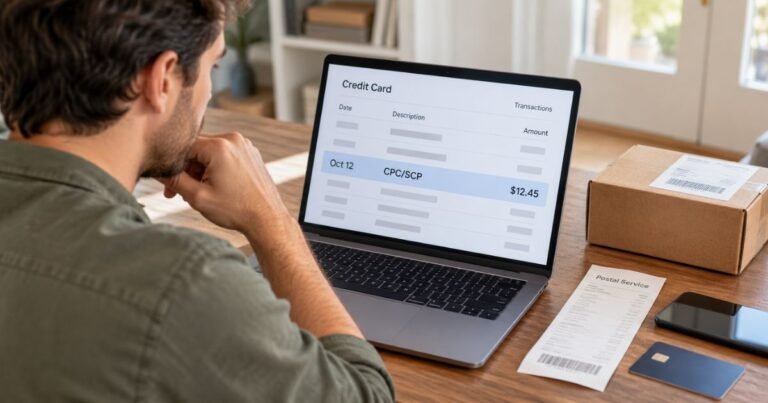
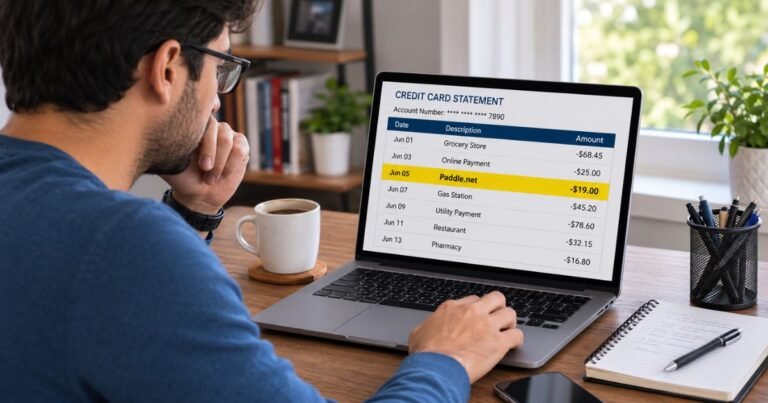
Learning how to block a charge on credit card can help you stop unwanted payments and protect your money. Whether it’s an unfamiliar transaction, a forgotten subscription, or a merchant billing you again, seeing an unexpected charge can feel frustrating.
The good news is that many unfamiliar charges are legitimate, and you may have options to stop or dispute unwanted payments. This guide explains how to block transactions, stop recurring payments, and contact your credit card issuer for help.
What Does It Mean to Block a Charge on a Credit Card?
Blocking a charge on a credit card means trying to prevent a merchant from taking a payment from your account. Depending on your bank and the transaction, you may be able to stop future payments, lock your card, or request a merchant-specific block.
However, blocking a charge isn’t the same as disputing one. A block generally aims to prevent a payment, while a dispute asks your credit card issuer to investigate a transaction that has already occurred.
Your options depend on whether the charge is pending, completed, recurring, or unauthorized.
How to Block a Charge on Credit Card: Step-by-Step
If you’ve noticed an unwanted payment, the best approach depends on the transaction’s status. Follow these steps to protect your account.
Step 1: Check the transaction details
Log in to your credit card app or online banking account. Locate the transaction and review its merchant name, amount, date, and payment status.
Check whether the charge might be from a subscription, family purchase, or merchant using an unfamiliar billing name.
Step 2: Contact the merchant
If you recognize the company, contact its customer support team. Ask whether it can cancel the payment or stop future billing.
Request written confirmation of the cancellation. Keep any emails, receipts, or screenshots for your records.
Step 3: Contact your credit card issuer
Call the number on the back of your credit card or use your bank’s secure app.
Explain that you want to stop a particular merchant from charging your account. Ask whether the issuer offers merchant-specific payment blocks or recurring payment controls.
Step 4: Lock your card if necessary
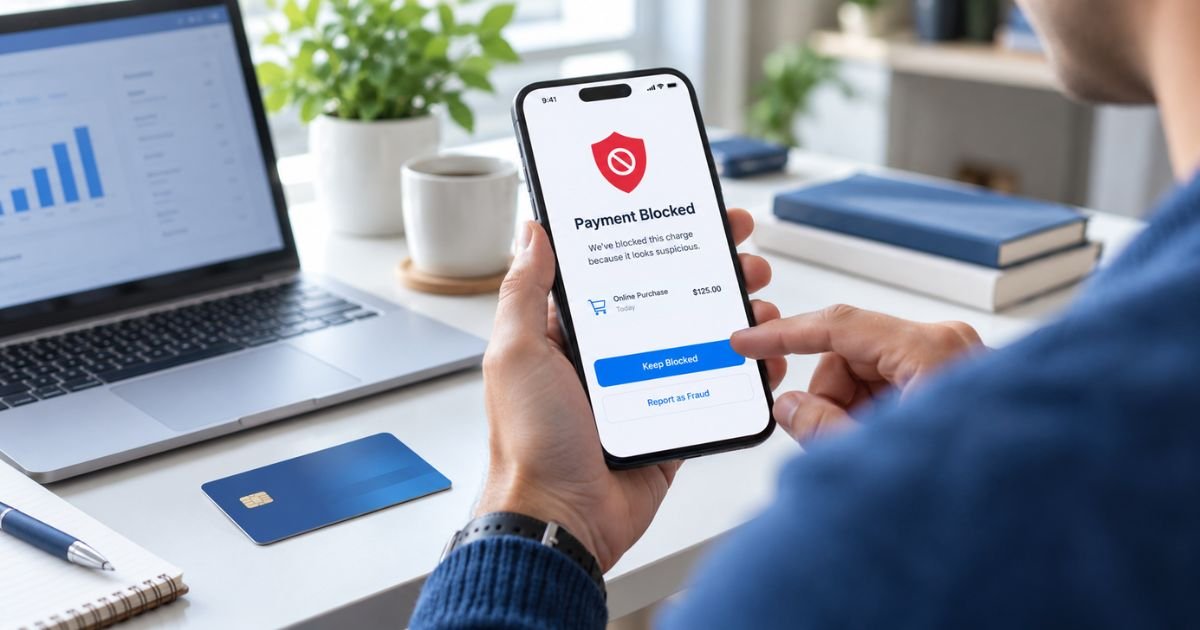
If you suspect someone has stolen your card information, use the card-lock feature if available. This can temporarily stop many new transactions.
However, a card lock may not stop recurring charges, previously authorized payments, or transactions already being processed. Report suspected fraud directly to your issuer.
Step 5: Dispute an incorrect charge
If the transaction has already posted, ask your issuer about filing a dispute. You may be eligible for a refund if the charge was unauthorized or otherwise qualifies as a billing error.
Can You Block a Pending Credit Card Charge?
A pending charge is a transaction that the merchant has authorized but hasn’t fully processed. It may appear in your account before becoming a completed payment.
Most credit card issuers cannot simply cancel every pending transaction at your request. The merchant may be able to void the authorization before the charge settles.
If the payment is unauthorized, contact your issuer immediately. Don’t wait for the charge to post before reporting possible fraud.
For legitimate purchases, contact the merchant first and request cancellation. Your bank can explain whether a dispute becomes available after the payment posts.
How to Stop Recurring Charges on Your Credit Card
Recurring charges usually come from subscriptions, memberships, or services that bill you automatically. Common examples include streaming subscriptions, fitness memberships, software services, and free trials that convert to paid plans.
To stop them, you should generally cancel the service with the merchant and confirm that future billing has ended.
You can usually follow these steps:
- Sign in to the service or subscription account.
- Open the billing, membership, or subscription settings.
- Select the cancellation option and complete all required steps.
- Save the cancellation confirmation.
- Ask your card issuer whether it can block further charges if the merchant continues billing you.
If the company bills you after a valid cancellation, contact your issuer and explain the situation. Provide evidence of when you canceled.
Remember that replacing your credit card may not stop recurring charges. Some merchants receive updated card information through automatic account updater services.
How to Block a Specific Merchant From Charging Your Credit Card
Some credit card issuers offer controls that may help you restrict certain payments. However, merchant-level blocking isn’t available on every credit card account.
Start by calling your issuer and asking whether it supports merchant-specific payment restrictions.
Provide the merchant’s billing name and explain why you want the payments stopped. The bank may offer a recurring payment block, fraud restriction, or other account protection.
Ask whether the restriction covers future attempts from that merchant. Some merchants use different billing descriptors or payment processors, so a block may not catch every attempt.
You should also cancel any existing agreement with the merchant. Blocking a card payment doesn’t automatically cancel a contract or remove money you legally owe.
How to Block a Charge Using Your Bank’s Mobile App
Many major credit card issuers offer mobile app features for managing transactions and card security.
Although the steps vary by bank, the process generally looks like this:
- Open your bank’s official mobile app.
- Select your credit card account.
- Find the card controls or security settings.
- Choose the lock, freeze, or similar security option.
- Confirm the action and check whether the card is locked.
A temporary card lock typically restricts many new purchases. It doesn’t guarantee that previously authorized or recurring payments will stop.
Some apps also let you report suspicious transactions directly. If the charge looks fraudulent, use that reporting feature or contact the issuer’s fraud department.
Can You Block a Credit Card Charge After It Has Posted?
Once a charge has posted, you generally cannot prevent that completed transaction through a card lock. Instead, you may need to request a refund or file a dispute.
A dispute is a formal request asking your card issuer to review a transaction.
You may have grounds to dispute a charge if:
- You didn’t authorize the purchase.
- The merchant charged you twice.
- You were billed the wrong amount.
- You didn’t receive goods or services as agreed.
- A merchant continued charging you after a valid cancellation.
For billing errors covered by the Fair Credit Billing Act, you generally must send a written dispute notice within 60 days after your issuer sent the first statement containing the error.
Contact your issuer promptly and follow its billing dispute instructions. The dispute address may be different from the regular payment address.
What Happens After You Dispute a Credit Card Charge?
Your issuer generally reviews the transaction and may request information from the merchant. It may also ask you for receipts, cancellation emails, or other evidence.
For qualifying billing error disputes, federal rules generally require the issuer to acknowledge your written notice within 30 days, unless it resolves the issue sooner. The investigation generally must finish within two billing cycles, but no later than 90 days.
During a qualifying investigation, you generally don’t have to pay the disputed amount or related interest while the issuer investigates. However, you must continue paying the undisputed portion of your bill.
A temporary credit may appear during the investigation, but it doesn’t guarantee that your dispute will succeed.
How to Prevent Unwanted Credit Card Charges
You can reduce unwanted payments by checking your account regularly and managing recurring subscriptions.
Enable transaction alerts through your banking app so you can spot unfamiliar payments quickly. Review subscriptions before free trials end, and avoid saving your card details on websites you don’t trust.
Use strong passwords and two-factor authentication for accounts that store your payment information. If you suspect your card details have been stolen, report the problem immediately.
FAQs On How to Block a Charge on Credit Card
Q: Can I block a credit card charge before it goes through?
A: You may be able to stop a payment by contacting the merchant before it completes processing. Your credit card issuer may also offer payment restrictions, but pending authorizations generally cannot be canceled through a standard card lock.
Q: Will locking my credit card stop recurring payments?
A: Not necessarily. Recurring payments and previously authorized transactions may still process while your card is locked. You should cancel the subscription directly and ask your issuer about additional blocking options.
Q: Can I block a specific company from charging my credit card?
A: Some credit card issuers may offer merchant-specific restrictions or recurring payment blocks. Contact your bank to check which options are available and whether the block applies to future transactions.
Q: Can I get my money back after blocking a charge?
A: Blocking future payments doesn’t automatically refund previous charges. You can request a refund from the merchant or dispute an eligible transaction with your credit card issuer.
Conclusion
Understanding how to block a charge on credit card can help you respond quickly to unwanted transactions. Your best option generally depends on whether the payment is pending, completed, recurring, or fraudulent.
Start by reviewing the transaction and contacting the merchant when appropriate. If the charge is unauthorized or the merchant won’t resolve a billing problem, contact your credit card issuer to discuss blocking options or dispute rights.
Disclaimer: This article is for informational purposes only and does not provide financial or legal advice. Credit card policies, payment restrictions, and dispute procedures may vary by issuer. Contact your credit card company or bank for guidance about your specific account.