What is Chewy Autoship Charge on Credit Card?

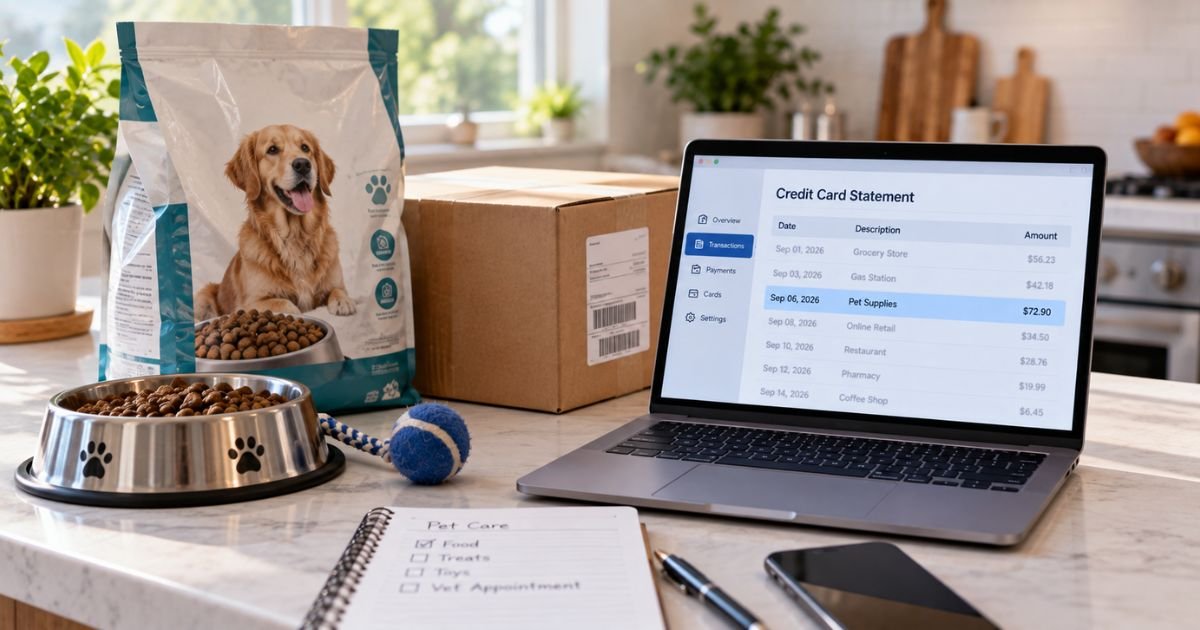
A Chewy Autoship charge on credit card can feel confusing if you don’t recall signing up for a recurring pet order. The name on the statement often looks like a one-time website purchase.
Unfamiliar Chewy charges are often legitimate food, litter, or pharmacy refills on a schedule you chose. This guide shows you how the charge typically appears, how to match it to Autoship, and how to skip or cancel it.
What a Chewy Autoship Charge on Credit Card Means
Chewy is an online pet store. Autoship is Chewy’s repeat-delivery program. It is not a separate membership club with its own monthly fee.
When you turn on Autoship, Chewy sends the same items on a schedule you pick. Official terms say Chewy can bill your saved card for those shipments until you cancel or change the payment method.
You generally pay the item price, minus any Autoship discount, plus tax and any shipping that still applies. Chewy’s current Autoship pages list 35% off the first Autoship order, up to $20, and 5% off future eligible Autoship orders. Some items are excluded.
The charge is for products, not a stand-alone “Autoship fee.” If the total looks like a bag of food plus extras, that is usually the shipment.
How the charge usually appears
Banks often print CHEWY.COM. Many lines also show 800-672-4399 and FL or Dania Beach. That number is Chewy’s published customer service line, not a second company.
You may see PENDING or PRE-AUTH first. Official Autoship terms say Chewy places an authorization hold about 24 hours before the ship date. The hold is not a second payment. After the order ships, you should see one posted charge for that shipment.
Help pages also say Chewy may start preparing an Autoship about 48 hours before the scheduled date, and a current help article says the card can be charged as early as 3 days before the next order ships. Timing can vary by order.
Split boxes can create more than one posted line. Chewy charges as items ship. Two boxes from one Autoship can look like two purchases.
PayPal, Apple Pay, or a Chewy gift card can change what the bank prints. The order still lives in your Chewy account.
Why you might see this charge
The usual reason is an active Autoship. Food, treats, litter, flea products, and some prescriptions can all renew on a cycle such as every 4 or 6 weeks.
The first Autoship order is typically charged when you place it. Later orders are billed when that shipment goes out, not on a random day of the month.
Prices can move. Official terms say the amount you pay is the price in the pre-shipment email, or lower if the site price dropped by the time the order is authorized. Tax and shipping still get added.
Someone in your home may have added Autoship at checkout. The box that says you want repeat delivery is easy to miss. A vet-diet or pharmacy item can also sit on its own Autoship once Chewy has approval.
A pending hold can linger after a skip or cancel if the bank is slow to drop it. Chewy says you do not need to call just because you see that hold while an order is being prepared.
This is recurring product billing. Canceling Autoship stops future shipments from that plan. It does not close your Chewy account.
Match the charge to an Autoship
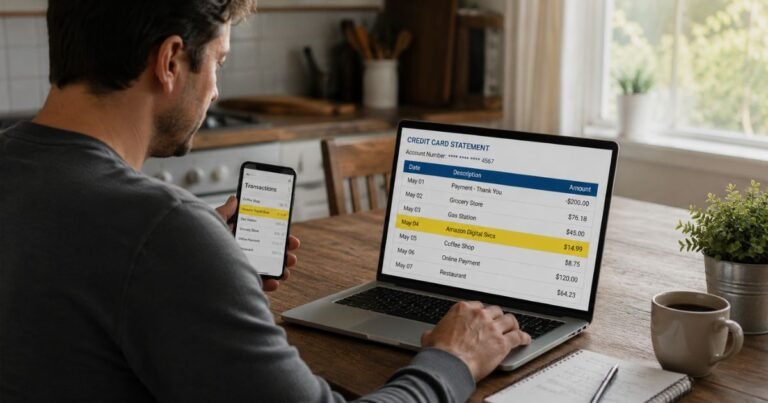
Sign in at chewy.com. Open Manage Autoship. Compare the next date, items, and payment card with the statement line.
Then open order history. Match the shipped date and the total, including tax.
Search email for “Autoship” and the charge date. Chewy says it sends a reminder before a later shipment. Official terms describe a notice up to 72 hours before the ship date, with an edit window that ends at 12:00 a.m. the day before that ship date.
Check every Autoship on the account. You can have more than one plan. Canceling food does not cancel litter.
Ask anyone who shares the card or the login. A partner may have added a second pet’s food.
Keep screenshots of the statement, the Autoship screen, and the order. Those help if you call Chewy or your bank.
Skip, change, or cancel Autoship
You can manage Autoship anytime in your account. Official help says go to Manage Autoship, open the plan, and pick the change you need.
| What you want | Where to do it | What generally happens |
|---|---|---|
| Pause one delivery | Skip order or Skip Shipment | That cycle is delayed. The plan stays on. |
| Get boxes less often | Change frequency | Later dates follow the new pace. |
| Move the next date | Change next order date | Help pages say you can change the date up to 48 hours before the next scheduled order. |
| Stop everything on that plan | Cancel Autoship at the bottom | Chewy says you will not be charged or receive future deliveries from that Autoship. |
Confirm the cancel screen and watch for the email. If you have several Autoships, repeat the steps on each one.
If the order is already packing or has shipped, that box may still go out. You can still cancel future cycles. Then use Chewy’s return tools if you do not want the items.
Chewy’s return help says most items can be returned within 365 days with free return shipping. Start the return from order history. Refunds to a card can take up to 5 business days. Gift-card balance refunds are typically faster.
You can also call 1-800-672-4399. That number appears on official Autoship pages and in Autoship terms. For prescription returns, Chewy lists 1-877-977-3879.
Canceling Autoship does not by itself refund a shipment that already billed. Ask Chewy about that order if you canceled too late to stop the box.
What to do if you do not recognize it
Stay calm and work in order. Match the amount to Manage Autoship and order history first.
If the plan is real and unwanted, skip or cancel it, then decide whether to keep or return the box. If the charge is only a pending hold and no order shipped, wait a day or two and check again.
If nothing in the account matches, call Chewy at 1-800-672-4399 and have the date and amount ready. Use chewy.com yourself. Do not tap refund links in unexpected texts.
If Chewy cannot find the order, call your card issuer. Ask whether the line is pending or posted. For a posted charge you did not authorize, you can typically file a dispute. Time limits vary by issuer.
Watch the next statement. A dropped hold should vanish. A real Autoship will post when that shipment leaves.
FAQs On Chewy Autoship Charge on Credit Card
Q: Why does a Chewy Autoship charge on credit card show up before my food arrives?
A: Chewy generally bills when the order ships, and it may place a hold about a day before the ship date. Help pages also say preparation can start about 48 hours ahead. The hold is typically not a second charge. One posted amount should remain after the box ships.
Q: Is Autoship a paid Chewy membership?
A: No. Official pages describe Autoship as repeat deliveries with a product discount, not a separate club fee. You pay for the items, minus the listed Autoship savings, plus tax and any shipping. Canceling the plan stops those repeat item charges.
Q: How do I cancel so Chewy stops charging my card?
A: Sign in, open Manage Autoship, select the plan, and tap Cancel Autoship at the bottom. Confirm and save the email. Repeat for every Autoship you have. You can also call 1-800-672-4399. A shipment already in process may still bill.
Q: Can I return an Autoship order I did not want?
A: Often yes. Chewy’s return help allows most items within 365 days with free return shipping. Start the return in order history. Card refunds can take up to 5 business days. Pharmacy items follow a separate process at 1-877-977-3879.
Conclusion
A Chewy Autoship charge on credit card is typically a scheduled pet-supply order, plus tax and any shipping, billed when that shipment goes out. Match it in Manage Autoship before you assume the worst.
Skip the next box if you still need the plan. Cancel each Autoship you do not want, and return a shipped order if Chewy’s rules allow it. If nothing matches, use Chewy’s published phone line, then your card issuer.
Disclaimer: This article is for general information only. It is not financial, legal, or tax advice. Chewy Autoship discounts, billing windows, and return rules can change and may vary by item, account, and card issuer. Confirm details in your Chewy account or with Chewy or your bank before you cancel or dispute a charge.