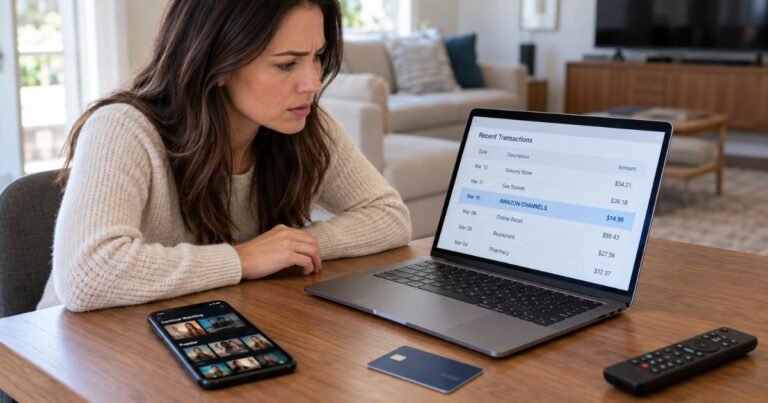
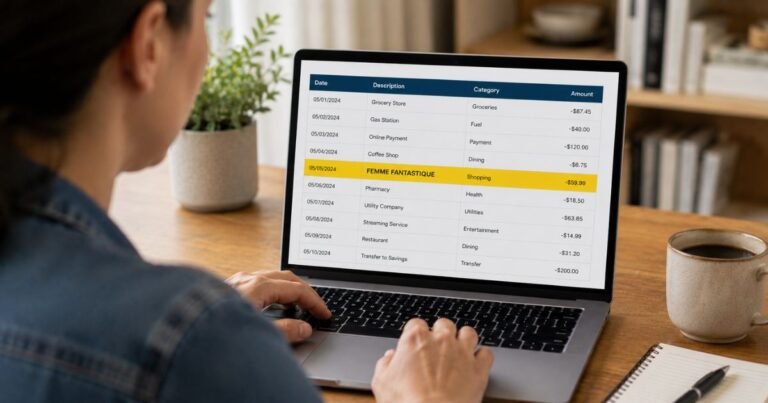
What is TW&M Digital Charge on Credit Card?

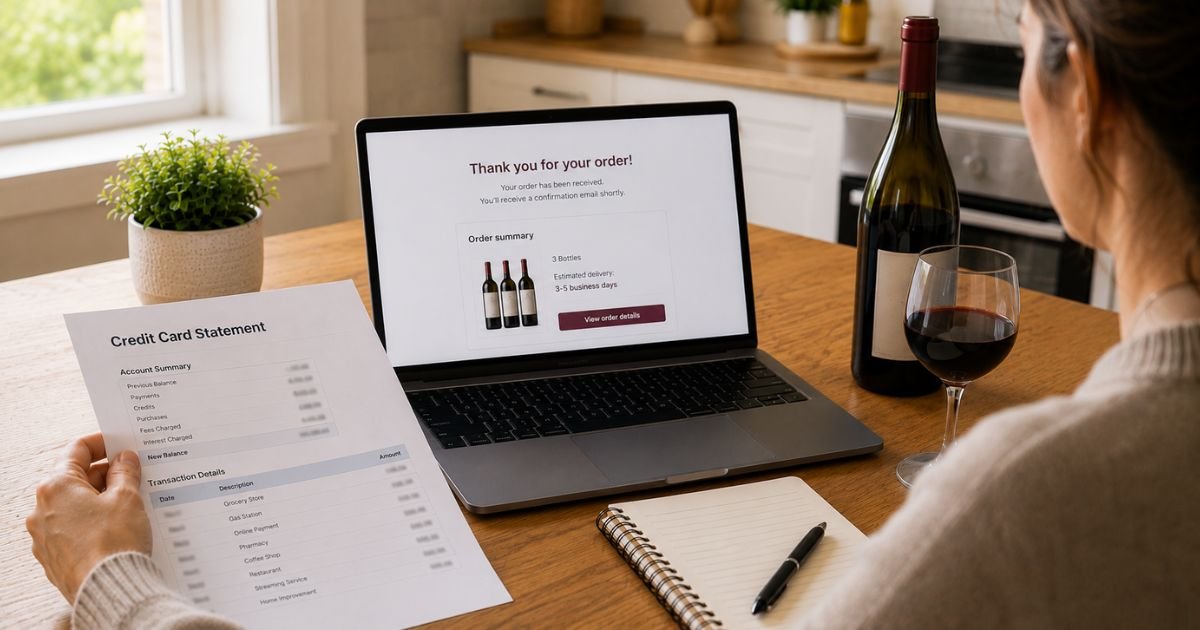
A TW&M Digital charge on credit card can feel confusing if you did not walk into a liquor store that day. Short store codes hide familiar brand names.
This guide explains the most likely source, how to match a receipt, and what to do if the line still does not look right.
What a TW&M Digital Charge on Credit Card Usually Means
A TW&M Digital charge on credit card most often comes from Total Wine & More. Shoppers and charge databases report the same pattern: TW&M plus DIGITAL plus a store number and city, such as Plantation, FL.
“Digital” usually means an online order, app checkout, curbside pickup, or a paid tasting class, not a mystery software club. That reading is based on how the letters show up on statements. Ask your issuer if the full merchant name is different.
Total Wine & More is a large U.S. wine, beer, and spirits retailer. Online orders can bill under a fulfillment store even when you never visited that city.
Store 919 in Plantation, Florida, is one example that has appeared next to DIGITAL on cards. Your local store number can show instead.
The amount is typically a bottle order, delivery fee, tasting ticket, or gift card. It is not usually a magazine subscription. &MORE Rewards is Total Wine’s free loyalty program. Joining that club does not, by itself, create a monthly membership fee.
Look at email for totalwine.com. Search “order confirmation,” “ready for pickup,” or “class.”
How to verify the charge
Write down the date, amount, and any store number on the line.
Log into totalwine.com or the Total Wine app. Open order history and match the total, including tax and delivery.
Check your calendar for a virtual tasting or in-store class. Those tickets sometimes post as a small DIGITAL charge, such as a $20 class, while a grocery run posts under a different store code.
Ask anyone who shares the card. Pickup orders need an adult signature. A partner may have used your saved card.
Call Total Wine Customer Care at 1-855-330-6673, or the Customer Care number printed on your receipt.
Official pages also list (855) 328-9463 and customercare@totalwine.com.
Hours can vary. Have the last four card digits and the order email ready.
If the city on the statement is far from home, that still can be the warehouse or web store that processed the sale.
Why this charge shows up
The common reason is a website or app purchase. You paid for delivery, shipping, or same-day pickup. The card billed when the order captured, which can be a day after checkout.
A class or tasting reservation can post before the event.
A split cart can create two lines: one for alcohol and one for a digital add-on or fee.
A pending authorization at pickup can drop and repost when the store finalizes ID check.
Someone with your saved wallet in the app may have reordered.
How to cancel or return
Alcohol return rules depend on your state. Total Wine says some states limit returns except for damaged or incorrect product. Call Customer Care before you assume a full refund.
If the order has not left the store, ask whether it can still be canceled. Delivery FAQs on Total Wine’s site cover missed drops, wrong bottles, and damage. Use that path first.
For a class you cannot attend, ask whether the ticket is transferable or refundable. Policies vary by event.
&MORE Rewards membership can be canceled through Customer Care if you only want the emails to stop. That cancel does not reverse a bottle purchase.
Remove the saved card in the Total Wine account if you do not want one-click reorders.
If you never shopped at Total Wine
Stay calm and gather the exact descriptor. TW&M is easy to mix up with other “TW” or “TWM” tech firms. Your bank can pull the merchant category and city.
If Customer Care has no order under your name or email, say so in writing.
Then call the number on the back of your card. Credit card billing-error rules typically give you about 60 days from the statement that first showed the charge. Issuers set their own process.
Lock the card if other odd retail lines appear the same week.
Do not send card numbers to a stranger who offers to “clear TW&M Digital” for a fee.
Extra line items that confuse people
Bottle deposits, CRV, recycle fees, and spirits tax can sit next to the product price. Total Wine’s ordering help pages explain those add-ons. They are not a second vendor.
Delivery minimums and fees can make the total larger than the shelf price you remember.
A gift card load is a purchase, not store credit until you spend it.
How to avoid a surprise next time
Turn on purchase alerts for amounts over a few dollars.
Keep order emails in a folder labeled Total Wine.
Use a virtual card number in the app when your issuer offers one.
Delete stored cards after a one-time gift order.
FAQs On TW&M Digital Charge on Credit Card
Q: What is a TW&M Digital charge on my credit card?
A: It most often is Total Wine & More billing an online order, app checkout, pickup, or tasting class. DIGITAL plus a store number points to web fulfillment, not a hidden software plan. Confirm in order history or with Customer Care.
Q: Is the TW&M Digital charge a scam?
A: Not by itself. Total Wine & More is a real national retailer. Fraud is still possible if you have no account and no email. Match the receipt first. If nothing matches, call the store brand and your card issuer.
Q: How do I cancel so I am not billed again?
A: This is usually a one-time retail sale, not a monthly club. Cancel an unshipped order through Customer Care. Remove the saved card in your Total Wine account. Return rules for alcohol follow state law.
Q: Can I get a refund?
A: Maybe. Wrong, missing, or damaged items are the usual path. Some states restrict alcohol returns. Unauthorized charges can be disputed with your card issuer. Results vary.
Conclusion
A TW&M Digital charge on credit card usually traces to a Total Wine & More online or class purchase posted under a short store code.
Check order history and the confirmation email first. Call 1-855-330-6673 or email customercare@totalwine.com if the total looks wrong.
If no order exists in your name, use your card issuer’s dispute process and keep every note. A short receipt check is the fastest way to see why the line is there.
Disclaimer: This article is for general information only. It is not financial or legal advice. Merchant descriptors and return rules vary by issuer and by state. Verify the charge on your statement and confirm account-specific questions with Total Wine & More or your bank.