What is 303 Peachtree St Charge on Credit Card?

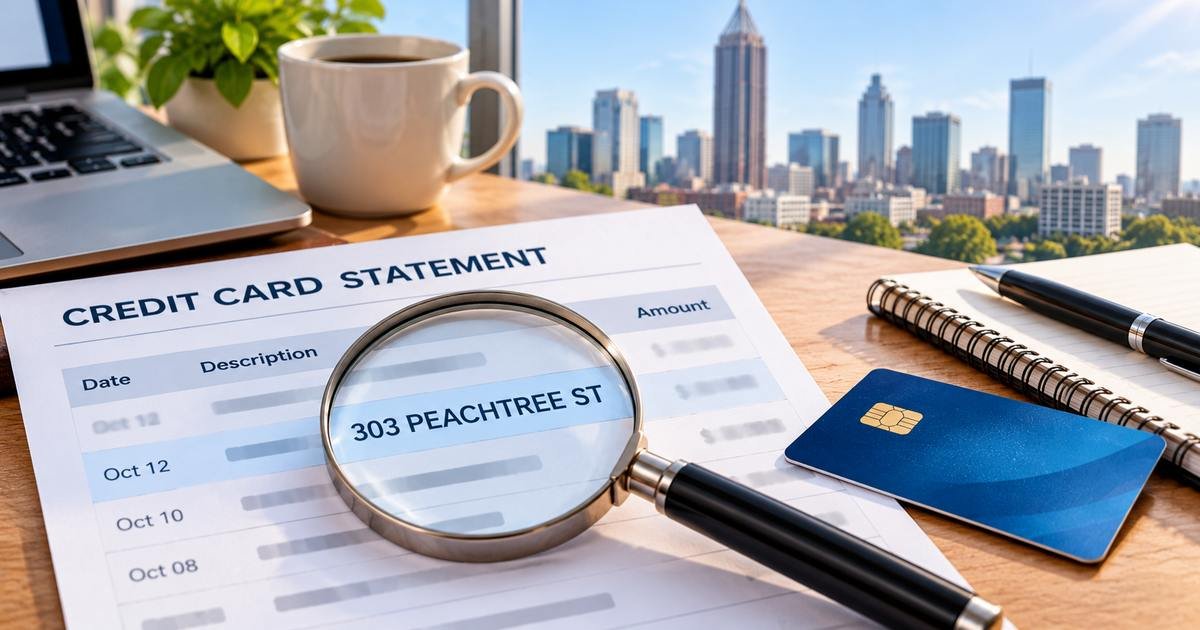
A 303 Peachtree St charge on credit card statements is puzzling because it looks like an address rather than a business. The Atlanta street address appears in financial-company records, but it does not identify the merchant behind every payment.
Greenlight uses a mailing address at 303 Peachtree Street NE, and SunTrust listed a Peachtree address historically. This guide explains why an address can appear, how to get the actual merchant name, and when to report the payment.
What Is 303 Peachtree St Charge on Credit Card?
303 Peachtree Street is an Atlanta, Georgia business address used by multiple organizations and offices. A credit card entry showing an address without a recognizable merchant name cannot reliably be assigned to one particular company.
Greenlight Financial Technology identifies 303 Peachtree Street NE, Suite 4300, in its official cardholder agreement. That address is connected to cardholder services, not proof that Greenlight charged your credit card for a product.
SunTrust Banks also historically listed 303 Peachtree Street NE in corporate reports. SunTrust later became part of Truist, so old bank-address references are not evidence of a current SunTrust-branded payment.
Your card issuer may be displaying a location field, a legal billing address, or another shortened description. You need the complete merchant-of-record information and your own transaction history before naming a specific business.
Why a Street Address Can Appear Instead of a Store
Card systems can show a merchant city, address, legal entity, or payment processor alongside the name. Sometimes the displayed line is too short to explain the seller’s customer-facing brand.
A financial technology company, bank, or unrelated office could use an Atlanta business address. The fact that Greenlight lists the building in its public documents is only one lead.
You may have paid for a service that used an office address instead of the store’s physical location. This can happen with remote services and corporate billing operations, but you should not assume which service was bought.
An authorized cardholder might recognize the amount even when the address looks unfamiliar. Ask whether they enrolled in a service, placed an order, or paid a bill near the transaction date.
If you have no matching receipt or service account, the address does not prove a legitimate charge. Ask the issuer to disclose the full merchant name rather than relying on a web search for the address.
Check Greenlight and Other Possible Connections
If your household uses Greenlight, review its transaction history, plan and billing records. Check whether the amount corresponds to a known account activity or any charge shown in the app.
Greenlight’s publicly listed street address belongs to its contact and cardholder-service information. It is not necessarily a statement descriptor. Do not infer a subscription from the address alone.
If you bank with Truist or had an older SunTrust relationship, look at your financial account records rather than assuming a transaction using the old building address is a bank fee.
Search email for the amount, transaction date, Greenlight, Truist, Atlanta, and related service receipts. A matching amount with the same payment card is much stronger evidence than a matching city.
If those searches fail, ask your card issuer for the merchant category, legal name, website, and additional transaction location. The full record can rule out unrelated businesses.
Could This Be a Bank Fee or Subscription?
A bank fee is usually listed in the issuer’s fee area or under an identified financial service. A payment showing only a street address may instead be a merchant purchase, depending on the issuer’s display.
Check whether the amount is pending or posted. A temporary authorization related to account verification is not the same as a completed card payment.
A recurring amount may suggest a plan, but this alone does not identify the provider. Look for a contract, subscription receipt, or renewal notice before attempting cancellation.
Do not stop an unrelated bank or prepaid-card service merely because its mailing address resembles the statement entry. Confirm the exact transaction with the company first.
If the amount looks like a duplicate, confirm that both entries posted and compare their transaction references. Ask the issuer for a billing-error investigation if they cannot be reconciled.
What to Ask Your Credit Card Issuer
Ask, ‘Can you tell me the full legal merchant name behind this 303 Peachtree St entry?’ The exact company name is more useful than another address search.
Request any merchant website, contact information, category code, transaction channel, and location that the issuer can provide. Some details may be unavailable, but the issuer can explain what it knows.
Ask whether the card was used in person, through an online account, or as a merchant-initiated recurring payment. That distinction can narrow the possible source.
If the issuer names a legitimate business, compare it with receipts and orders. Contact that business through its verified support channel for the invoice or billing explanation.
If no authorized purchase matches, report the card payment promptly. Do not assume a real office address makes an unknown transaction safe.
Check the Charge Before You Dispute It
Open your credit card’s secure mobile app or online account and copy the exact descriptor. Note the amount, date, posting status, and any business location. A legal company name or shortened descriptor can differ from the website you remember.
Search purchase receipts, order confirmations, subscription notices, and other card activity for the amount. Ask authorized users about recent purchases, but do not assume someone misused the account merely because the company name is unfamiliar.
A pending authorization may disappear or settle as a posted payment. Check both statuses before claiming duplicate billing. Two separate posted transactions should be matched with separate invoices or investigated as a possible error.
Contact the business only through verified contact details from an order confirmation or official website. If you cannot identify the merchant, your card issuer may have additional transaction information and a merchant category not shown in your app.
What to Do About an Unauthorized Transaction
If neither you nor another authorized cardholder recognizes the payment, use the number on the back of your card or the bank’s verified app. Report suspected unauthorized use and ask whether a temporary lock or replacement card is appropriate.
Give the issuer the exact descriptor, posted amount, date, and the checks you completed. Keep copies of receipts and merchant communications so you can explain what you know without guessing the seller’s identity.
The Consumer Financial Protection Bureau explains that many credit card billing-error protections require written notice within 60 calendar days after the first statement showing the error is sent. Follow your issuer’s billing-error instructions rather than mailing the notice to an ordinary payment address.
Your issuer will explain the investigation and any provisional credit it may provide. A dispute is not a guaranteed refund, and it does not necessarily cancel a legitimate recurring agreement that you separately need to end.
Avoid Future Unfamiliar Statement Entries
Enable purchase alerts if your issuer provides them. A notification near checkout helps you connect a merchant’s legal name with an order while the activity is still easy to remember.
Keep receipts and cancellation confirmations in a searchable email folder. Record the service name, date, amount, renewal terms, and any billing company mentioned during checkout.
Review saved payment cards and authorized users periodically. To end an actual subscription, use the account or platform that bills it and save confirmation that future renewals have stopped.
Do not enter your full card number, security code, or one-time bank login password into an unfamiliar charge-lookup site. The card issuer and verified merchant support are safer channels for tracing transactions.
To understand how an address or legal business name may appear, read our credit card charges overview.
What Is Verified and What Is Uncertain
Greenlight’s current cardholder agreement lists 303 Peachtree Street NE, Suite 4300, Atlanta, as a Cardholder Services mailing address. Historical SunTrust filings also list 303 Peachtree Street as a former executive office address. Neither document confirms that an unlabeled card transaction was billed by Greenlight or SunTrust.
Review Greenlight’s official cardholder agreement for the documented company details. For formal dispute steps, consult the CFPB’s official billing-error guidance. These sources cannot identify your own transaction without a matching receipt or bank record.
FAQs On 303 Peachtree St
Q: Is 303 Peachtree Street a Greenlight address?
A: Greenlight lists 303 Peachtree Street NE, Suite 4300, Atlanta, in its cardholder agreement. That does not prove your charge belongs to Greenlight.
Q: Does this charge mean SunTrust or Truist billed me?
A: Not necessarily. Historical SunTrust documents used the address, but an address match alone cannot identify the merchant.
Q: Could it be a recurring subscription?
A: Possibly, but you need a matching agreement or account history to establish any subscription.
Q: What if the bank cannot identify the company?
A: Ask the issuer to investigate the complete merchant record and report unauthorized activity promptly.
Conclusion
303 Peachtree St charge on credit card statements should be traced using a matching purchase record, not a short label alone. Treat the Atlanta location as a clue to investigate, not as a verified charge descriptor for a particular company.
Compare the amount with your order or account history first. If the charge remains unexplained or was unauthorized, contact the card issuer promptly and keep your case details.
Disclaimer: This article is for general information only, not financial or legal advice. Merchant terms and card issuer policies vary, so verify account-specific details with the company or your bank.