What is UAB Kilo Grupe Charge on Credit Card?

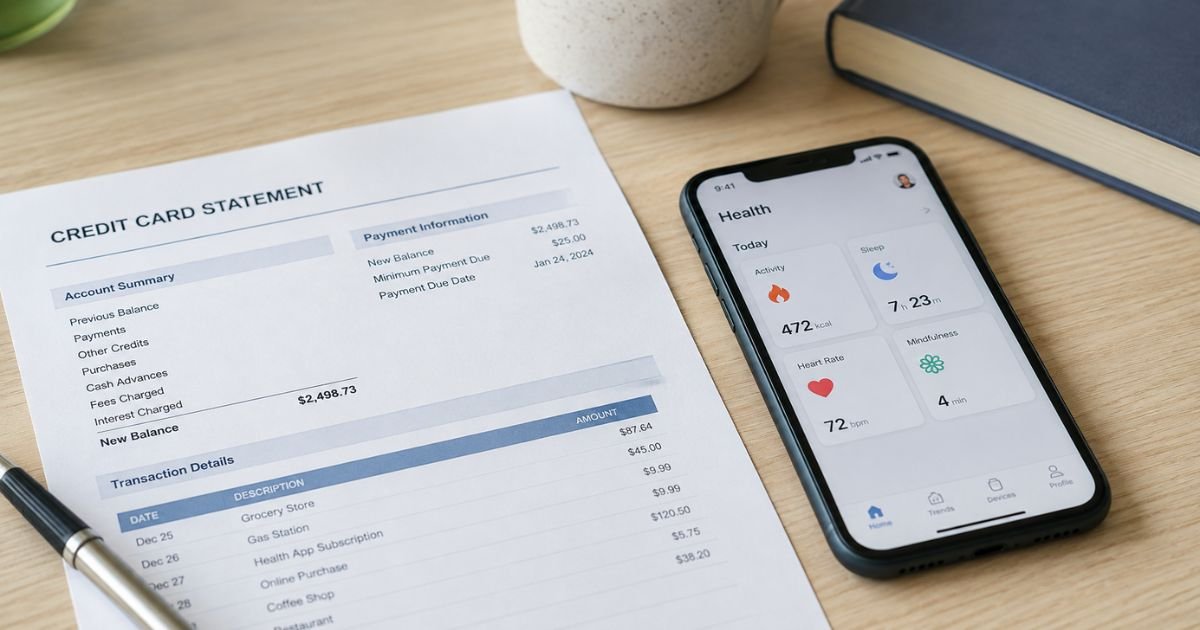
Spotting a UAB Kilo Grupe charge on credit card can feel confusing if you don’t recall signing up for anything. Unfamiliar charges are often legitimate subscriptions you started and later forgot. This guide walks you through what the charge usually is, how to check it, and what to do next.
What Is the UAB Kilo Grupe Charge?
UAB Kilo Grupe is a real limited liability company based in Lithuania. “UAB” is the Lithuanian term for a private limited company. It operates as the parent behind Kilo Health (sometimes just called Kilo), a digital health and wellness group.
The company develops or supports apps and services focused on intermittent fasting, diabetes management, heart health, fitness, and related wellness tools.
Common linked products include DoFasting, Klinio, and Cardi.Health. The charge on your statement is typically payment processing for one of these subscriptions.
Descriptor variants you might see include:
- UAB Kilo Grupe
- UAB “Kilo grupė”
- Kilo Grupe
- KILO-GROUP
- Similar spellings with slight variations
Typical amounts reported by consumers range from about $30 to $90.
These often cover multi-month plans that renew automatically. Exact pricing depends on the specific app and plan length and may vary.
Why Did This Charge Appear?
Most people who see this charge signed up for a digital health or wellness service at some point. Free trials or low introductory offers are common entry points. After the trial ends, the subscription converts to a paid plan and bills your card or PayPal.
You may have entered payment details on a website or through an app download. Ads on social media sometimes lead to these sign-ups. The parent company name appears on the statement even if you remember the individual app name. In some cases the charge routes through PayPal, which then shows up linked to your card.
A smaller number of reports involve forgotten older subscriptions or difficulty tracking which product was purchased. The company itself is a registered business with years of operation and significant reported revenue, so the charge is usually tied to an actual service rather than pure invention.
How to Verify the Charge
- Check the exact date, amount, and full merchant name on your statement or online banking.
- Search your email (including spam) for confirmations from DoFasting, Klinio, Cardi.Health, kilo.health, or similar names around the same time.
- Review app store purchase history or your device’s subscription list for matching health or fasting apps.
- Look through recent PayPal activity if that is how the payment processed.
- Email the company support address with the transaction details and ask for the linked product and account.
Keep screenshots of everything you find. This helps if you need to dispute later.
Is the Charge Legitimate or Fraud?
In most reported cases the charge connects to a real subscription you or someone with access to your payment method started.
The company is a legitimate Lithuanian business that has operated for more than a decade and built multiple consumer health products.
Common legitimate explanations
- Free trial that automatically converted
- Multi-month wellness or diet plan you signed up for online or via app
- Payment processed under the parent company name instead of the app name
Warning signs
- No matching emails, app downloads, or account history at all
- Multiple unexpected charges in a short period with no prior activity
- Charges continuing after you already canceled and received confirmation
When to contact the bank: If nothing matches after your checks, treat it as potentially unauthorized and contact your card issuer promptly. Most major issuers offer zero-liability protection for true fraud when you report quickly.
How to Cancel UAB Kilo Grupe
Cancellation depends on how you originally purchased the service. Deleting the app alone does not stop billing.
- If you bought through the website (for example dofasting.com), log into your account on that site and look for the subscription or billing management page. Cancel there and save the confirmation.
- If you subscribed through the Apple App Store, go to Settings > [Your Name] > Subscriptions on your iPhone or iPad, select the relevant app, and cancel.
- If you subscribed through Google Play, open the Play Store, go to Payments & subscriptions > Subscriptions, find the app, and cancel.
- Email support at hello@kilo.health with your account email, transaction details, and a clear request to cancel any active subscriptions. Include screenshots if possible. Company responses in public forums have used this address.
Ask for written confirmation that future billing has stopped. Monitor your statements for at least one more billing cycle.
Can You Get a Refund?
Refund policies vary by product, purchase channel, and how long ago the charge occurred. Website purchases sometimes allow requests within a limited window.
App Store or Google Play purchases usually require you to request the refund through Apple or Google instead of the merchant.
Contact support first with your details and explain why you want a refund. Be prepared that partial refunds or denials can occur, especially on longer plans that have already started.
If the merchant declines and you believe the charge was unauthorized or the service was not provided, escalate to your bank or PayPal for a dispute. Results are not guaranteed and depend on your issuer’s review.
What to Do If the Charge Is Unauthorized
- Contact the company at hello@kilo.health right away and request cancellation plus a refund explanation.
- Document the response (or lack of one).
- Log into your bank or card account and dispute the transaction as unauthorized. Provide any evidence that you never signed up or already canceled.
- If PayPal was involved, open a case there as well.
- Change passwords on related accounts and enable transaction alerts on your card.
- Monitor statements closely for follow-up charges.
Acting quickly improves your chances of a successful dispute under typical card network rules.
Prevention Tips
- Turn on real-time transaction alerts from your bank or card issuer.
- Review every free trial’s terms before entering payment details and set a calendar reminder to cancel before it ends.
- Keep a simple list or screenshot of active subscriptions.
- Prefer virtual card numbers or single-use payment methods for new online trials when available.
- Regularly check App Store and Google Play subscription lists.
- Avoid entering card details on sites you reached only through social media ads until you confirm the company.
FAQs on UAB Kilo Grupe Charge on Credit Card
Q: What is UAB Kilo Grupe?
A: It is a Lithuanian limited liability company that serves as the parent for digital health and wellness products under the Kilo Health brand. Charges usually relate to apps such as DoFasting or similar services.
Q: Why does the charge use this name instead of the app name?
A: Many of the individual products process payments through the parent company, so the merchant descriptor on your statement shows UAB Kilo Grupe or a close variation.
Q: How do I stop future charges?
A: Cancel through the original purchase platform (website account, Apple, or Google) and follow up by emailing hello@kilo.health for confirmation. Monitor your next statement to make sure billing stopped.
Q: Is this company a scam?
A: Public records show it is a registered business with years of operation and multiple consumer-facing health products. That said, many users report surprise subscription charges and difficulty getting refunds, so always verify your own account activity.
Conclusion
A UAB Kilo Grupe charge on credit card most often comes from a digital health or wellness subscription you started and later forgot. The company behind it is legitimate, but auto-renewing plans and parent-company billing descriptors create confusion for many people.
Check your emails, app stores, and payment history first. Then cancel through the right channel and confirm with support if needed. If nothing matches and you believe the charge is unauthorized, dispute it with your bank right away.
Stay proactive with alerts and regular statement reviews so unexpected charges become less common in the future.
Disclaimer: This article is for informational purposes only and is not financial, legal, or professional advice. Billing practices, refund rules, and dispute outcomes vary by company, product, and card issuer. Always verify details with the merchant and your bank for your specific situation.