How Do I Dispute a Charge on My Chase Credit Card?


To dispute a charge on your Chase credit card, sign in to your Chase account, open the posted transaction, and follow the dispute link if you believe the charge is wrong. Chase provides an official dispute page where you can begin. If you suspect fraud, report it promptly using the number on the back of your card. For certain U.S. billing errors, a written notice sent within 60 days of the first statement showing the error also protects important federal rights.
The right response depends on whether the charge is unauthorized, a billing mistake, or a purchase dispute. Here is how to choose the correct route, gather evidence, and protect your account while Chase reviews the claim.
How to Dispute a Charge on a Chase Credit Card
Chase lets eligible cardholders review transaction details and start a dispute online. You do not need to assume every unfamiliar merchant name is fraudulent. A seller may use a parent-company name, a payment processor, or a shortened billing description. Start by reviewing the transaction carefully, then report it as soon as you know what is wrong.
Step 1: Check whether the transaction has posted
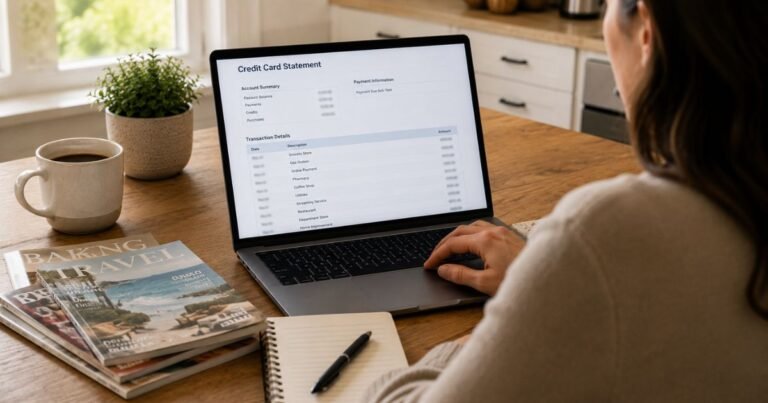
Open the Chase mobile app or website and sign in through an address you typed yourself. Select the credit card account and find the amount. Look at the transaction date, merchant details, and whether the charge says pending or posted.
Chase advises waiting about one to three business days for a pending credit card charge to post before opening an ordinary dispute. A temporary authorization can disappear or change when the final transaction settles. If the activity looks fraudulent or the card is missing, do not delay reporting it merely because the charge is pending.
Step 2: Check the merchant and your records
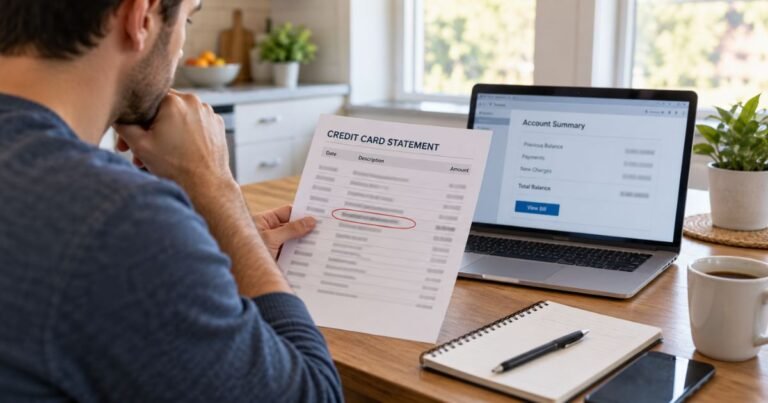
Tap or click the transaction to see any available merchant name, location, phone number, or earlier activity with that business. Compare the amount with your receipts, email confirmations, subscription notices, shipping records, and recent returns.
If you are trying to recognize a shortened label, our guide to identifying unknown credit card charges explains common reasons a merchant name may look unfamiliar. Ask other authorized card users whether they bought something, but never assume a charge is safe just because the amount is small.
Step 3: Decide whether it is fraud or a charge error
A fraudulent transaction is one you did not authorize. For example, somebody obtained your card details and used them without your permission. Report suspected fraud promptly so Chase can investigate and decide whether to replace the card number or take other security steps.
A charge error is different. You may recognize the merchant but see a duplicate payment, the wrong price, a refund that never arrived, or a charge for an order you canceled. Chase’s official dispute guidance distinguishes these situations because the evidence and next steps may differ.
Step 4: Contact the merchant when appropriate
For a recognizable purchase dispute, try the merchant first if it is reasonable to do so. Ask for the itemized receipt, order status, return confirmation, or refund timeline. Save the merchant’s written reply, the date of any call, and the name of the person you spoke with.
For suspicious unauthorized activity, contact Chase immediately rather than spending time trying to reach an unknown seller. Never provide a one-time banking code, full card number, or online password to a caller who claims they can reverse your payment.
Step 5: Start the Chase dispute
- Sign in using Chase’s transaction review instructions.
- Choose the credit card account and select the posted transaction.
- Review the merchant details and open the available dispute or report-a-problem option.
- Choose the reason that accurately describes what happened.
- Provide the amount, date, explanation, and requested supporting material.
- Save the confirmation and follow the instructions for tracking the case.
If the online option is unavailable, call the official customer service number printed on the back of your Chase card. You can also use the official Chase dispute page to find the correct starting point. Avoid numbers posted by strangers in reviews or social media comments.
Step 6: Send a written billing error notice when required
For a billing error covered by the Fair Credit Billing Act, an online message or phone call alone may not preserve every legal protection. The Consumer Financial Protection Bureau (CFPB) advises sending a written billing error notice within 60 calendar days after the first statement containing the error was sent.
Use the billing-inquiries address shown on your statement. It may not be the address used to mail payments. Include your name, account information, the disputed amount and date, and why you believe the charge is incorrect. Keep a copy and proof of mailing. You should not send your full card number by ordinary email.
The 60-day rule applies to the statutory billing error process; some other consumer disputes may involve different procedures, rights, or card-network deadlines. Do not delay contacting Chase while checking which rules apply.
Step 7: Continue paying undisputed amounts
While a qualifying billing error is being investigated, federal rules generally allow you to withhold the disputed amount and related finance charges. You are still responsible for paying charges you do not dispute by their normal due dates.
Keep checking your Chase account for requests for additional evidence and for the final decision. If you carry a balance, our Chase purchase interest charge guide explains how interest can arise on other eligible balances.
What happens after Chase receives your dispute?
The bank reviews the information and may contact the merchant or ask you for additional documents. A provisional credit may appear, but a temporary credit is not a final decision. Do not treat it as a guaranteed refund until Chase confirms the outcome.
Under the federal billing error rules, an issuer generally must acknowledge a properly submitted written notice within 30 days unless it resolves the matter sooner. The investigation must generally finish within two complete billing cycles and no later than 90 days. Chase’s operational process can differ by dispute type.
If Chase agrees a charge was erroneous, the final adjustment should reflect that decision. If the bank rejects your claim, read the explanation and check what additional review options may be available. Keep all documents in case the merchant provides contradictory information.
What evidence should you save?
- A statement or screenshot showing the transaction date, amount, and merchant descriptor.
- The original order confirmation and any invoice or receipt.
- Cancellation records, return tracking numbers, or proof of promised refunds.
- Messages from customer service and dates of phone calls.
- Evidence showing that the item was not delivered or differed from the agreement, if relevant.
Use only evidence that is accurate. A dispute is not a substitute for a store’s ordinary return policy or a way to avoid paying for a purchase you authorized and received. Give Chase the complete context, including any partial refunds already issued.
Common mistakes to avoid
Do not confuse a pending authorization with a settled duplicate charge. Do not click links in unexpected fraud alerts without verifying the sender. Do not close your online case simply because someone promises a refund verbally; wait for a confirmed resolution and ask Chase how closing the dispute affects your options.
Also remember that canceling a subscription prevents eligible future renewals but does not automatically erase a posted charge. You may need a separate refund request or dispute depending on the terms and facts. For additional protection, see how to block an unwanted credit card charge.
Can a disputed charge affect your credit score?
Simply filing a legitimate dispute is not the same as missing a payment. However, missing payments on undisputed balances can create late fees and possible credit reporting issues. Pay required undisputed amounts, monitor statements, and follow written instructions from Chase.
If you think a fraudster still has access to your account, ask Chase about a replacement card and review other recent transactions. Change compromised passwords and enable transaction alerts to make future surprises easier to spot.
Official sources
- Chase: Disputing a Charge
- Chase: Review Transaction Details
- CFPB: How to Fix Mistakes in Your Credit Card Bill
- CFPB: Credit Card Billing Disputes
FAQs About Disputing Chase Credit Card Charges
Q. Can I dispute a pending Chase credit card transaction?
A. Chase generally directs you to wait for a routine pending charge to post before filing a dispute. Report suspected fraud promptly even if the transaction remains pending.
Q. How long do I have to dispute a Chase credit card charge?
A. For many billing errors under federal law, a written notice must be sent within 60 days after the first statement showing the error. Other disputes may follow different rules, so contact Chase immediately.
Q. Will Chase automatically refund the disputed amount?
A. No. Chase investigates. A temporary credit is not a guarantee that your claim will succeed.
Q. Should I contact Chase or the merchant first?
A. Contact Chase promptly for suspected fraud. For a transaction you recognize but disagree with, contacting the merchant first can sometimes resolve the issue faster.
Conclusion
To dispute a charge on your Chase credit card, verify the transaction, identify whether it is fraud or a billing error, and report it through Chase’s official account tools or cardholder support. Protect applicable federal rights by following written notice rules, keep your evidence, and pay all undisputed amounts on time.
Disclaimer: This article provides general U.S. consumer education, not individualized legal or financial advice. Dispute rights and deadlines vary with the facts, card agreement, and type of transaction. Confirm current instructions with Chase and the CFPB.