What is Adobe Saggart Charge on Credit Card?

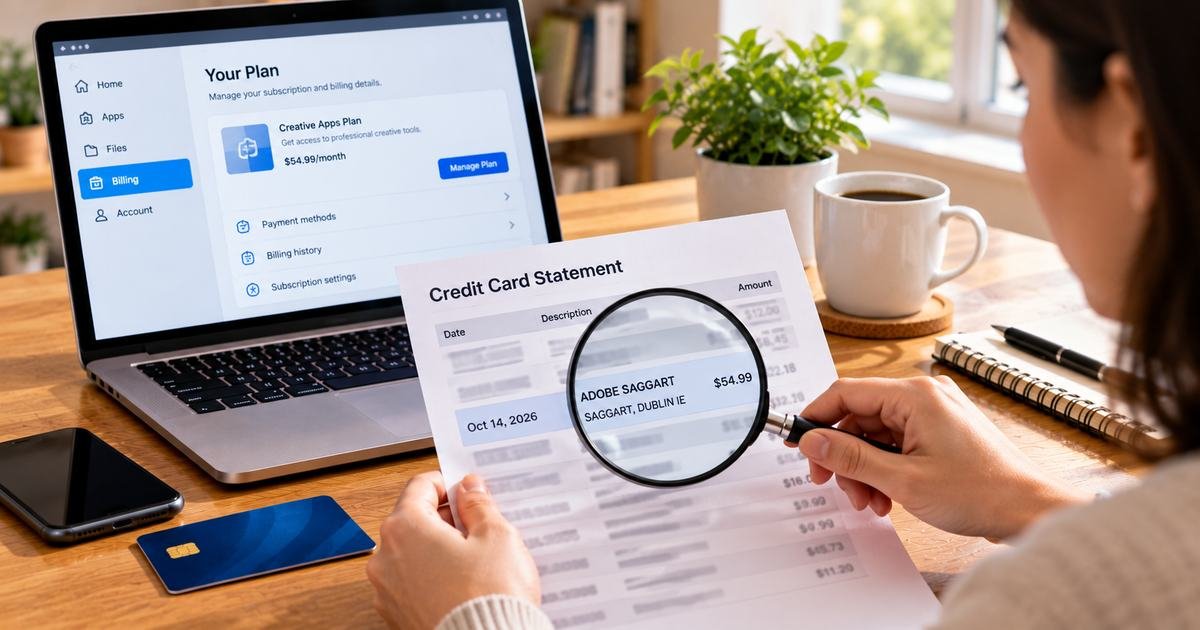
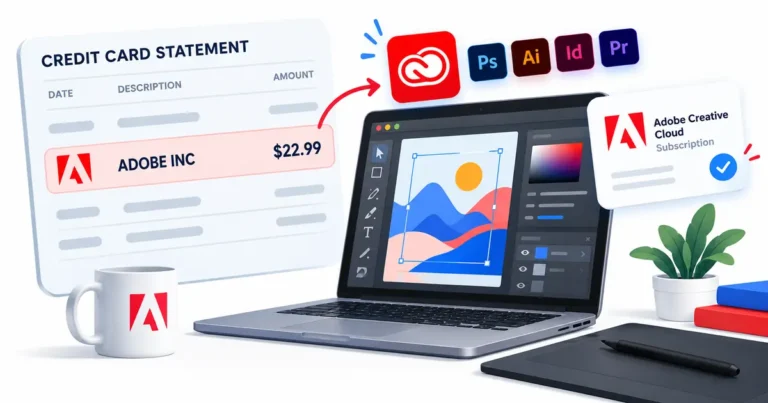
An Adobe Saggart charge on your credit card usually relates to an Adobe software payment processed with a merchant location in Saggart, Dublin, Ireland. Adobe support has confirmed this descriptor in a response to consumers investigating unknown transactions.
You might have purchased Acrobat, Creative Cloud or another Adobe product. This guide explains how to find the precise purchase and deal with subscriptions, unexpected renewal prices or a payment nobody approved.
What Is Adobe Saggart Charge on Credit Card?
Adobe Saggart is not a separate Adobe software product. Saggart is a locality near Dublin, Ireland, included in the company’s payment descriptor on some card statements.
Adobe staff have confirmed the longer text Adobe Systems Software Saggart, Dublin, IE. This makes Adobe a supported company match, unlike a guessed merchant identification based only on search results.
A charge might relate to Adobe Acrobat, Creative Cloud, Photoshop, Illustrator, Adobe Stock or an associated service. Only the payment receipt can identify the actual product.
The existence of a real Adobe billing name does not mean every cardholder approved every payment showing those words. Verify the account before treating the debit as legitimate.
Why a Software Purchase Can Show Saggart, Ireland
Online businesses may accept payments through corporate merchant accounts registered in locations different from where customers live. An Irish location on a statement does not mean the cardholder traveled to Ireland.
Some issuer interfaces shorten a long merchant description. The full phrase may include Adobe Systems Software and the Irish location, while another statement shows a truncated label.
Adobe’s public support discussion confirms that the Saggart text is associated with Adobe transactions. Its response recommends investigating unrecognized amounts through the company’s official account tools.
Multiple Adobe accounts can exist under different emails, and a business or authorized household member might have bought a license. Check those possibilities before concluding the payment came from an unknown seller.
If the bank’s complete transaction record points to a different business rather than Adobe, continue investigating. A familiar-looking merchant phrase alone cannot establish the actual collector.
Find Your Adobe Charge Through the Official Tools
Use Adobe’s official Charge Finder and enter the payment details through its secure interface. The company explains that this tool can help associate a charge with a particular account and plan.
Adobe notes that recent charges may take up to 48 hours to appear in the charge lookup. A newly processed payment may therefore require an account billing review as well.
Sign in to Adobe and inspect Plans, Payment and billing, and invoice history. Check the transaction amount, billing period, subscription name and card used.
Search email for Adobe, Acrobat, Creative Cloud, Stock, invoice and the exact statement amount. If the first email address has no record, review other accounts you personally control.
Do not post payment card details on Adobe’s public community forum. If the lookup fails and nobody approved the charge, ask your card issuer for the full merchant record.
Understanding Renewals, Promotions and Extra Plans
Adobe offers both flexible month-to-month plans and annual commitments billed monthly. The payment frequency does not always determine the length of the contract.
A promotional student or introductory price may end at renewal. Compare the accepted offer and any renewal notice with the new price before assuming there was an incorrect increase.
An Adobe Stock add-on, separate app, business license or additional storage can create another payment. Check each invoice and plan rather than judging two same-month amounts from the dates alone.
Adobe explains that some annual commitments can have early termination fees depending on their timing and terms. Read the fee disclosed in the actual cancellation flow.
If an Adobe product was purchased through a third party, the seller or app store might manage refunds and renewal rather than Adobe’s direct account tools.
How to Cancel or Correct the Adobe Payment
After locating the paying account, choose the relevant subscription and Manage Plan. Follow the cancellation steps until a confirmation and effective date appear.
Uninstalling the software or signing out of Creative Cloud does not end a subscription. Make sure every separately billed plan you no longer need is addressed.
If an invoice total seems wrong, request a written explanation of the plan, tax and renewal amount. Keep the original offer and payment confirmation for comparison.
If the seller approves a refund, retain the support reference and check the card for a posted credit. A cancellation and a refund are two different transactions.
If no authorized person made the purchase, report the payment to the issuer promptly. Canceling another legitimate Adobe subscription does not replace a fraud investigation.
How to Verify the Payment in Your Card Account
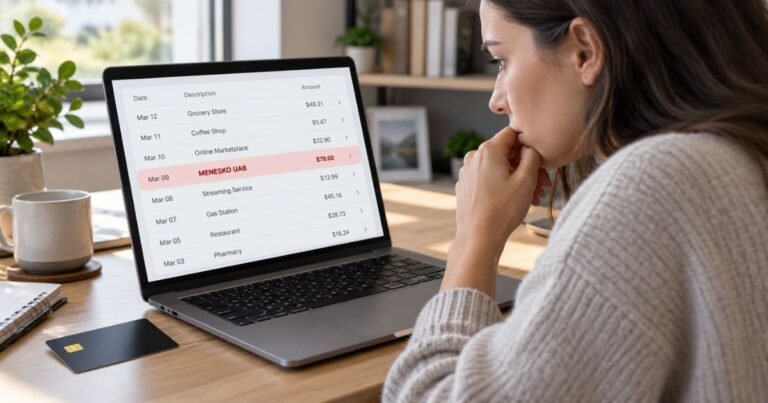
Open the card transaction in your bank’s authenticated app. Copy the full merchant name, original date, posted date, amount, country and any number shown beside the seller. The location can belong to a corporate payment account rather than the place where the cardholder made a purchase.
Look carefully at the transaction status. A pending authorization may later disappear or be replaced by the completed payment. Do not treat both visible entries as separate settled charges until the bank confirms their status.
Search receipts by the exact amount and approximate purchase date. Check accounts you control, including payment wallets, app stores and older email inboxes. A company can display a legal or processing name that does not resemble the product’s public branding.
Ask additional authorized card users whether they recognize the purchase. A legitimate account held by someone else on the card may not be visible under your personal email address. Avoid signing in to another person’s private account without permission.
If the records do not explain the debit, ask your issuer for expanded merchant-of-record details. The business category and payment reference may be more useful than claims on an unrelated merchant lookup website.
When to Request a Refund or Report an Unauthorized Charge
If you recognize the actual purchase but believe the amount is wrong, contact verified support for an itemized invoice. Compare the agreed price, renewal schedule, taxes and any separately billed extras with the statement.
If no authorized person recognizes a posted payment, call the issuer using the number on the card or its verified mobile app. Ask about an investigation, temporary card lock or replacement and whether other account credentials should be updated.
The Consumer Financial Protection Bureau explains that many US credit-card billing errors require written notice within 60 calendar days after the issuer sent the first statement containing the problem. Use the special billing-error address given by your bank.
Keep the receipt, screenshot of the entry, support messages, cancellation confirmation and issuer case number. A dispute triggers a review rather than an automatic refund. The issuer can also explain payment obligations for any undisputed part of your balance.
Never submit a full card number, security code, login password or one-time bank code to a third-party website promising to trace or reverse an unknown payment.
Avoid Repeat Payments and Future Confusion
Several charges from the same company can represent separate purchases, renewal payments or temporary authorizations. Compare the settlement date and invoice reference before claiming there was a duplicate debit.
Cancel confirmed recurring services through the original seller or purchasing platform. Simply deleting an app or replacing the card does not always terminate a valid agreement or erase an existing balance.
Merchant-approved refunds generally appear as separate statement credits. A pending authorization, by contrast, may be removed without a new credit item. Ask your issuer about the expected final status.
Turn on transaction notifications and keep a searchable folder of receipts and accepted terms. Alerts can connect the payment name to a purchase when it happens rather than weeks later.
Review the next card statement after a cancellation or dispute. If unfamiliar payments continue, give the issuer the earlier case number and new transaction references.
Official References and Identification Limits
Adobe’s September 2026 community response directly states that Adobe Systems Software Saggart, Dublin, IE is associated with Adobe billing transactions. Adobe’s official Charge Finder can help find the account and plan that created a charge. That company connection does not independently prove authorization of any particular payment.
Read Adobe’s official Charge Finder for the provider’s published instructions. See the CFPB billing-error guide for disputes. For a different Adobe descriptor, see our Adobe Websales guide.
FAQs About Adobe Saggart
Q: Is Adobe Saggart a genuine Adobe descriptor?
A: Adobe’s support team has confirmed that Adobe Systems Software Saggart, Dublin, IE is associated with Adobe billing.
Q: Why does my Adobe statement mention Ireland?
A: Saggart can be part of Adobe’s merchant location, which may differ from the cardholder’s location.
Q: How can I identify the plan charged?
A: Use Adobe’s official Charge Finder or the invoice history of the paying account.
Q: What if Adobe has no matching transaction?
A: Ask your bank for the expanded merchant information and report the posted charge if nobody authorized it.
Conclusion
Adobe Saggart charges should be matched to an actual receipt, paying account and complete bank merchant record. Adobe’s Charge Finder and a matching software invoice are the strongest ways to establish what was purchased.
If nobody authorized a posted payment, contact the issuer promptly. For a legitimate purchase, use the actual billing provider to correct the amount or cancel future renewals.
Disclaimer: This article is for general consumer information, not financial or legal advice. Merchant terms, prices, refunds and card protections vary, so verify specific facts with the responsible company or issuer.