What is StockX Charge on Credit Card?

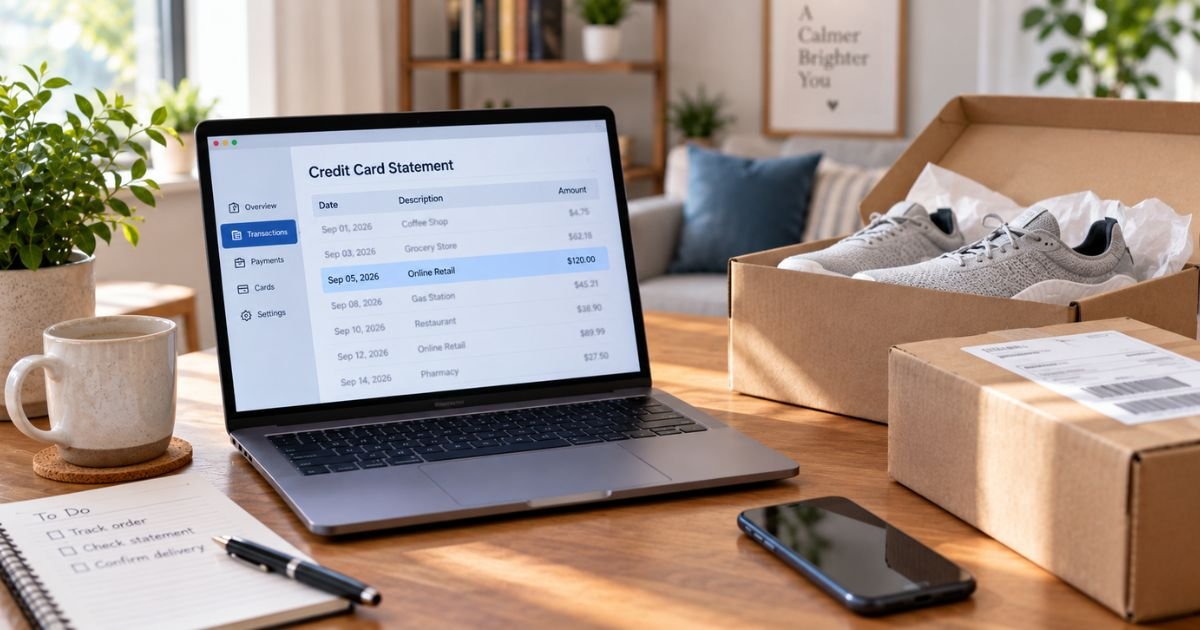
A StockX charge on credit card can feel confusing if you don’t recall clicking Buy Now. The total is often higher than the price you first saw on the listing. A small extra line can show up just for adding a card.
Unfamiliar marketplace charges are often real bids, fees, or a short bank hold. This guide shows you how the charge typically appears, how to match it to your account, and what you can still cancel.
What a StockX Charge on Credit Card Means
StockX is an online resale marketplace. People buy and sell sneakers, apparel, electronics, and collectibles. StockX LLC operates the site from Detroit.
When your Bid matches a seller’s Ask, official terms say you are obligated to buy. StockX generally charges your card at purchase. The item then goes through StockX verification on many orders before it ships to you.
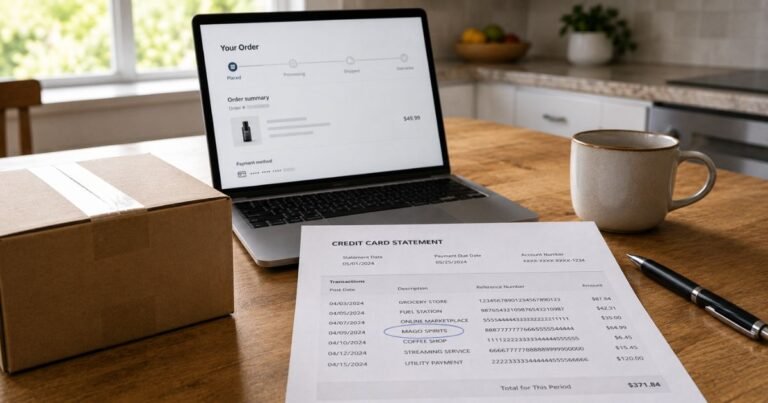
The statement name is usually StockX or STOCKX LLC. Some banks add Detroit, MI. PayPal, Apple Pay, Google Pay, Affirm, Afterpay, or Klarna can print their own name instead, even though the order is on StockX.
A StockX charge on credit card is typically one purchase plus buyer fees and tax. It is not a monthly membership in most cases.
How the charge usually appears
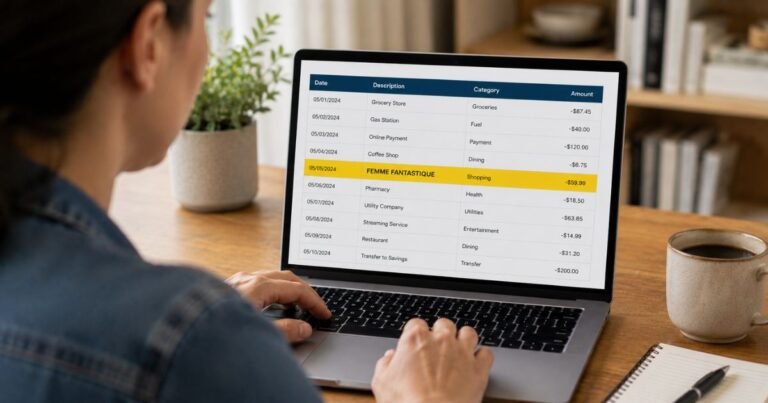
Look at the full line. Banks add PENDING, POS PUR, or CHECKCARD in front of the merchant name. Those tags are not a second store.
A $1 or $15 line is often a card check, not a sneaker order. Official StockX help says that authorization can appear when you add a payment method. StockX says it refunds that check within 5 business days, though your bank can take longer.
A large posted amount is usually the item price, processing fee, shipping, and sales tax or duties. The first number on a product page is generally the seller’s Ask. Fees are added as you check out.
Installment plans can look like repeat StockX charges. Official payment help says some monthly plans display as a recurring StockX charge even though Affirm, Klarna, Afterpay, or PayPal Pay Later runs the plan. Manage those payments with the lender, not only in StockX.
Guest checkout orders may not sit in an account you created later. Search the email you used at purchase.
Why the total can look higher than expected
StockX charges buyers a processing fee. Official help says there is no single percentage on the Verified Marketplace. The fee depends on item price, buyer and seller location, and market conditions. It does not change after you place an Offer.
On the Listings Marketplace, official help lists a flat 3% processing fee on the item price, with a $3.95 minimum. Optional StockX verification on eligible used items is listed at $12.50. Shipping and tax are extra.
Sales tax is based on your shipping address. Import duties can apply on some cross-border orders. You see those lines at checkout when they apply.
Sellers also keep a card on file. StockX may run periodic authorization checks. Official help says buyer cards can be authorized when you place an Offer and about every 7 days to confirm the card still works.
A failed sale, penalty, or chargeback can create extra account action. StockX says filing a card dispute can suspend a buyer account. Contact StockX first if the purchase was an accident or possible account fraud.
Match the charge to an order or Bid
Sign in at stockx.com. Open Buying, then pending orders and history. Compare the date and the checkout total, not only the Ask price.
Search email for “StockX” plus the charge date. Open order confirmations and shipping notes.
Check Wallet and payment settings. A $1 or $15 hold should match a newly added card.
If you used Affirm, Klarna, Afterpay, or PayPal, open that app too. The lender bill and the StockX receipt should tell the same story.
Ask anyone who shares the card or the StockX login. Bids can match days after you placed them. That delay is why a charge can appear when you thought you only “offered.”
Keep screenshots of the statement and the order. You will need them if you contact StockX or your bank.
Cancel a Bid, order, or future charges
You can cancel an active Offer any time before it matches. Delete it from the Buying tab or the product page. Official help says to watch email for a cancellation note.
After a match, cancellation is limited. On the Verified Marketplace, some late orders show a self-service cancel button in Pending Orders if they sit outside the estimated delivery window. That option is for account orders, not every guest checkout.
EU and UK buyers have extra withdrawal rights under local rules. U.S. buyers generally do not get a no-questions cash cancel after a confirmed match.
If a seller never ships, StockX says it tries to match you with another seller at the same price. If that fails, you typically get a full refund to the original payment method.
Eligible U.S. Verified items labeled “14 Day Return” can be sent back within 14 days of delivery for StockX Credit, minus original shipping. Start the return in Buying History. Ship within 7 days of starting it. Credit is not cash and expires in 12 months.
The Buyer Promise is separate. Use it within 14 days if the item is materially different, such as the wrong size or a damaged pair. Approved cases generally refund the original payment method and include a prepaid label.
No Fee Resale lets you list a recent purchase without the usual selling fees within 90 days of delivery. That is a resale tool, not a refund.
To stop new charges, remove extra cards from Settings and delete unused Offers. Removing a card does not cancel a purchase that already matched.
What to do if you do not recognize it
Stay calm and work in order. Match the amount to Buying history, email, and any $1 or $15 card check.
Use official StockX help only. Open stockx.com/help and choose Contact Us. Live chat is listed Monday through Friday, 9 a.m. to 9 p.m. ET, and weekends 10 a.m. to 6 p.m. ET. Phone support is listed weekdays 9 a.m. to 5 p.m. ET through that same help flow. Email requests can be submitted any time.
Do not call random numbers from ads. StockX routes most buyers through the Help Center so the order stays attached to your account.
If the site shows no order and no card check, treat it as possible fraud. Change your StockX password, turn on two-step verification, and call your card issuer. For a posted charge you did not authorize, you can typically file a dispute. StockX warns that a chargeback can freeze the account, so tell them if the login was stolen.
Watch for fake StockX sites and texts. Go to stockx.com yourself. Do not tap a link that asks you to “unlock” a bid.
FAQs On StockX Charge on Credit Card
Q: Why did StockX charge $1 or $15 when I did not buy anything?
A: Official StockX help says that small line is usually an authorization to confirm a new payment method. It should be refunded within 5 business days, though your bank’s timing can vary. It is not the sneaker price.
Q: Can I cancel a StockX charge the same day I see it?
A: You can cancel an unmatched Offer right away. After a Bid matches an Ask, U.S. buyers generally cannot drop the order at will. Check Pending Orders for a self-service cancel if the delivery window has passed. Otherwise use returns, Buyer Promise, or your issuer only if the charge is unauthorized.
Q: Why is my StockX total higher than the price on the listing?
A: The listing price is typically the seller’s Ask. StockX then adds a buyer processing fee, shipping, and tax or duties. Verified Marketplace fees vary by order. Listings Marketplace help lists a 3% processing fee with a $3.95 minimum, plus optional $12.50 verification.
Q: Will a StockX return put money back on my credit card?
A: Only some paths do. Eligible U.S. 14-day returns generally come back as StockX Credit, minus original shipping. Buyer Promise refunds for a wrong or damaged item typically go to the original payment method. Failed verification or an unshipped order that cannot be rematched also generally refunds the card.
Conclusion
A StockX charge on credit card usually traces to a matched Bid, Buy Now total with fees, a $1 or $15 card check, or an installment lender using StockX’s name. Open Buying history before you assume fraud.
Cancel unmatched Offers, use the 14-day credit return or Buyer Promise when you qualify, and contact StockX through the Help Center. If nothing matches, call your card issuer. That order of steps usually explains the line.
Disclaimer: This article is for general information only. It is not financial, legal, or tax advice. StockX fees, return rules, and statement names can change and may vary by marketplace, country, and card issuer. Confirm account-specific questions with StockX or your bank before you cancel or dispute a charge.