What is Bell Media Charge on Credit Card?

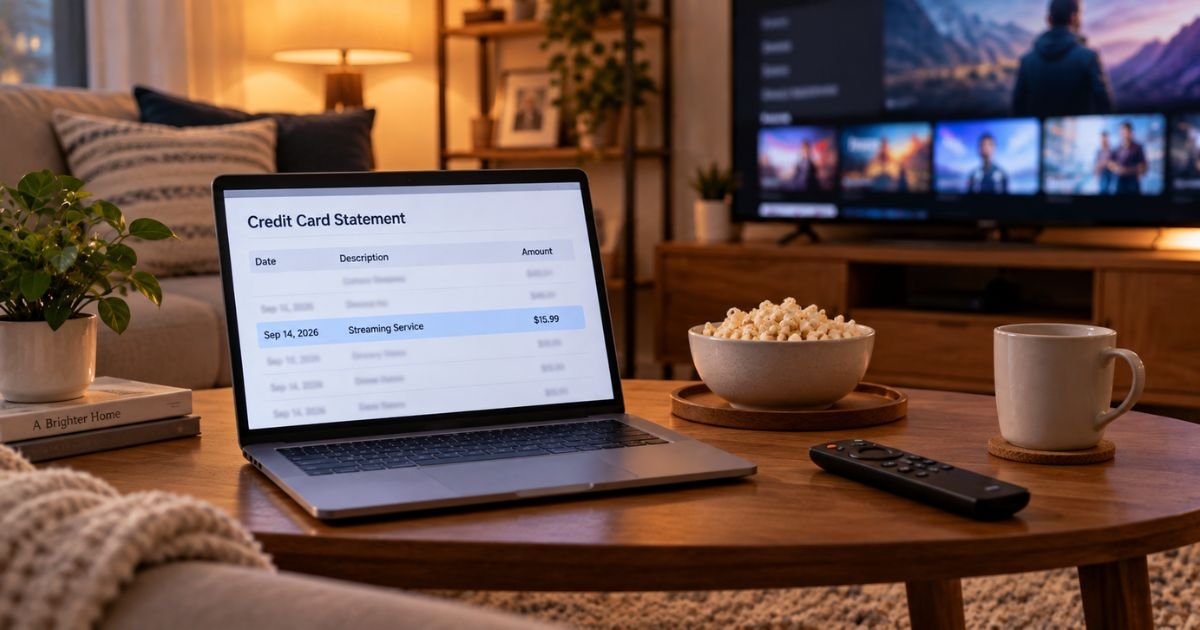
A Bell Media charge on credit card can feel confusing if you don’t recall signing up for a Canadian streaming service. The name looks like a phone company. The city often says Toronto.
Unfamiliar charges are often legitimate subscriptions, not random theft. This guide shows you what the line usually means, how to match it to an account, and how to cancel the right bill.
What a Bell Media Charge on Credit Card Means
Bell Media Inc. is a Canadian media company. It owns or operates streaming and TV brands such as Crave, TSN, RDS, CTV, and Noovo. It is part of the broader Bell family, but it is not the same as your Bell phone or internet bill.
A Bell Media charge on credit card generally means a card was used for a Bell Media subscription or a related digital product. The most common source is Crave billed directly by Bell Media. TSN or RDS billed on a card can show the same parent name.
Your bank may print BELL MEDIA, BELL MEDIA TORONTO ON, BEL MEDIA TORONTO CD, or BELL MEDIA CANADA. Some people also see ROKU BELL MEDIA when they subscribed inside a Roku channel.
That wording is typically a merchant descriptor. It is short on purpose. Toronto, ON is the company’s home base, not proof you traveled there.
A free Bell Media account is not itself a paid plan. You can create one at account.bellmedia.ca to sign in across Crave, TSN, and other apps. The paid charge comes from a subscription attached to that account or to a store like Apple, Google, or Roku.
How the charge usually appears
Read the full line, not just “Bell.” Banks add tags such as PENDING, POS PUR, or CHECKCARD. Those tags describe how the payment posted.
Direct Crave billing often shows Bell Media plus Toronto. App-store billing may hide Bell Media and show Apple, Google Play, or Roku instead. Amazon Prime Video add-on billing generally shows Amazon, not Bell Media.
Bell Canada phone, internet, or Fibe TV is a different merchant in most cases. That bill usually says Bell, Bell Canada, or Bell Mobility, and it is managed in MyBell. Do not cancel a phone plan if the statement clearly says Bell Media.
Look-alike names exist. A restaurant called The Bell, or an unrelated site, is not Bell Media Inc. Match the city, amount, and date before you assume it is streaming.
Why you might see this charge
The usual reason is a recurring Crave plan. Crave is prepaid. Official plan pages say your card is charged for the period you picked, then it renews until you cancel. Prices change, and tax is extra. Check crave.ca/subscribe for the current rate.
You may also have TSN, RDS, a Crave and sports bundle, or a STARZ add-on. Official Crave pages have listed the STARZ add-on starting at $6.99 a month plus tax. Bundle prices vary.
A U.S. card can still be billed. That happens if you signed up while in Canada, used a Canadian billing address, shared a card with someone in Canada, or bought Crave inside Apple, Google, or Roku. Direct signup on crave.ca typically asks for a valid Canadian credit card. App stores follow their own rules.
Trials and promo rates convert to the regular price unless you cancel in time. Crave’s subscribe terms say the plan renews at the then-current price and that there are no refunds for the prepaid period.
Someone in your household may have used a saved card on a smart TV. Gift cards issued by Bell Media Inc. can also sit on a Bell Media account until a paid plan starts.
Foreign-transaction fees can appear as a separate line from your U.S. issuer. That fee is generally from the bank, not a second Bell Media product. Amounts are typically in Canadian dollars, so the U.S. dollar total can move with the exchange rate.
Match the charge before you dispute it
Search your email for Crave, TSN, RDS, Bell Media, and Roku. Include spam. Look for a welcome note, a renewal notice, or a gift-card receipt.
Then sign in at crave.ca and open Manage Account, then Subscriptions. Also try account.bellmedia.ca with the same email. Check TSN account tools if the amount looks like sports, not movies.
If nothing is there, check the store that may have billed you.
| If you signed up here | Who usually bills you | Where to cancel |
|---|---|---|
| crave.ca | Bell Media / Crave | crave.ca Manage Account, then Subscriptions |
| TSN.ca | TSN / Bell Media | TSN account, Manage Subscription |
| Apple App Store | Apple | Apple Subscriptions |
| Google Play | Google Play subscriptions | |
| Roku Channel Store | Roku | my.roku.com |
| Bell Streaming or MyBell | Bell Canada bill | MyBell, My services, Subscriptions |
| Amazon Prime Video add-on | Amazon | Amazon Channel subscriptions |
| Cable or other TV provider | That provider | The provider’s account tools |
Guest or in-app signups can use an email you barely use. Try every address tied to the card.
Compare the statement date to the renewal date in the account. A charge a few days later is common.
Cancel the subscription the right way
Cancel in the same place you subscribed. Canceling only the free Bell Media login will not stop a paid plan billed by Apple or Bell Canada.
If you signed up on crave.ca, log in, open Manage Account, tap Subscriptions, then Cancel Subscription. Follow the screens until you see confirmation. Crave says canceling the main plan also cancels add-ons. Canceling only an add-on leaves the main Crave plan running.
Crave is prepaid. Official help says you keep access until the end of the current billing cycle. You generally will not get that period back as cash. Save the confirmation email.
If you subscribed through Bell’s Streaming or another Bell Canada service, use MyBell. Official Bell help says: My services, then Subscriptions, then Manage subscriptions, then Cancel subscription, then confirm. Access typically lasts until the next scheduled renewal. The Crave login itself is not deleted.
Bell Canada’s listed contact for plan changes includes 1-866-310-2355. That number is for Bell services, not every Crave card charge.
For TSN billed on a card, TSN’s help pages say to log in, open Manage Subscription, then Cancel Subscription. TSN lists 1-833-TSN-HELP (1-833-876-4357) for customer service. Access generally lasts through the period you already paid.
App-store plans must be canceled in that store. Crave’s own help says you cancel Roku billing at my.roku.com and iTunes billing in Apple subscriptions. Then, if you want, you can start a new plan on crave.ca.
Turning off a Roku device does not cancel a Roku channel subscription. The charge can continue without a box in the house.
What to do if you do not recognize it
Stay calm and work in order. First match the amount to email and the accounts above. Ask anyone who shares the card or the TV login.
If you find an active plan, cancel there and keep screenshots. Watch the next billing cycle. One more charge can post if you canceled after the renewal already started.
If you find no plan, contact the merchant that matches the descriptor. For a direct Bell Media or Crave line, use official Crave support at crave.ca/en/contact.
Crave lists live chat and phone at 1-888-CRAVE88 (1-888-272-8388), Monday through Sunday, 9 a.m. to 11 p.m. ET. Do not call a number from a random text or search ad.
Bell Media’s published mailing address for gift-card questions is Bell Media, 299 Queen Street West, Toronto, Ontario M5V 2Z5, Attention: Bell Media Communications. Mail is slow. Use it only if you need a written record.
If the merchant cannot show an account, call your card issuer. Ask whether the charge is pending or posted. For a posted charge you did not authorize, you can typically file a dispute. Time limits vary by issuer.
Do not tap “refund” links in texts that claim Bell overcharged you. Official Bell community guidance has warned that Bell does not send Interac e-transfers or surprise refund links that ask for card details.
FAQs On Bell Media Charge on Credit Card
Q: Is a Bell Media charge the same as my Bell phone bill?
A: Usually no. Bell Media is the media company behind Crave, TSN, and related apps. A phone, internet, or Fibe bill is typically Bell Canada and is managed in MyBell. Read the full merchant name. Toronto plus “Media” generally points to streaming, not your home phone.
Q: Why would a U.S. credit card show Bell Media Toronto?
A: Bell Media is based in Toronto. Direct Crave billing often prints that city on the statement. A U.S. card can be charged if you signed up in Canada, used a Canadian address, shared the card, or bought the plan through Roku, Apple, or Google. Your bank may also add a foreign-transaction fee.
Q: How do I cancel so the Bell Media charge stops?
A: Cancel where you subscribed. Use crave.ca Subscriptions for a direct Crave plan, TSN account tools for TSN, MyBell for a Bell Streaming add-on, or Apple, Google, or Roku for in-app plans. You typically keep access until the period you already paid ends. Save the confirmation.
Q: Will Crave refund a month I already paid?
A: Official Crave subscribe terms say plans are prepaid and list no refunds for that period. Help pages say you can cancel anytime and watch until the current cycle ends. Refund exceptions, if any, are up to Crave or your card issuer. Do not assume a prorated credit.
Conclusion
A Bell Media charge on credit card is typically a Canadian streaming bill for Crave, TSN, RDS, or a bundle, not a mystery utility. Match the amount to crave.ca, account.bellmedia.ca, TSN, MyBell, or an app store before you panic.
Cancel in that same place, keep the confirmation, and watch one more statement. If nothing matches, use official Crave or TSN support, then your card issuer. Short steps like that usually explain the line.
Disclaimer: This article is for general information only. It is not financial, legal, or tax advice. Bell Media, Crave, TSN, Bell Canada, and card-issuer policies can change and may vary by country, plan, and how you subscribed. Confirm account-specific questions with the company that billed you or with your bank before you cancel or dispute a charge.