What’s That FACEBK Charge on Credit Card?


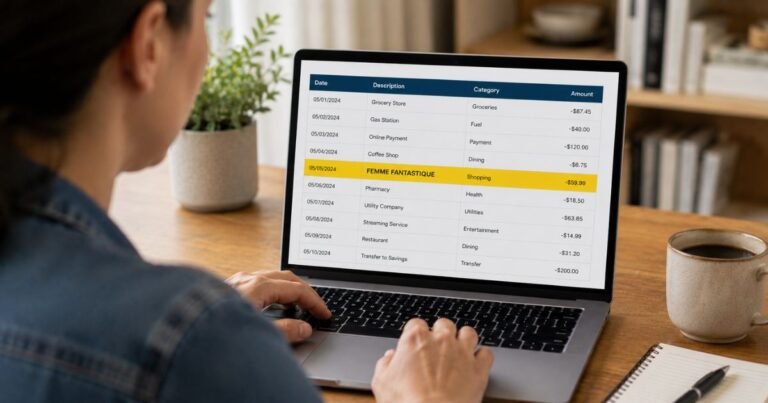
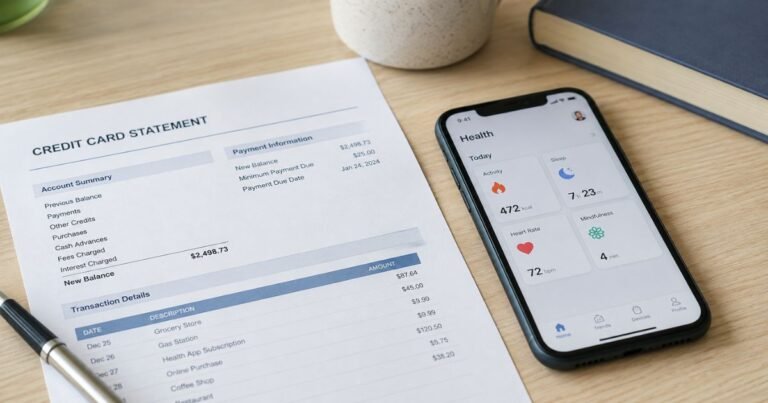
Have you ever glanced at your bank statement and spotted a mysterious FACEBK charge on credit card? It’s one of those moments that can make your heart skip a beat. You’re not alone, plenty of people puzzle over these entries, wondering if it’s a scam or something legitimate.
What Causes a FACEBK Charge?
Let’s break it down. Facebook isn’t just a social network anymore; it’s a massive ecosystem with shopping, gaming, and advertising. Charges can pop up from various activities you might not even remember authorizing.
One big reason is Facebook Ads. If you’ve boosted a post or run a campaign to promote your business, page, or event, that’s probably it.
These charges can range from a few dollars to hundreds, depending on your ad spend. Facebook bills in real-time or at thresholds, so you might see multiple small charges adding up.
Another common culprit is in-app purchases. Games like Candy Crush or FarmVille, which are integrated with Facebook, let you buy virtual items. Forgot about that extra life you purchased during a late-night gaming session? That could show up as FACEBK.
Then there’s Facebook Marketplace. Buying or selling items here sometimes involves payments processed through Facebook Pay. If you bought a second-hand gadget or paid for shipping, it might appear this way.
Lastly, subscriptions or donations. Some pages or groups allow recurring donations, or you might have subscribed to premium features in Messenger or Instagram (since they’re owned by Meta, Facebook’s parent company).
Is It Always Legitimate? Spotting Red Flags
Not every FACEBK charge is from something you did. Fraud happens, and scammers love to mimic big names like Facebook to slip under the radar. How do you tell the difference?
First, check the amount. Legitimate charges are usually for exact ad spends or purchases you recall. A random $100 charge when you haven’t advertised? That’s suspicious.
Look at the date. Match it to your activity. If it aligns with a recent ad campaign or Marketplace deal, it’s probably fine.
The descriptor matters too. Real FACEBK charges often include “FB” or “META” with a reference number. If it’s just “FACEBK” with no context, dig deeper.
Steps to Verify a FACEBK Charge
Don’t panic if something looks off.
Here’s a straightforward way to check:
- Log into your Facebook account and go to Settings & Privacy > Settings > Payments. This shows all recent transactions linked to your account.
- Review your ad account if you run ads. Under Ads Manager, click on Billing to see detailed charges.
- Check your email for receipts. Facebook sends confirmations for purchases, so search your inbox for “Facebook” or “Meta.”
- Contact your credit card issuer. They can provide more details on the merchant and even reverse the charge if needed.
If it’s from a game or app, open the app and look at your purchase history there.
What If It’s Unauthorized? Taking Action
Unauthorized charges are frustrating, but you can fix them quickly. Start by disputing with your bank or card provider. Most have a fraud department, call them right away. They might issue a temporary credit while investigating.
Next, report it to Facebook. Go to their Help Center, search for “report unauthorized charge,” and follow the prompts. Provide details like the charge amount and date.
Change your passwords. If hackers accessed your account, secure it with two-factor authentication.
Monitor for more charges. Set up alerts on your card for any transaction over a certain amount.
In rare cases, it could be a billing error from Facebook itself. Their support can refund legitimate mistakes.
Real-Life Examples of FACEBK Charges
To make this clearer, let’s look at some common scenarios.
I’ve put them in a simple table for quick reference:
| Scenario | Description | Typical Amount Range |
|---|---|---|
| Ad Boost | You promoted a post to reach more friends. | $5–$50 |
| Marketplace Purchase | Bought a used phone via Facebook Pay. | $20–$200 |
| In-Game Item | Extra coins in a Facebook-linked game. | $1–$10 |
| Subscription | Monthly donation to a charity page. | $5–$20 |
| Fraudulent Charge | Unauthorized access to your ad account. | Varies, often high |
These examples show how everyday activities lead to charges. If yours doesn’t match, investigate further.
Preventing FACEBK Charges in the Future
Prevention is better than cure, right?
Here are some tips to avoid surprises:
- Use a dedicated card for online purchases. Some banks offer virtual cards with spending limits.
- Set ad budgets strictly in Facebook Ads Manager. This caps how much you can be charged.
- Review linked payment methods. In Facebook settings, remove old cards you no longer use.
- Enable notifications. Turn on Facebook’s payment alerts and your bank’s transaction notifications.
- Be cautious with apps. Only connect games or services you trust, and check permissions.
By staying vigilant, you can enjoy Facebook without worrying about mystery charges.
Digging Deeper: How Facebook Billing Works
Facebook’s billing system is designed for efficiency, but it can confuse users.
When you add a payment method, it’s stored securely with encryption. Charges are processed through Meta Payments, which handles global transactions.
For ads, billing thresholds start low like $25 for new accounts, and increase as you spend more reliably. If you hit the threshold, you’re charged immediately.
International users might see currency conversion fees, adding a bit extra. Always check your account’s currency settings to match your card.
If you’re a business owner, integrate with tools like QuickBooks for better tracking. This way, FACEBK charges show up categorized in your expenses.
The Impact on Your Credit Score
Worried about how these charges affect your credit? Generally, legitimate ones don’t hurt if paid on time. But disputes can temporarily impact your available credit.
If fraud leads to high balances, it might ding your score until resolved. Keep utilization low, under 30% is ideal.
When to Seek Professional Help
Most cases are straightforward, but if charges persist or involve large sums, consult a financial advisor. They can review statements and advise on identity theft protection.
In extreme cases, like repeated hacks, involve law enforcement. File a report with the FTC or your local authorities.
FAQs On FACEBK Charge on Credit Card
Q: What does FACEBK mean on my bank statement?
A: FACEBK is an abbreviation for Facebook. It typically appears for charges related to ads, purchases, or in-app transactions on the platform.
Q: How do I stop recurring FACEBK charges?
A: Go to Facebook Settings > Payments > Manage Payments. Remove the payment method or cancel any active subscriptions or ad accounts.
Q: Can I get a refund for a FACEBK charge?
A: Yes, if it’s unauthorized or an error. Contact Facebook support through their Help Center or dispute it with your credit card company for a chargeback.
Conclusion
Navigating FACEBK charge on credit card doesn’t have to be a headache. By understanding where they come from and how to manage them, you can keep your finances in check while enjoying what Facebook offers.
Remember, always double-check your statements and act fast on anything suspicious.
Disclaimer: This blog is for informational purposes only and not financial or legal advice. Consult professionals for personalized guidance.